
EPISODE · Jun 23, 2025 · 1H 20M
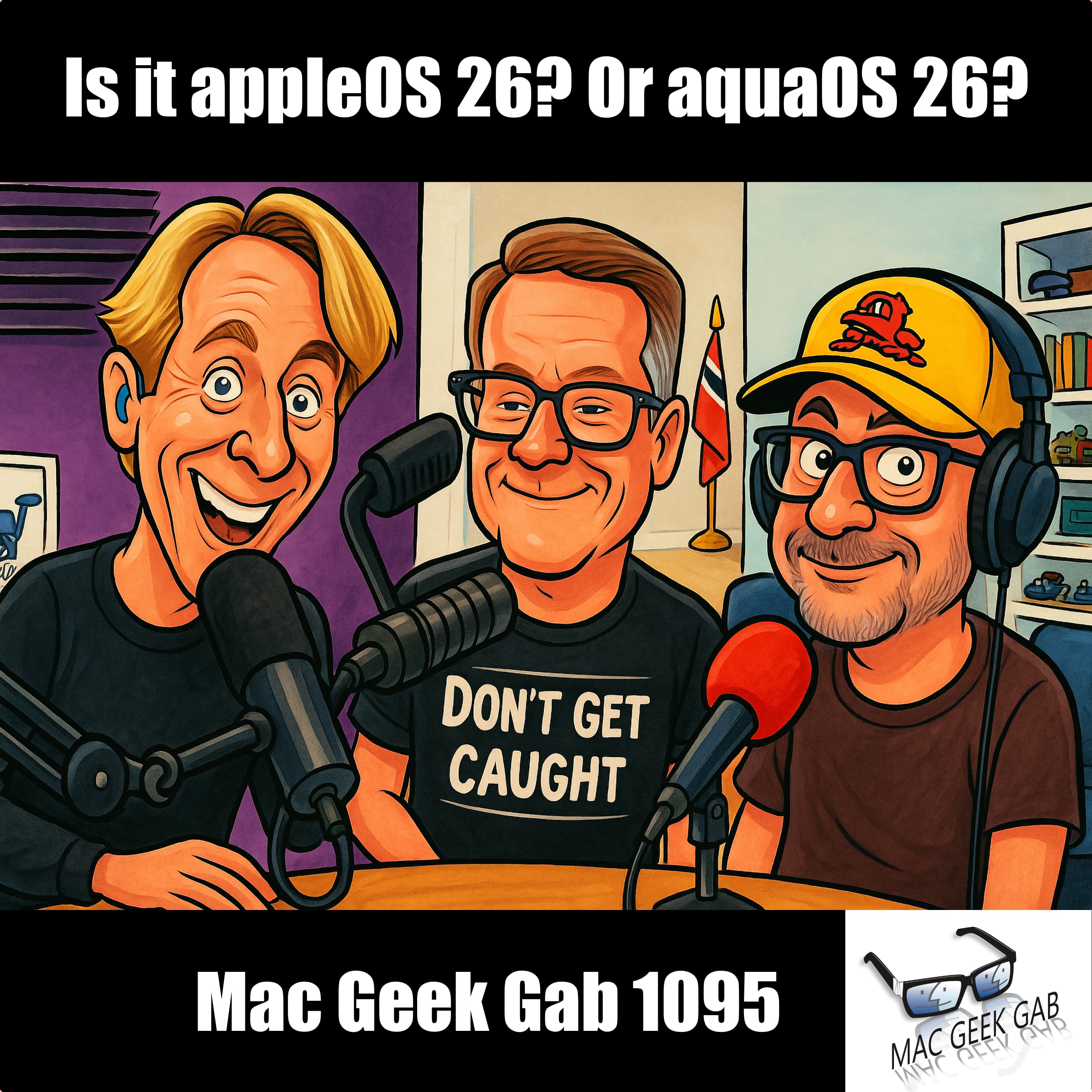
Is it appleOS 26? Or aquaOS 26?
from Mac Geek Gab — Apple Tips, Tricks, and Troubleshooting
Ready to upgrade or migrate your Mac? You’ll learn the smartest way to do it from Adam’s shiny new M4 MacBook Pro to migration tips that help you avoid the dreaded cruft. Whether you’re going Mac-to-Mac over Thunderbolt or restoring from Time Machine, we’ve got you covered. Don’t forget those “On My Mac” Mail folders, and hey—CleanMyMac’s SpaceLens is back. If you’re rocking the MacBook Air vs. the Pro, brightness matters (hint: 500 nits vs. 1600 nits!), and we break it down so you don’t get burned. This week’s quick tips hit hard: from iPhone Mirroring on your Mac to binder clips as minimalist wallets (yes, really). We’ve got AirTags, Apple Music hacks, and a live activity trick to boost your focus. Need image compression or automation tools? Retrobatch and Lingon Pro 10 make the list. As always, Don’t Get Caught—like we did when our episodes wouldn’t even play on Apple Podcasts in some cases. From Flipper Zero hotel tricks to your iPhone’s audio quirks in the car, it’s all here. 00:00:00 Mac Geek Gab 1095 for Monday, June 23rd, 2025 June 23rd: International Women in Engineering Day Police Code 10-95 – Officer’s Residence MGG Monthly Giveaway – 1MORE Sonoflow Headphones We’ll be doing MGG Live at Macstock on Saturday, July 12th! Join us, and use our coupon code: MACGEEKGAB50 to save $50! 00:03:59 Adam’s New M4 MacBook Pro It’s all about the nits (and ProMotion) MacBook Air = 500nits MacBook Pro = 1600nits 1TB/24GB RAM 00:07:33 Adam’s Migration Path to his new Mac First, Update all backups Then Migration Assistant from a USB Time Machine Backup For direct computer-to-computer migrations, start handshake over Wi-Fi, then plug-in Thunderbolt 00:12:41 Gary-What’s the best Mac-to-Mac migration path while avoiding cruft Don’t forget about Mail that’s only “On My Mac” Or Migration Assistant then CleanMyMac CleanMyMac gets SpaceLens back! Sponsors 00:22:04 SPONSOR: Surfshark. Secure your privacy with SurfShark. Go to https://surfshark.com/mgg or use code MGG at checkout to get 4 extra months of Surfshark VPN! 00:23:23 SPONSOR: OWC’s Envoy Ultra, their super-fast Thunderbolt 5 SSD. 00:24:41 SPONSOR: IDEO U. Practical, relevant courses designed to seamlessly transition you from theory to practice. Get 15% off at IDEOU.com/mgg. Quick Tips 00:00:01 n-DLH-QT-Setup iPhone Mirroring and get all Notifications on your Mac 00:26:12 P2-QT-AirTags are Magnetic…Why? 00:30:02 QT-Use a binder clip as your wallet High-end binder clip wallet 00:32:08 Andrew-QT-Use iCloud.com if you’re concerned about putting your iCloud account on a work device 00:33:22 Andrew-QT-Use Favorite Playlists for Apple Music 00:36:51 Michael-QT-Tap the Now Playing Live Activity on iPhone to see more detail…and focus! 00:37:35 Greg-QT-Updating ‘Home’ in Maps App 00:40:09 Kirit-QT-1094-Compress Images with Quick Actions in macOS Finder (and Allison) Large: 1280×960 Medium: 640×480 Small: 320×240 00:42:06 Allison-CSF-Retrobatch for Converting Images Sponsors 00:44:38 SPONSOR: Caldera Lab. Guys, don’t settle for drugstore junk or steal your partner’s products—elevate your routine with skincare made for you. Head to CalderaLab.com/MGG and use MGG at checkout for 20% off your first order. 00:46:02 SPONSOR: OpenPhone is the #1 business phone system that streamlines and scales your customer communications. Get 20% off your first 6 months at OpenPhone.com/MGG Don’t Get Caught 00:47:32 Gordon-DGC-MacUpdater sunsets at end of 2025…what’s next? Possible alternative: MacUpdate.com’s Desktop App Another: CleanMyMac 00:50:29 Andy-DGC-Check your HomePod’s Apple ID after you merge IDs 00:52:35 MGG Got Caught: This episode can’t be played on this device Your Questions Answered and Tips Shared! 00:56:55 Jason-Unable to Get Type -v- Paste Shortcut working. 01:00:14 Ben-naming appleOS 26 01:02:22 Larry-My new iPhone skips when playing audio in my car’s bluetooth 01:07:32 William-Will my iPhone actually tell me when my AirPods are low? Cool Stuff Found 01:11:27 DLH-CSF-Lingon Pro 10 adds Apple Intelligence and more 01:12:29 Chris-CSF-Clic for Sonos 01:13:38 Michael-CSF-Flipper Zero for hotel rooms 01:16:29 DLH-CSF-Logic Pro 11.2 adds Flashback Capture, Stem Splitter, and ChatGPT writing tools 01:18:29 MGG 1095 Outtro MGG Monthly Giveaway – 1MORE Sonoflow Headphones Bandwidth Provided by CacheFly Pilot Pete’s Aviation Podcast: So There I Was (for Aviation Enthusiasts) The Debut Film Podcast – Adam’s new podcast! Dave’s Business Brain (for Entrepreneurs) and Gig Gab (for Working Musicians) Podcasts MGG Merch is Available! Mac Geek Gab YouTube Page Mac Geek Gab Live Calendar This Week’s MGG Premium Contributors MGG Apple Podcasts Reviews [email protected] 224-888-GEEK Active MGG Sponsors and Coupon Codes List BackBeat Media Podcast Network
Embed this episode
Ready to play
Is it appleOS 26? Or aquaOS 26?
No transcript for this episode yet
Similar Episodes
No similar episodes found.