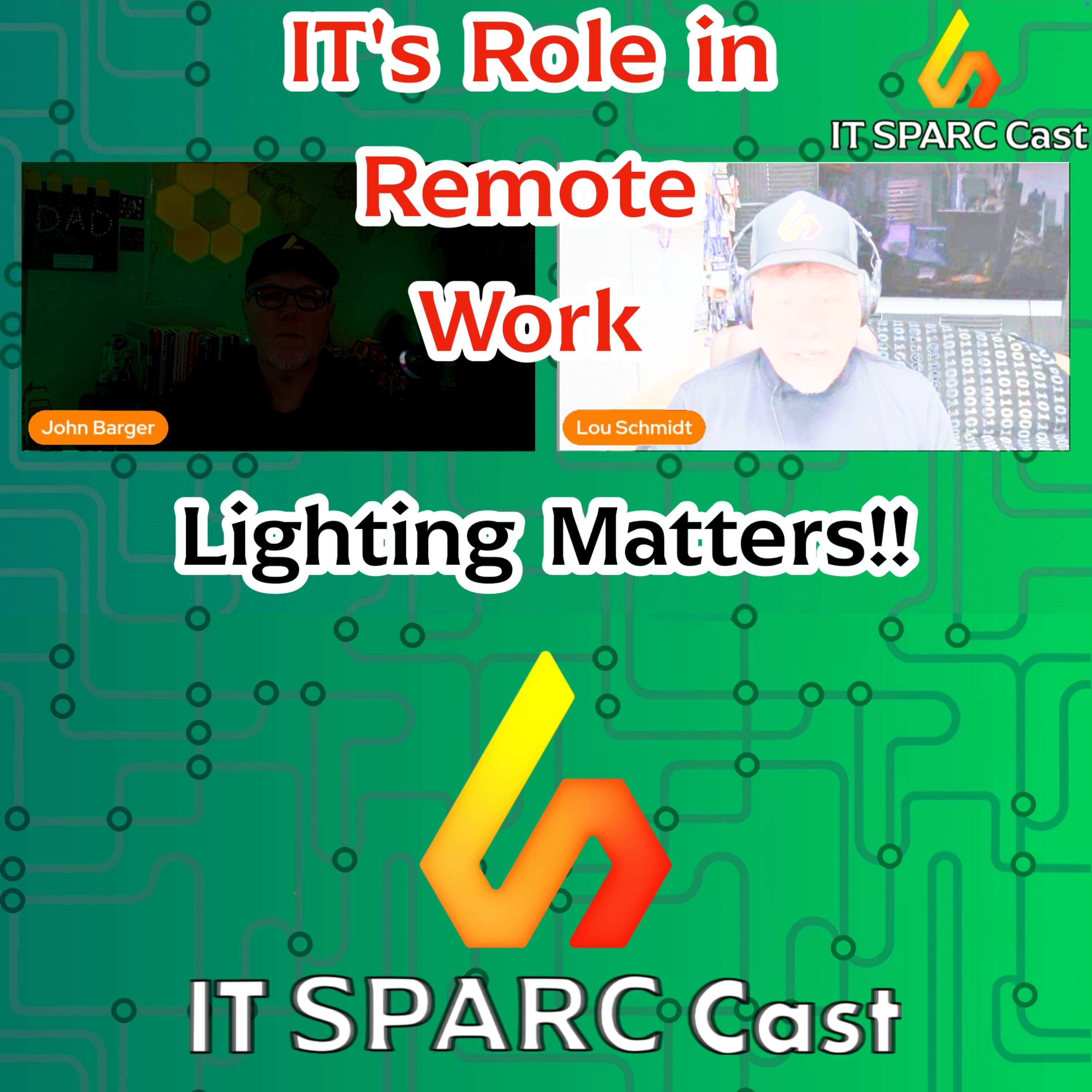
IT's Role in Remote Work: Lighting - From Practical Setups to Professional Standards episode artwork

EPISODE · Dec 11, 2024 · 25 MIN

IT's Role in Remote Work: Lighting - From Practical Setups to Professional Standards

from IT SPARC Cast

In Episode 4 of this series on supporting remote workers, John and Lou focus on lighting essentials for creating an effective and professional remote workspace. They discuss types of lighting, color temperature, and practical solutions for various budgets and setups. From diffused task lighting to branded decorative elements, learn how to optimize your remote workspace for better video calls and overall productivity.Show NotesEpisode 1 - 3 Recap:•Summary of previous episodes covering remote work benefits, structured policies, and professional setups.•A quick review of Episode 1, focusing on why IT leaders must care about remote work and how enabling it supports talent acquisition, resilience, cost savings, and employee satisfaction.•Recap of Episode 3’s focus on virtual backgrounds and how lighting enhances presentation.•Youtube - https://youtu.be/H02u0BASJsE•Podcast - https://shows.acast.com/it-sparc-cast/episodes/its-essential-role-in-enabling-remote-work-productivity-flexMain Discussion:Types of Lighting:•Overview of ambient, task, accent, and decorative lighting.•Examples of lighting setups for different workspaces: home offices, apartments, and shared spaces.Color Temperature and Its Importance:•Explanation of Kelvin scale and how it affects workspace mood and professionalism.•Practical tips for choosing adjustable LED lights or color-temperature bulbs for a warm, natural look.Budget-Friendly vs. Professional Solutions:•Options for all budgets: USB video lights, portable diffusers, and Philips Hue smart systems.•How to use ring lights effectively without creating unwanted glare on glasses.•Tips for managing lighting in small spaces, like kitchens or shared rooms.Screen as a Light Source:•Using your monitor or laptop screen in “light mode” to supplement lighting.•How small tweaks can improve your appearance on video calls without extra costs.Wrap Up:•John and Lou encourage feedback on lighting setups and other remote work topics.•Email your thoughts to [email protected] or connect on X @ITSPARCCast.•Tune in next week for Episode 5, covering audio optimization for remote workspaces. Hosted on Acast. See acast.com/privacy for more information.

NOW PLAYING

IT's Role in Remote Work: Lighting - From Practical Setups to Professional Standards

0:00 25:00

No transcript for this episode yet

We transcribe on demand. Request one and we'll notify you when it's ready — usually under 10 minutes.

Breaking News Show | eTurboNews Juergen Thomas Steinmetz News is relevant to the global travel and tourism industry, human rights and global issues.Breaking news when it happens and only from the source. LIGHTS, CAMERA, SMILE! Creatives Club Media Lights, Camera, Smile, is a podcast for anyone with a dream to share something with the world, out of the overflow of themselves - be it their mind, their heart, their personalities, and much more. Each of us are alive in this moment in time, with an innate ability to have ideas and create various things to benefit both ourselves and the people around us for a reason, and here, you will find the encouragement, the inspiration, and the motivation to do just that. Hosted by Cicily, founder of Creatives Club, she dives into various topics surrounding creativity and business. Exploring entrepreneurship for creatives in a corporate reality, sharing tips and tricks in a media centered company, answering questions regarding what a creative actually is are just a few of the things discussed on this podcast. Be encouraged to create for yourself as Cicily gets vulnerable by pivoting the camera to herself for the first time.To submit questions for Cicily to answer, or have her address certain t Invictus by Greyana, A Tomione Podfic M+G Readings Sporadic uploads thanks to gallstones.Voldemort intended the object to be used by his most loyal follower in the event that his horcruxes were destroyed, but it ended up in Hermione’s possession instead.It sent her back to a time when he was much less the monster that she’d always known him to be. Nothing could have prepared her for the intelligence and charm of Tom Riddle.He isn’t who she thought he was.Hermione discovers that it’s a dark descent into the madness of the man she should hate, but can’t… a descent she will never emerge fr The Course Mentors Podcast The Course Mentors Hey there, future course creator!Ever feel like turning your know-how into an online course is like trying to solve a Rubik's cube blindfolded? Well, grab your headphones because "The Course Mentors Podcast" is here to be your secret weapon!Meet Aimee and Odette (that's us!), your new best friends in the course creation world. We've been in the trenches for over a decade, and for the last five years, we've been rocking the online course space. Now we're here to spill all our secrets in bite-sized, 15-20 minute episodes that'll fit perfectly in your coffee breaks.No fluff, no filler - just real, actionable advice that'll take you from "um, what's a landing page?" to "holy moly, I just hit six figures!". We're talking everything from crafting your course to marketing it like a pro and building a business that'll have you pinching yourself.Whether you're dreaming of ditching the 9-to-5 grind, adding a sweet extra income str

Frequently Asked Questions

How long is this episode of IT SPARC Cast?

This episode is 25 minutes long.

When was this IT SPARC Cast episode published?

This episode was published on December 11, 2024.

What is this episode about?

In Episode 4 of this series on supporting remote workers, John and Lou focus on lighting essentials for creating an effective and professional remote workspace. They discuss types of lighting, color temperature, and practical solutions for various...

Can I download this IT SPARC Cast episode?

Yes, you can download this episode by clicking the download button on the episode player, or subscribe to the podcast in your preferred podcast app for automatic downloads.
URL copied to clipboard!