
EPISODE · Aug 23, 2025 · 3 MIN
Jimmy Fallon's Tech Takeover: Hosting Google's Pixel 10 Event and Dominating Digital Media
from Jimmy Fallon - Biography Flash · host Inception Point AI
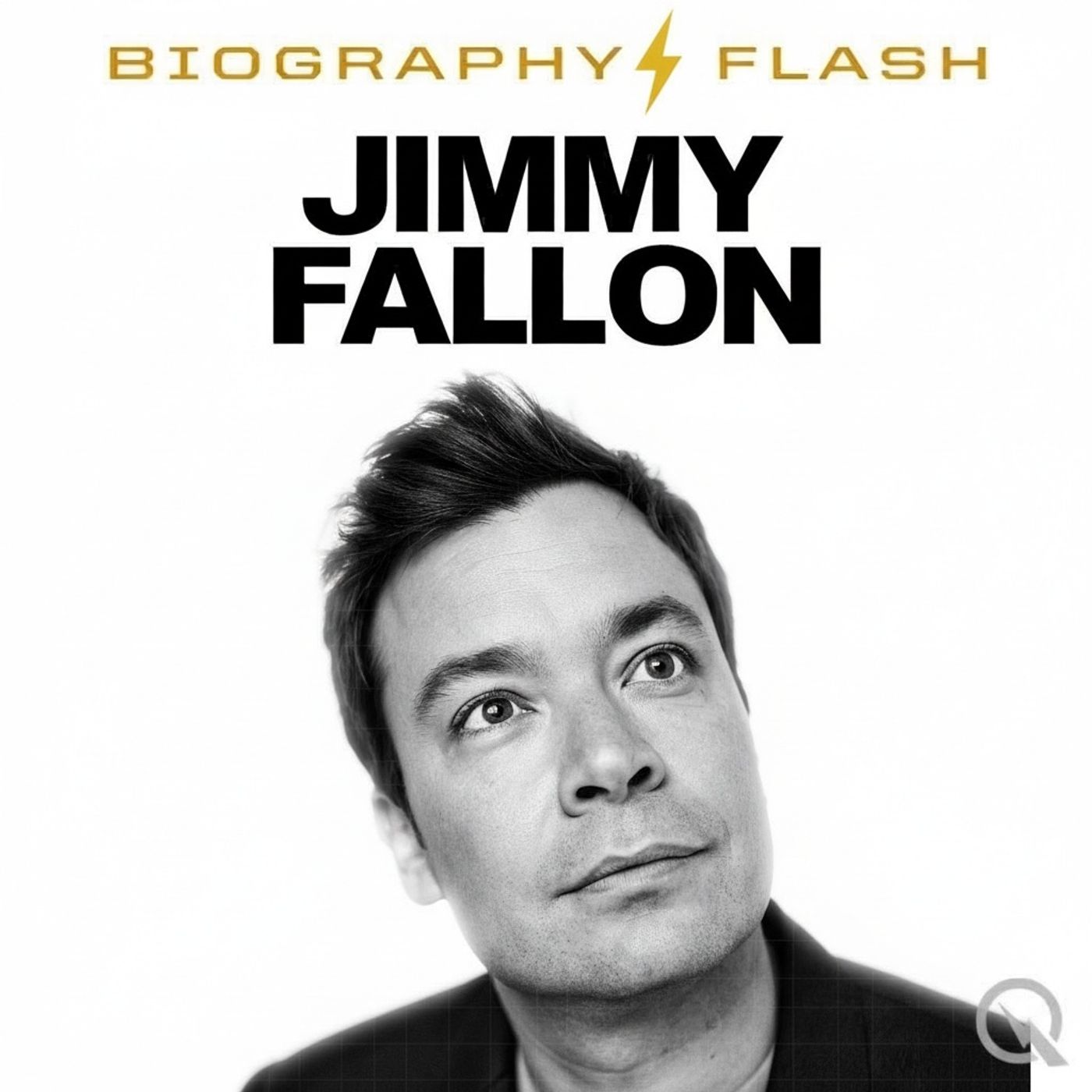
Jimmy Fallon BioSnap a weekly updated Biography. Jimmy Fallon has dominated tech and entertainment headlines this week as he was officially revealed as the host of Googles star-studded Pixel 10 event happening August 20th. Fallons role was confirmed in a teaser on Instagram and picked up by 9to5Google who noted this is a notable departure from Googles usual practice of keeping hardware execs at the helm, signaling a new push for broader audience appeal. Fallon was shown sporting the new Pixel 10 and Pixel Watch 4, and his trademark humor was already on display in pre-event promotions. This Google appearance is getting special industry buzz because The Tonight Show has been on a production break, giving Fallon the flexibility for such a high-profile cameo. Google appears strategic here, banking on Fallons broad pop culture cachet to rival Apple and light a fire under tech and media audiences alike. Meanwhile, Fallons work on The Tonight Show continues to drive headlines of its own on both traditional and digital fronts. AInvest reports that The Tonight Show this year raked in 80.2 million dollars through its massive 9.2 billion social views, highlighting how Fallon remains a centerpiece for late-night dominance and ad revenue in the digital age. Streaming platforms like Peacock are surging thanks to the show, which has seen a staggering 19.4 billion impressions in 2025 alone. The buzz is not just about numbers but also influence—these cross-platform wins confirm that Fallon is still one of the few hosts bridging the shrinking gap between linear TV and streaming entertainment, making him highly attractive for investor and advertiser partnerships. Social media has also been lively with Fallons name, especially after he posted an Instagram story in support of Stephen Colbert, adding a comedic nudge to the ongoing friendly rivalries among late-night hosts, as noted by AOL. In separate news, Fallon briefly addressed recent internet rumors with his signature deadpan—opening a Tonight Show taping to celebrate being very much alive after online speculation swirling about his wellbeing, according to IMDb. Additionally, last week, Fallon made headlines for inviting Fox Newss Greg Gutfeld onto The Tonight Show, signaling a willingness to mix up the political and media landscape with unexpected guest choices, as highlighted on Instagram. All told, Jimmy Fallon is not just staying relevant; he is actively shaping media discourse—whether through tech launches, industry economics, social media presence or late-night boundary pushing. No major confirmed scandals or controversies have surfaced this week, and industry watchers widely interpret this new phase of high-visibility brand partnerships and digital success as potentially significant for the long arc of his career. Get the best deals https://amzn.to/3ODvOta This content was created in partnership and with the help of Artificial Intelligence AI.
Embed this episode
NOW PLAYING
Jimmy Fallon's Tech Takeover: Hosting Google's Pixel 10 Event and Dominating Digital Media
No transcript for this episode yet
Similar Episodes
No similar episodes found.
Similar Podcasts
No similar podcasts found.