
EPISODE · Jun 15, 2026 · 16 MIN
Letting Users Control Display Order in Microsoft Access: Sorting and Renumbering Records
from Computer Learning Zone · host Richard Rost
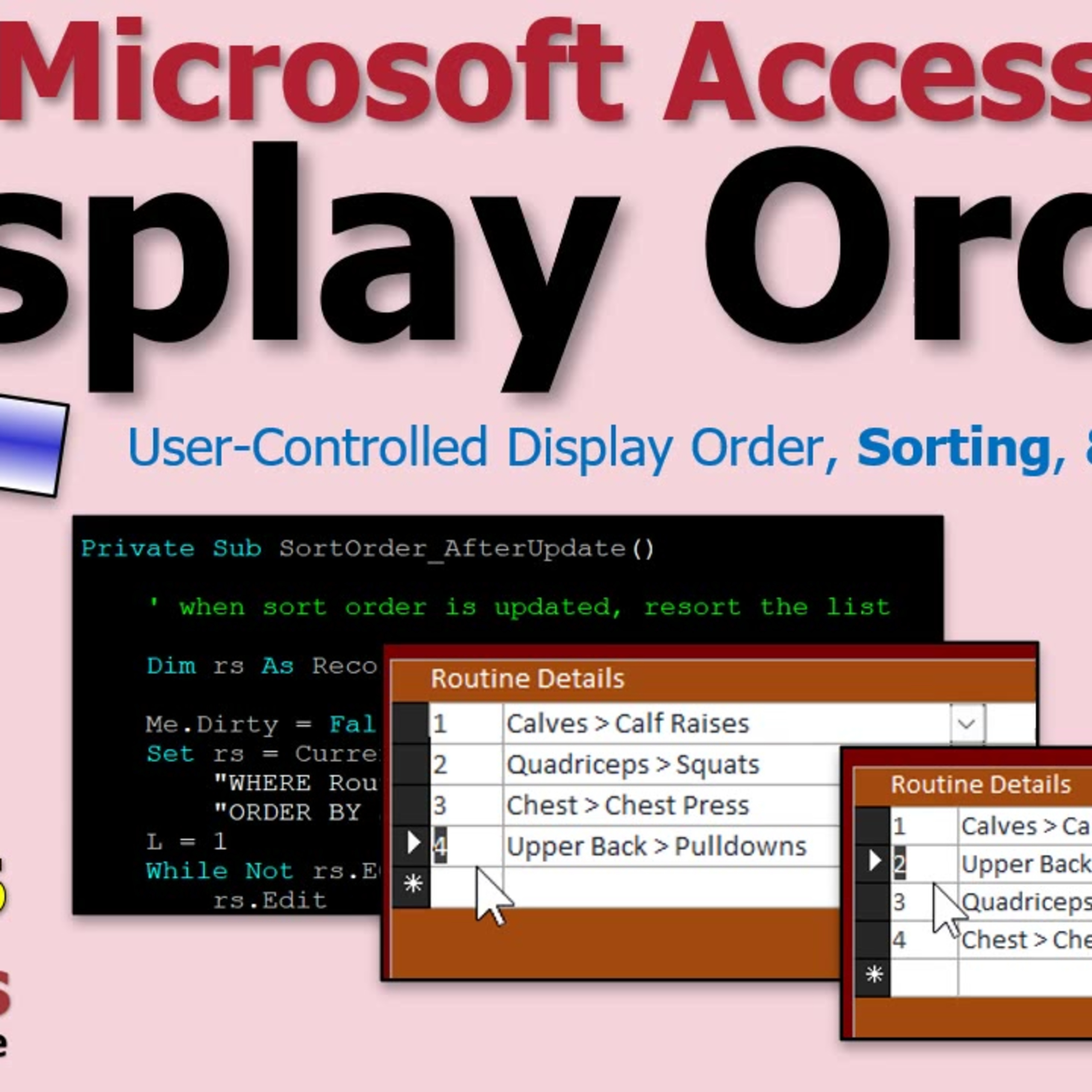
Have you ever wished your users could decide how records are displayed in your Microsoft Access database? This episode dives into the practical techniques for building a user-controlled display order system inside Access. Richard Rost shares step-by-step insights on adding a custom sort field, handling automatic numbering for new items, and giving users the freedom to rearrange records to fit their needs - whether for fitness routines, project tasks, product catalogs, or any ordered list.Along the way, you will learn why using a double for sort order is so powerful and how to handle challenges like duplicate numbers or out-of-order records. Richard shares useful tips on forms, event handling, and resorting records, plus a little humor about gym habits and coding at night in dark mode. If you want your Access users to organize lists their way rather than relying on default sorting, this episode is packed with practical advice. It is perfect for developers looking to add a little more flexibility and control to their forms without overcomplicating things.
Embed this episode
NOW PLAYING
Letting Users Control Display Order in Microsoft Access: Sorting and Renumbering Records
No transcript for this episode yet
Similar Episodes
No similar episodes found.