
EPISODE · Jun 20, 2013 · 14 MIN
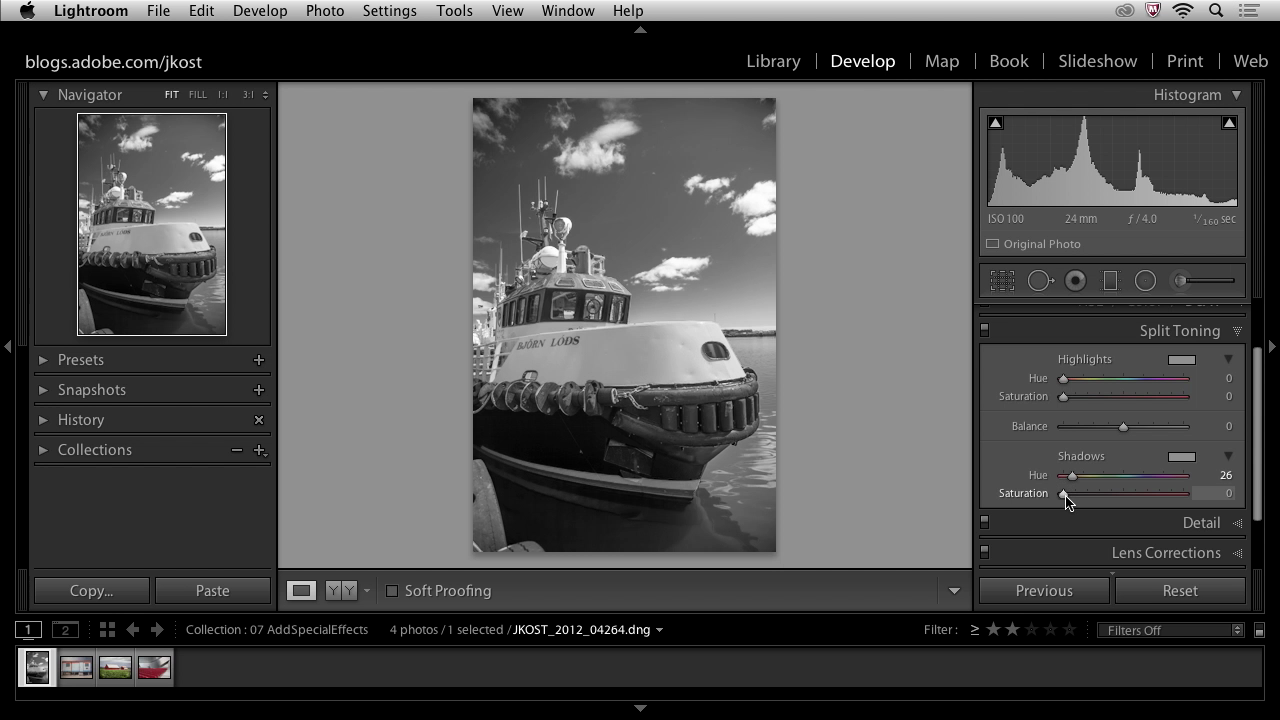
Lightroom 5 - Adding Special Effects
from The Complete Picture with Julieanne Kost
Explore the best way to convert images to black and white, as well as add tonal overlays, edge effects, selective coloring and film grain textures. Then, learn how to apply those effects to multiple files using Sync options and Presets. Normal 0 false false false EN-US X-NONE X-NONE /* Style Definitions */ table.MsoNormalTable {mso-style-name:"Table Normal"; mso-tstyle-rowband-size:0; mso-tstyle-colband-size:0; mso-style-noshow:yes; mso-style-priority:99; mso-style-parent:""; mso-padding-alt:0in 5.4pt 0in 5.4pt; mso-para-margin-top:0in; mso-para-margin-right:0in; mso-para-margin-bottom:10.0pt; mso-para-margin-left:0in; line-height:115%; mso-pagination:widow-orphan; font-size:11.0pt; font-family:"Calibri","sans-serif"; mso-ascii-font-family:Calibri; mso-ascii-theme-font:minor-latin; mso-hansi-font-family:Calibri; mso-hansi-theme-font:minor-latin; mso-bidi-font-family:"Times New Roman"; mso-bidi-theme-font:minor-bidi;} For more helpful Adobe tutorials, visit Adobe TV, http://tv.adobe.com
Embed this episode
Ready to play
Lightroom 5 - Adding Special Effects
No transcript for this episode yet
Similar Episodes
No similar episodes found.