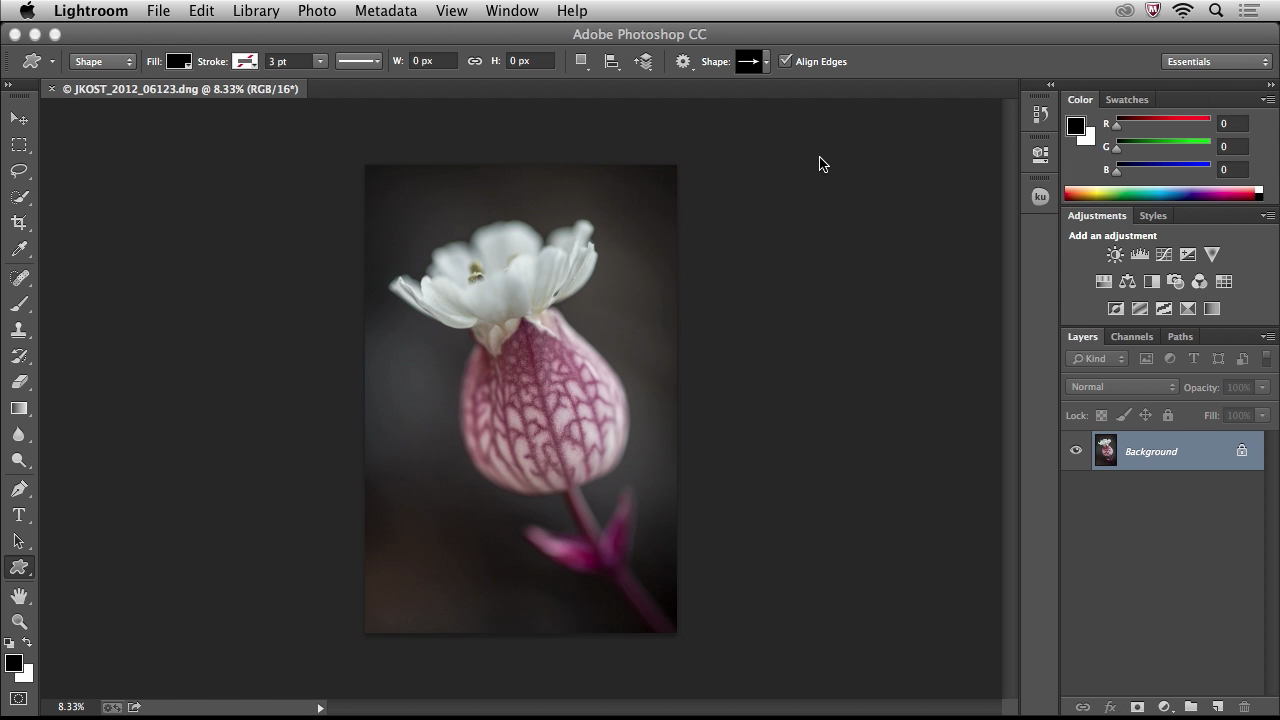
Lightroom 5 - Moving Between Lightroom and Photoshop
from The Complete Picture with Julieanne Kost
Learn how to seamlessly move images between Lightroom and Photoshop with the exact control that you need. Discover how easy it is to create panoramas, merge 16 bit high-dynamic range (HDR) images and open multiple photographs into a single file in Photoshop. Normal 0 false false false EN-US X-NONE X-NONE /* Style Definitions */ table.MsoNormalTable {mso-style-name:"Table Normal"; mso-tstyle-rowband-size:0; mso-tstyle-colband-size:0; mso-style-noshow:yes; mso-style-priority:99; mso-style-parent:""; mso-padding-alt:0in 5.4pt 0in 5.4pt; mso-para-margin-top:0in; mso-para-margin-right:0in; mso-para-margin-bottom:10.0pt; mso-para-margin-left:0in; line-height:115%; mso-pagination:widow-orphan; font-size:11.0pt; font-family:"Calibri","sans-serif"; mso-ascii-font-family:Calibri; mso-ascii-theme-font:minor-latin; mso-hansi-font-family:Calibri; mso-hansi-theme-font:minor-latin; mso-bidi-font-family:"Times New Roman"; mso-bidi-theme-font:minor-bidi;} For more helpful Adobe tutorials, visit Adobe TV, http://tv.adobe.com
Embed this episode
No transcript yet.