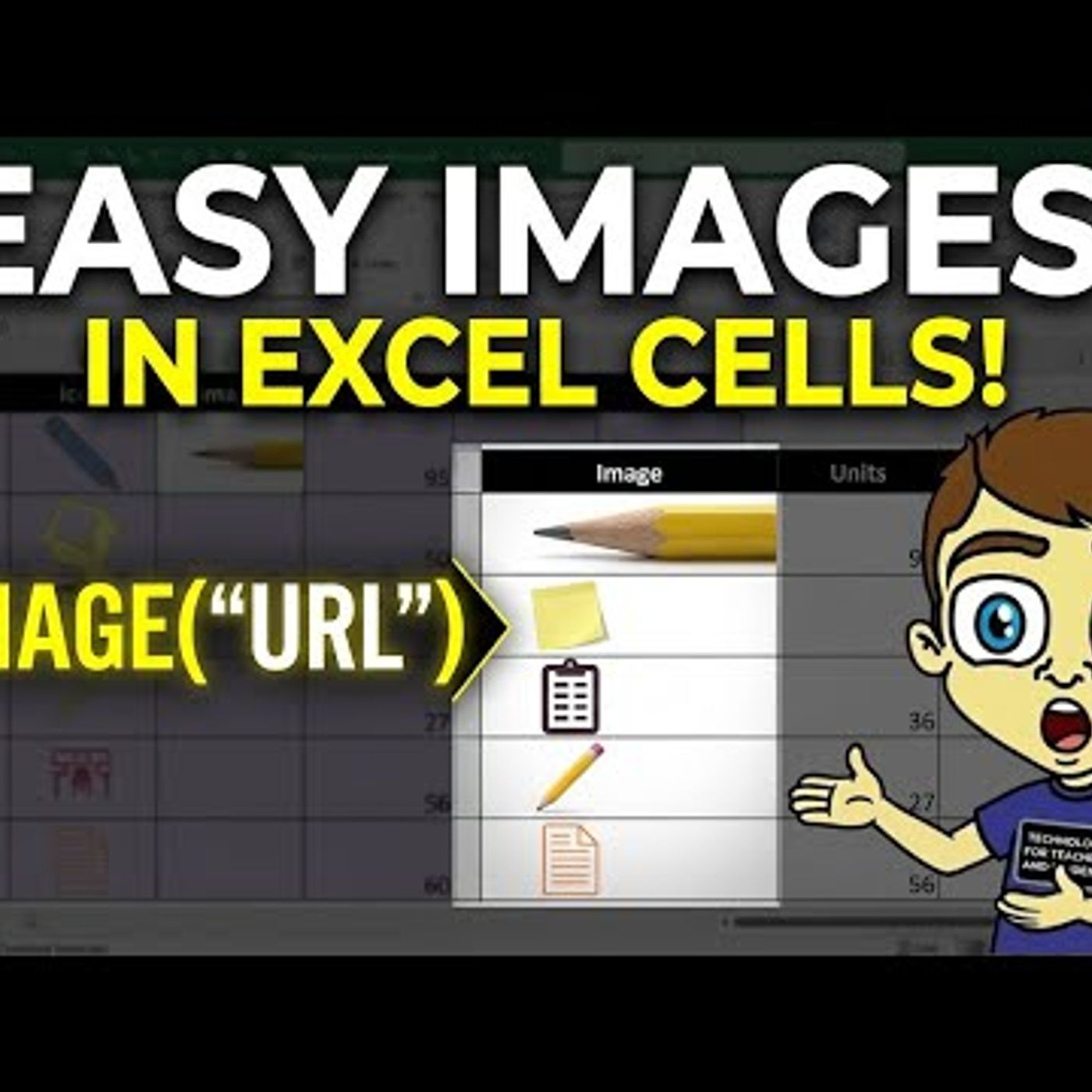
Master the Excel IMAGE Function Easily
from Technology for Teachers and Students Hosted by ytr
Learn how to easily master the Excel IMAGE function to pull images from the internet and into your spreadsheet. This tutorial will show you how to add visual elements to your Excel files with ease. Join this channel to get access to perks: https://www.youtube.com/channel/UCYUPLUCkMiUgiyVuluCc7tQ/join ***Consider supporting Technology for Teachers and Students on Patreon***: https://www.patreon.com/technologyforteachersandstudents Here\'s my entire playlist of Excel tutorials: HTTP://bit.ly/tech4excel Please say \"Thanks\" by clicking the Thanks button below the video. Here is the practice file for this video: https://bit.ly/imageexcel #excel #exceltutorials #microsoft365 #microsoftexcel #microsoft
Embed this episode
No transcript yet.