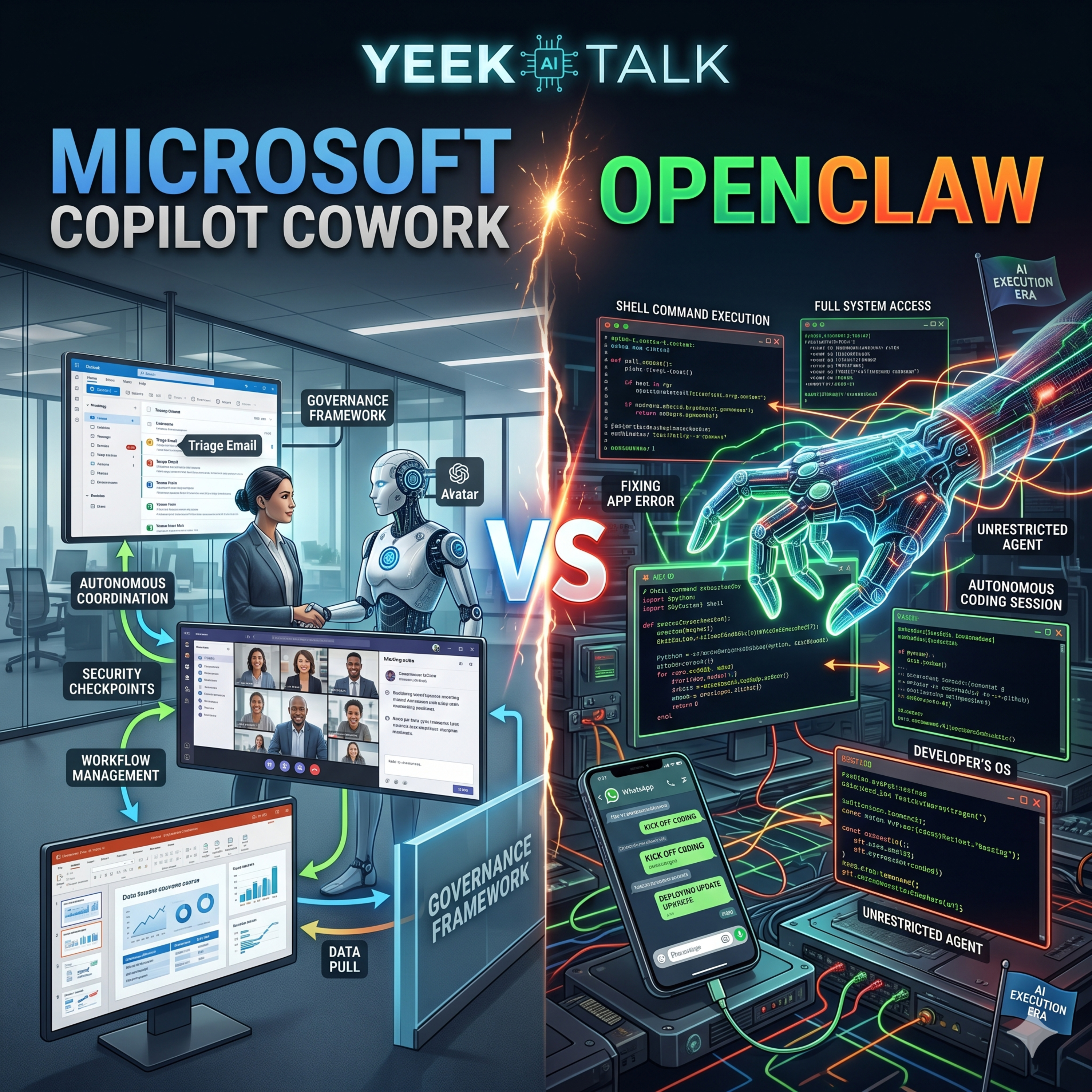
Microsoft Copilot Cowork vs OpenClaw episode artwork

EPISODE · Mar 10, 2026 · 20 MIN

Microsoft Copilot Cowork vs OpenClaw

from Yeek Talk · host Yeek

Welcome back to the podcast! Today, we are diving into the era of AI execution, where chatbots stop just talking and start doing. We are putting two entirely different paradigms of AI agency head-to-head: Microsoft Copilot Cowork and the open-source sensation, OpenClaw.On one side, we have Copilot Cowork, Microsoft’s enterprise-grade solution designed to autonomously coordinate your Microsoft 365 workflows. If you need to triage your inbox, reschedule conflicting meetings, or pull data from emails to generate a client-ready slide deck, Cowork is built to do the heavy lifting. But it is fundamentally designed around corporate safety—it operates within strict security and compliance boundaries, relying on built-in checkpoints so you can approve its plans before any real changes are applied.On the other side is OpenClaw, a deeply hackable, personal AI assistant that lives directly on your machine with full system access. Unlike Cowork's structured, enterprise-first approach, OpenClaw is highly autonomous and heavily favored by developers. You can control it from your phone via WhatsApp or Telegram to kick off autonomous coding sessions, execute shell commands, fix application errors, and open GitHub Pull Requests—all without needing a human in the loop.So, the big question for today's episode: Is Microsoft’s highly governed “Cowork” simply a safer, better version of OpenClaw for the business world, or does OpenClaw's unrestricted, open-source “Personal OS” approach represent the true future of digital employees?

Welcome back to the podcast! Today, we are diving into the era of AI execution, where chatbots stop just talking and start doing. We are putting two entirely different paradigms of AI agency head-to-head: Microsoft Copilot Cowork and the open-source sensation, OpenClaw.On one side, we have Copilot Cowork, Microsoft’s enterprise-grade solution designed to autonomously coordinate your Microsoft 365 workflows. If you need to triage your inbox, reschedule conflicting meetings, or pull data from emails to generate a client-ready slide deck, Cowork is built to do the heavy lifting. But it is fundamentally designed around corporate safety—it operates within strict security and compliance boundaries, relying on built-in checkpoints so you can approve its plans before any real changes are applied.On the other side is OpenClaw, a deeply hackable, personal AI assistant that lives directly on your machine with full system access. Unlike Cowork's structured, enterprise-first approach, OpenClaw is highly autonomous and heavily favored by developers. You can control it from your phone via WhatsApp or Telegram to kick off autonomous coding sessions, execute shell commands, fix application errors, and open GitHub Pull Requests—all without needing a human in the loop.So, the big question for today's episode: Is Microsoft’s highly governed “Cowork” simply a safer, better version of OpenClaw for the business world, or does OpenClaw's unrestricted, open-source “Personal OS” approach represent the true future of digital employees?

NOW PLAYING

Microsoft Copilot Cowork vs OpenClaw

0:00 20:14

No transcript for this episode yet

We transcribe on demand. Request one and we'll notify you when it's ready — usually under 10 minutes.

No similar episodes found.

No similar podcasts found.

Frequently Asked Questions

How long is this episode of Yeek Talk?

This episode is 20 minutes long.

When was this Yeek Talk episode published?

This episode was published on March 10, 2026.

What is this episode about?

Welcome back to the podcast! Today, we are diving into the era of AI execution, where chatbots stop just talking and start doing. We are putting two entirely different paradigms of AI agency head-to-head: Microsoft Copilot Cowork and the open-source...

Can I download this Yeek Talk episode?

Yes, you can download this episode by clicking the download button on the episode player, or subscribe to the podcast in your preferred podcast app for automatic downloads.
URL copied to clipboard!