
EPISODE · Jul 22, 2026 · 15 MIN
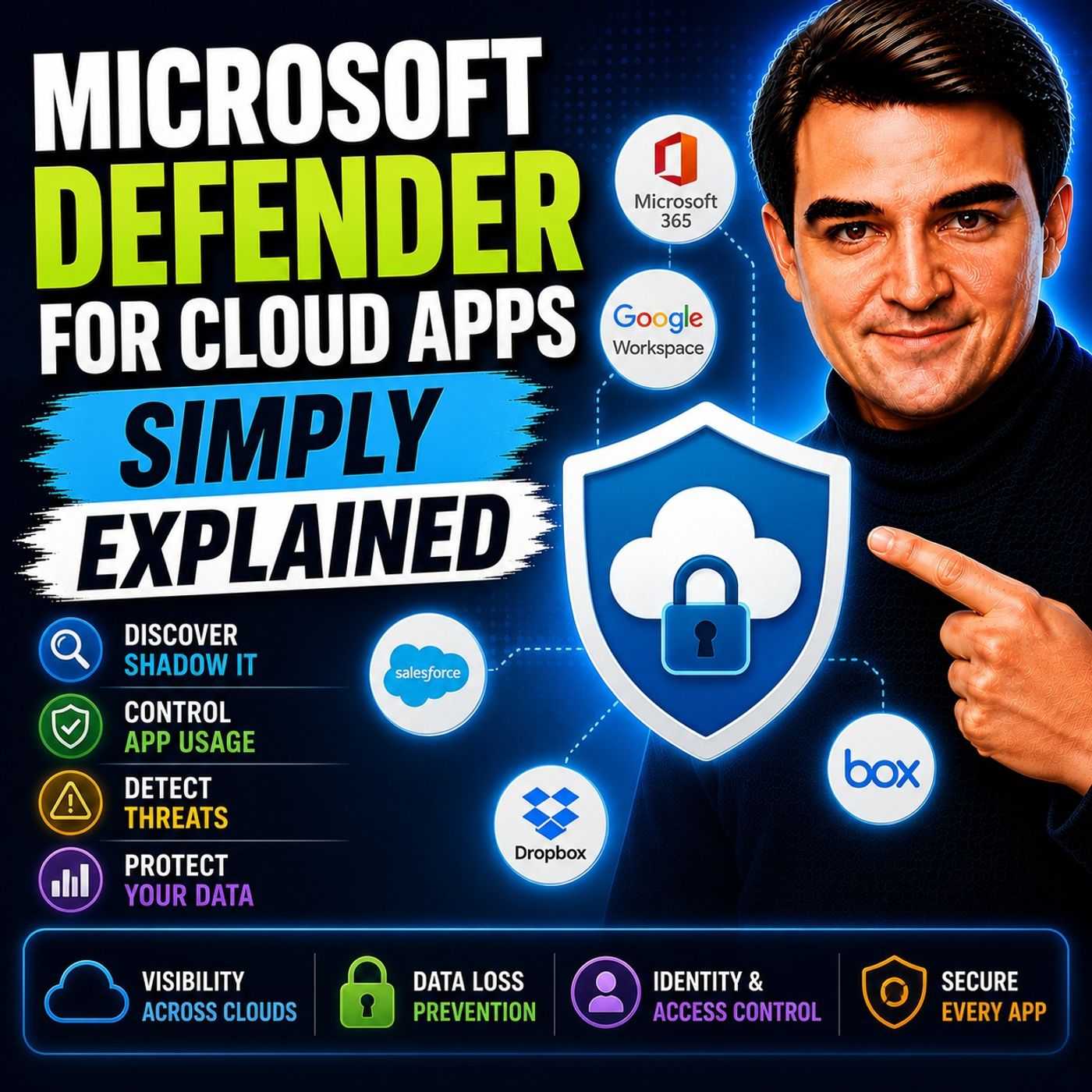
Microsoft Defender for Cloud Apps - Simply Explained
from M365.FM - Modern work, security, and productivity with Microsoft 365 · host Mirko Peters - Founder of m365.fm, m365.show and m365con.net
Welcome to another episode of Knowledge Nuggets with Mirko Peters. In this episode, we're exploring Microsoft Defender for Cloud Apps—Microsoft's Cloud Access Security Broker (CASB) that helps organizations discover, monitor, and protect the cloud applications employees use every day. Modern organizations rely on hundreds of cloud services, but many of them are never approved by IT. Employees sign up for AI tools, file-sharing platforms, collaboration services, and productivity apps to solve business problems quickly. While these services improve productivity, they can also introduce significant security, compliance, and data protection risks. Microsoft Defender for Cloud Apps helps organizations regain visibility, understand risk, and protect business data without preventing innovation.THE PROBLEM: SHADOW IT One of the biggest challenges facing modern IT departments is Shadow IT. Shadow IT refers to cloud applications employees use without official approval from the IT department. Examples include:File-sharing websitesAI writing assistantsProject management toolsOnline collaboration platformsPersonal cloud storageEmployees often adopt these services because they're convenient, but organizations lose visibility into where sensitive business information is being stored and shared. Without visibility, companies cannot adequately manage:Data leakageCompliance requirementsInsider threatsThird-party security risksMicrosoft Defender for Cloud Apps was designed specifically to eliminate these blind spots.WHAT IS MICROSOFT DEFENDER FOR CLOUD APPS? Microsoft Defender for Cloud Apps acts as a security layer between users and cloud services. Rather than replacing cloud applications, it continuously monitors how they're being used. Its primary responsibilities include:Discovering cloud applicationsAssessing application riskDetecting suspicious behaviorProtecting sensitive informationEnforcing security policiesAs part of the broader Microsoft Defender ecosystem, it integrates closely with Microsoft Entra ID, Microsoft Defender for Endpoint, Microsoft Sentinel, and Microsoft Defender XDR to provide enterprise-wide cloud security.CLOUD DISCOVERY The platform's first major capability is Cloud Discovery. Cloud Discovery identifies every cloud application employees access across the organization, including services that IT never approved. Organizations using Microsoft Defender for Endpoint receive continuous automated monitoring, while Microsoft 365 Business Premium customers can upload firewall or proxy logs for periodic analysis. The Cloud Discovery dashboard provides insights into:Applications in useNumber of usersNetwork trafficData uploadsGeographic locationsRisk ratingsInstead of guessing which cloud services employees use, administrators gain complete visibility into their cloud environment.THE APP CATALOG Finding cloud applications is only the beginning. Microsoft maintains an App Catalog containing more than 31,000 cloud applications, each evaluated against over 90 security and compliance factors. Applications receive risk scores based on criteria including:EncryptionMulti-Factor AuthenticationCompliance certificationsPrivacy policiesData ownershipAudit capabilitiesOrganizations can classify applications as:SanctionedUnsanctionedMonitoredThis allows IT departments to quickly identify trusted services while blocking or closely monitoring applications that introduce unnecessary business risk.THREAT DETECTION Microsoft Defender for Cloud Apps continuously monitors user behavior for suspicious activity. Built-in policies automatically detect scenarios such as:Impossible travelMass downloadsMass deletionsLogins from risky IP addressesSuspicious email forwardingUnusual account behaviorUsing User and Entity Behavior Analytics (UEBA), the platform learns normal user activity over time and identifies anomalies that could indicate compromised accounts or insider threats. Organizations can respond automatically by:Sending alertsBlocking sessionsSuspending accountsTriggering security workflowsThis allows security teams to react quickly before attackers cause significant damage.DATA PROTECTION Beyond detecting threats, Defender for Cloud Apps actively protects sensitive information. Integration with Microsoft Information Protection enables automatic application of sensitivity labels based on document content. The platform can also enforce:Download restrictionsCopy and paste controlsPrinting restrictionsSession monitoringConditional Access policiesSupport extends beyond Microsoft services to third-party platforms including:Google WorkspaceSalesforceBoxAWSDropboxThis consistent protection helps organizations secure data regardless of where employees choose to work.OAUTH APP GOVERNANCE Many cloud applications request access through OAuth permissions. While convenient, some applications request far more permissions than necessary. Defender for Cloud Apps monitors OAuth applications and identifies services requesting excessive access to:EmailFilesCalendarsContactsOneDriveMicrosoft 365 dataAdministrators can review, approve, or revoke permissions before sensitive business information becomes exposed through third-party applications. This provides another critical layer of protection against data leakage and account compromise.Become a supporter of this podcast: https://www.spreaker.com/podcast/m365-fm-modern-work-security-and-productivity-with-microsoft-365--6704921/support.
Embed this episode
What this episode covers
Welcome to another episode of Knowledge Nuggets with Mirko Peters. In this episode, we're exploring Microsoft Defender for Cloud Apps—Microsoft's Cloud Access Security Broker (CASB) that helps organizations discover, monitor, and protect the cloud applications employees use every day. Modern organizations rely on hundreds of cloud services, but many of them are never approved by IT. Employees sign up for AI tools, file-sharing platforms, collaboration services, and productivity apps to solve business problems quickly. While these services improve productivity, they can also introduce significant security, compliance, and data protection risks. Microsoft Defender for Cloud Apps helps organizations regain visibility, understand risk, and protect business data without preventing innovation. THE PROBLEM: SHADOW IT One of the biggest challenges facing modern IT departments is Shadow IT. Shadow IT refers to cloud applications employees use without official approval from the IT department. Examples include: File-sharing websites AI writing assistants Project management tools Online collaboration platforms Personal cloud storage Employees often adopt these services because they're convenient, but organizations lose visibility into where sensitive business information is being stored and shared. Without visibility, companies cannot adequately manage: Data leakage Compliance requirements Insider threats Third-party security risks Microsoft Defender for Cloud Apps was designed specifically to eliminate these blind spots. WHAT IS MICROSOFT DEFENDER FOR CLOUD APPS? Microsoft Defender for Cloud Apps acts as a security layer between users and cloud services. Rather than replacing cloud applications, it continuously monitors how they're being used. Its primary responsibilities include: Discovering cloud applications Assessing application risk Detecting suspicious behavior Protecting sensitive information Enforcing security policies As part of the broader Microsoft Defender ecosystem, it integrates closely with Microsoft Entra ID, Microsoft Defender for Endpoint, Microsoft Sentinel, and Microsoft Defender XDR to provide enterprise-wide cloud security. CLOUD DISCOVERY The platform's first major capability is Cloud Discovery. Cloud Discovery identifies every cloud application employees access across the organization, including services that IT never approved. Organizations using Microsoft Defender for Endpoint receive continuous automated monitoring, while Microsoft 365 Business Premium customers can upload firewall or proxy logs for periodic analysis. The Cloud Discovery dashboard provides insights into: Applications in use Number of users Network traffic Data uploads Geographic locations Risk ratings Instead of guessing which cloud services employees use, administrators gain complete visibility into their cloud environment. THE APP CATALOG Finding cloud applications is only the beginning. Microsoft maintains an App Catalog containing more than 31,000 cloud applications, each evaluated against over 90 security and compliance factors. Applications receive risk scores based on criteria including: Encryption Multi-Factor Authentication Compliance certifications Privacy policies Data ownership Audit capabilities Organizations can classify applications as: Sanctioned Unsanctioned Monitored This allows IT departments to quickly identify trusted services while blocking or closely monitoring applications that introduce unnecessary business risk. THREAT DETECTION Microsoft Defender for Cloud Apps continuously monitors...
NOW PLAYING
Microsoft Defender for Cloud Apps - Simply Explained
No transcript for this episode yet
Similar Episodes
No similar episodes found.
Similar Podcasts
No similar podcasts found.