
EPISODE · Aug 15, 2026 · 20 MIN
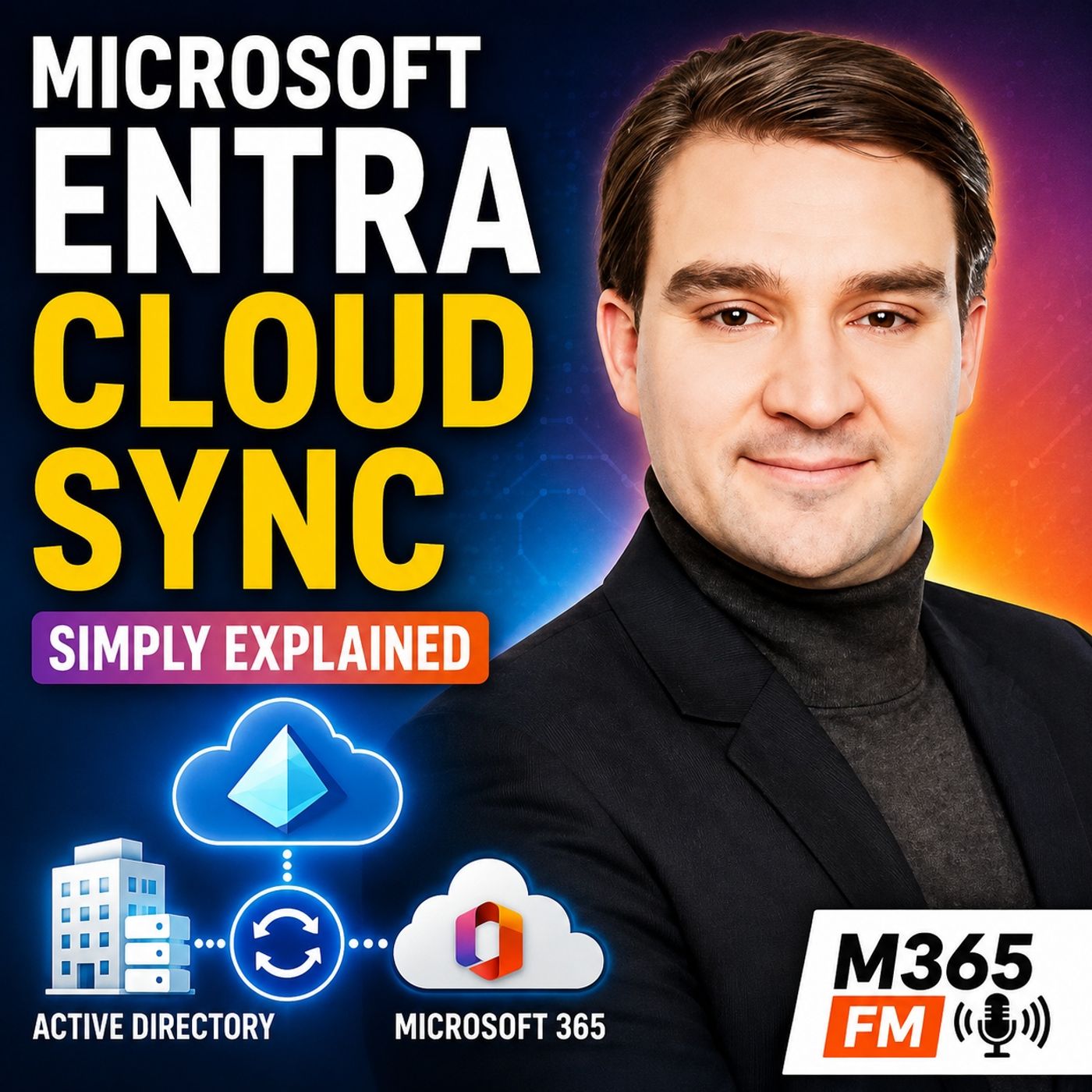
Microsoft Entra Cloud Sync - Simply Explained
from M365.FM - Modern work, security, and productivity with Microsoft 365 · host Mirko Peters - Founder of m365.fm, m365.show and m365con.net
Microsoft Entra Cloud Sync provides organizations with a cloud-managed way to synchronize identities from on-premises Active Directory into Microsoft Entra ID. But how is it different from Microsoft Entra Connect, why would an organization choose it, and what has changed in 2026? In this episode of Microsoft Knowledge Nuggets on M365 FM, we break down Entra Cloud Sync from the basic identity problem through architecture, high availability, scoping, security, hybrid environments, and the decision between Cloud Sync and Entra Connect.WHY IDENTITY SYNCHRONIZATION STILL MATTERSMany organizations still maintain employee identities inside Active Directory while their employees increasingly work in Microsoft 365. A new employee might be created in the local directory but immediately need Microsoft Teams, Exchange Online, SharePoint, OneDrive, and other cloud applications. Without synchronization, IT effectively has two identity environments to maintain.Identity synchronization connects those worlds. Changes to an employee's identity can begin in Active Directory and then flow into Microsoft Entra ID instead of requiring administrators to maintain two independent accounts. This becomes especially important when employees join the company, change departments, receive different permissions, change passwords, or leave the organization.THE TRADITIONAL ENTRA CONNECT MODELMicrosoft Entra Connect has traditionally handled this connection by running a synchronization engine inside the organization's network. It reads Active Directory, processes synchronization rules locally, maintains its own local components, and sends approved identity changes to Microsoft Entra ID.That architecture provides considerable flexibility, particularly for organizations with sophisticated synchronization requirements. But flexibility also creates operational responsibility. The synchronization server must be maintained, patched, monitored, understood, and incorporated into disaster-recovery planning.If the synchronization infrastructure becomes unavailable, changes may stop reaching Microsoft 365 until the service is restored. For a large organization, this can affect new employees, departing employees, permissions, password changes, and everyday support operations.WHAT MICROSOFT ENTRA CLOUD SYNC ACTUALLY ISMicrosoft Entra Cloud Sync changes where much of the synchronization work happens. Instead of operating a large synchronization engine within the company's environment, more of the processing is managed by Microsoft Entra in the cloud.A lightweight provisioning agent remains inside the local network. That agent can communicate with Active Directory and establish an outbound connection to Microsoft Entra. It reads approved directory information and securely communicates it to the cloud, where Entra performs much of the provisioning processing.This means organizations can continue using Active Directory as the source of employee identity information without maintaining the same type of large local synchronization engine.THE PROVISIONING AGENTThe provisioning agent is one of the most important architectural differences to understand. Think of it as a secure courier between Active Directory and Microsoft Entra ID. It can access the local directory because it operates inside the organization's network, while its outbound connection allows it to communicate securely with Microsoft Entra.Microsoft Entra then evaluates whether an identity already exists, applies the configured synchronization scope and attribute mappings, and creates or updates the corresponding cloud identity when appropriate.Administrators manage much of this configuration through the Microsoft Entra portal rather than treating a local synchronization server as the center of the architecture.ㅤATTRIBUTE MAPPING AND SOURCE OF AUTHORITYOrganizations still control which identity information should move between Active Directory and Microsoft Entra ID. Attribute mappings determine which local fields correspond to fields in the cloud identity.An employee's display name, department, manager, telephone number, or other information can therefore flow from Active Directory into Entra ID. Cloud Sync provides default mappings for common scenarios and also supports adjustments when organizations have specific requirements.An important principle remains: when an identity is synchronized from Active Directory, Active Directory normally remains the source of authority for those synchronized properties. If an employee changes department, for example, the organization updates that information at its authoritative source and synchronization carries the change into Entra ID.ㅤPASSWORD HASH SYNCHRONIZATIONCloud Sync can also support password hash synchronization. Despite the terminology, this does not mean sending a readable employee password into Microsoft Entra.Protected password verification information can be synchronized so Microsoft Entra ID can validate the user's cloud sign-in. When the password changes in Active Directory, updated verification information can subsequently reach Entra ID.This allows an employee to use the company identity across Microsoft 365 while Active Directory continues to play its role in the organization's hybrid identity architecture.BUILT-IN HIGH AVAILABILITY WITH MULTIPLE AGENTSOne of Cloud Sync's significant operational advantages is the ability to install multiple provisioning agents for the same environment.Rather than depending entirely on one synchronization server, organizations can deploy multiple lightweight agents capable of accessing the same directory information. If one agent becomes unavailable, another healthy agent can continue servicing the configuration.This reduces the dependency on a single local machine and changes how organizations can design synchronization availability. IT should still monitor the agents, maintain supported servers, and develop recovery procedures, but multiple agents provide a simpler approach to avoiding a single point of failure.DISCONNECTED ACTIVE DIRECTORY FORESTSCloud Sync becomes particularly interesting when organizations operate multiple Active Directory forests that cannot directly communicate with each other.This situation commonly appears after mergers and acquisitions. One organization might operate one Active Directory environment while an acquired company continues using another. Establishing full network connectivity or restructuring the directories may take months.Cloud Sync allows an agent to operate near each Active Directory forest while the separate environments synchronize toward the same Microsoft Entra tenant. The cloud becomes the common destination without requiring the forests to establish a direct connection simply for synchronization.This can provide organizations with additional time to complete larger identity and infrastructure integration projects without preventing employees from accessing Microsoft 365.CONTROL EXACTLY WHAT GETS SYNCHRONIZEDActive Directory frequently contains far more than normal employee accounts. There may be service accounts, test identities, training accounts, old groups, administrative identities, and objects that should never appear in Microsoft 365.Cloud Sync therefore allows organizations to define synchronization scope. Administrators can restrict synchronization based on structures such as organizational units or use security groups to create a more controlled population.A small security group is particularly useful for pilots. Instead of enabling synchronization broadly, IT can select known test users, verify the results, and expand the scope only after confirming that the configuration behaves as expected.START WITH SIMPLE ATTRIBUTE MAPPINGSOnce organizations decide which identities should synchronize, they must determine which attributes should travel with them.Cloud Sync includes mappings designed for common identity scenarios. In many environments, beginning with those defaults is safer than immediately creating complicated customization.Custom mappings and expressions can address specific business requirements, but every additional rule also increases complexity. Identity configurations should remain understandable enough that another administrator can determine why a particular value is being transformed months or years later.TESTING WITH PROVISION ON DEMANDCloud Sync provides a useful testing capability through Provision on Demand. Instead of immediately enabling synchronization for a large population, administrators can select an individual identity and examine how the configuration would process that user.This can reveal whether the user is inside the configured scope, whether Entra ID identifies an existing matching account, and whether the synchronization process intends to create or update an object.For identity infrastructure, this type of controlled testing is important. Discovering a scoping or mapping problem with one test account is considerably easier than discovering it after hundreds or thousands of identities have been processed.ACCIDENTAL DELETION PROTECTION AND PROVISIONING LOGSIdentity synchronization is not only about moving information quickly. It must also protect organizations against configuration mistakes.Cloud Sync includes accidental deletion protection designed to stop unexpectedly large deletion operations and place the affected configuration into quarantine so administrators can investigate before changes continue.Provisioning logs provide another important operational tool. Administrators can investigate individual identities and determine whether an object matched correctly, whether attributes caused errors, whether an agent successfully communicated with the service, and whether the synchronization configuration remainBecome a supporter of this podcast: https://www.spreaker.com/podcast/m365-fm-modern-work-security-and-productivity-with-microsoft-365--6704921/support.
Embed this episode
What this episode covers
Microsoft Entra Cloud Sync provides organizations with a cloud-managed way to synchronize identities from on-premises Active Directory into Microsoft Entra ID. But how is it different from Microsoft Entra Connect, why would an organization choose it, and what has changed in 2026? In this episode of Microsoft Knowledge Nuggets on M365 FM, we break down Entra Cloud Sync from the basic identity problem through architecture, high availability, scoping, security, hybrid environments, and the decision between Cloud Sync and Entra Connect. WHY IDENTITY SYNCHRONIZATION STILL MATTERS Many organizations still maintain employee identities inside Active Directory while their employees increasingly work in Microsoft 365. A new employee might be created in the local directory but immediately need Microsoft Teams, Exchange Online, SharePoint, OneDrive, and other cloud applications. Without synchronization, IT effectively has two identity environments to maintain.Identity synchronization connects those worlds. Changes to an employee's identity can begin in Active Directory and then flow into Microsoft Entra ID instead of requiring administrators to maintain two independent accounts. This becomes especially important when employees join the company, change departments, receive different permissions, change passwords, or leave the organization. THE TRADITIONAL ENTRA CONNECT MODEL Microsoft Entra Connect has traditionally handled this connection by running a synchronization engine inside the organization's network. It reads Active Directory, processes synchronization rules locally, maintains its own local components, and sends approved identity changes to Microsoft Entra ID.That architecture provides considerable flexibility, particularly for organizations with sophisticated synchronization requirements. But flexibility also creates operational responsibility. The synchronization server must be maintained, patched, monitored, understood, and incorporated into disaster-recovery planning.If the synchronization infrastructure becomes unavailable, changes may stop reaching Microsoft 365 until the service is restored. For a large organization, this can affect new employees, departing employees, permissions, password changes, and everyday support operations. WHAT MICROSOFT ENTRA CLOUD SYNC ACTUALLY IS Microsoft Entra Cloud Sync changes where much of the synchronization work happens. Instead of operating a large synchronization engine within the company's environment, more of the processing is managed by Microsoft Entra in the cloud.A lightweight provisioning agent remains inside the local network. That agent can communicate with Active Directory and establish an outbound connection to Microsoft Entra. It reads approved directory information and securely communicates it to the cloud, where Entra performs much of the provisioning processing.This means organizations can continue using Active Directory as the source of employee identity information without maintaining the same type of large local synchronization engine. THE PROVISIONING AGENT The provisioning agent is one of the most important architectural differences to understand. Think of it as a secure courier between Active Directory and Microsoft Entra ID. It can access the local directory because it operates inside the organization's network, while its outbound connection allows it to communicate securely with Microsoft Entra.Microsoft Entra then evaluates whether an identity already exists, applies the configured synchronization scope and attribute mappings, and creates or updates the corresponding cloud identity when appropriate.Administrators manage much of this configuration through the Microsoft Entra portal rather than treating a local synchronization server as the center of the architecture.ㅤ ATTRIBUTE MAPPING AND SOURCE OF AUTHORITY Organizations still control which identity information should move between...
NOW PLAYING
Microsoft Entra Cloud Sync - Simply Explained
No transcript for this episode yet
Similar Episodes
No similar episodes found.
Similar Podcasts
No similar podcasts found.