
EPISODE · Aug 19, 2025 · 19 MIN
Microsoft Purview and Azure Information Protection: How to Use the Data Protection Features You Already Own in Microsoft 365
from M365.FM - Modern work, security, and productivity with Microsoft 365 · host Mirko Peters - Founder of m365.fm, m365.show and m365con.net
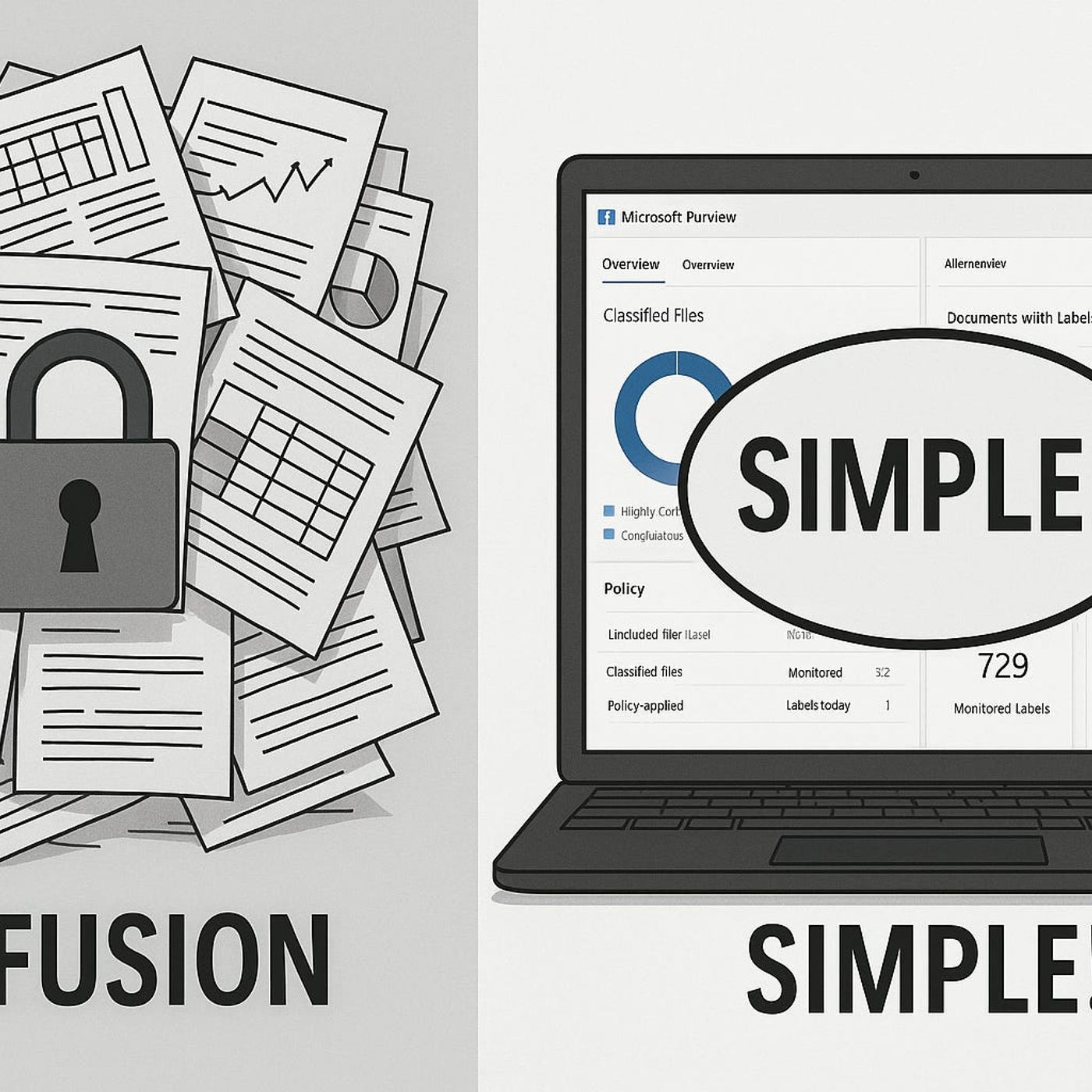
Microsoft Purview and Azure Information ProtectionMost teams underestimate how much data protection they already own in Microsoft 365. In this episode, I break down the biggest myth about Microsoft Purview and Azure Information Protection—that they’re “only for big enterprises”—and show how even small teams can start protecting sensitive documents and emails using features already included in common M365 plans.You’ll hear why skipping these tools often increases risk instead of saving money, and how to think of labels and policies like simple “locked cabinets,” not complex vaults reserved for banks and global corporations. We walk through what you typically get with licenses like Business Premium or E3, how to find those capabilities in the compliance portal, and which features you can start with immediately without upgrading or hiring external consultants.From there, we zoom into the practical first step: creating your first sensitivity label. Using real examples, I show how to define just one or two meaningful labels, roll them out to your team, and start building habits around marking confidential content—without overwhelming users or rewriting your entire security strategy. The goal is to move from “we’ll think about this later” to “we’re protected by default” in under an hour.WHAT YOU’LL LEARNWhy the “Purview is only for big enterprises” myth quietly increases risk for small and mid-sized organizations.Which Purview and AIP capabilities are already included in common Microsoft 365 licenses like Business Premium and E3.How to find and activate core information protection features in the Microsoft 365 compliance portal.How to design and roll out your first sensitivity labels in a way normal users actually understand and adopt.THE CORE INSIGHTThe core insight of this episode is that effective data protection isn’t about having the fanciest license—it’s about actually using the safeguards you already pay for. Once you see Purview and AIP as scalable tools that work just as well for a ten-person team as for a ten-thousand-person enterprise, you can start small, gain quick wins, and grow your protection over time instead of waiting for a “big project” that never starts.WHO THIS EPISODE IS FORSmall and mid-sized organizations running Microsoft 365 that think “true” data protection is out of reach.IT admins and business owners who want practical, non-intimidating first steps into Purview and AIP.Security-conscious teams who need clearer rules for handling sensitive documents and emails without slowing everyone down.ABOUT THE AUTHOR / HOSTMirko Peters is a Microsoft 365 security and compliance consultant and host of the M365.FM podcast, helping organizations of all sizes unlock the protection features already built into their Microsoft 365 subscriptions. He works with small teams and enterprises alike to translate complex Purview and AIP capabilities into simple, sustainable labeling and protection strategies that fit how people actually work.Become a supporter of this podcast: https://www.spreaker.com/podcast/m365-fm-modern-work-security-and-productivity-with-microsoft-365--6704921/support.
Embed this episode
NOW PLAYING
Microsoft Purview and Azure Information Protection: How to Use the Data Protection Features You Already Own in Microsoft 365
No transcript for this episode yet
Similar Episodes
No similar episodes found.
Similar Podcasts
No similar podcasts found.