
EPISODE · Aug 10, 2026 · 32 MIN
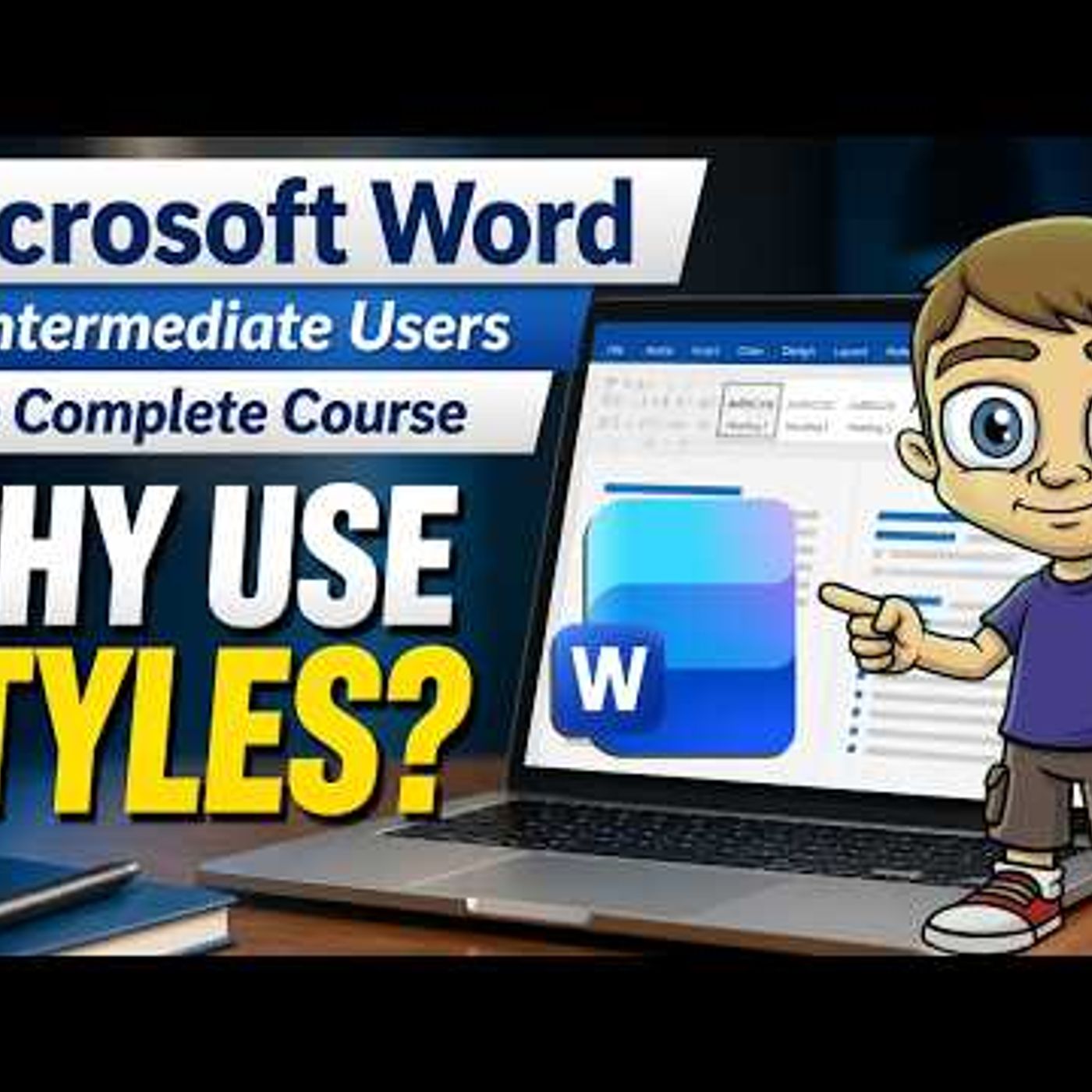
Microsoft Word for Intermediate Users - The Complete Course
from Technology for Teachers and Students · host ytr
In this intermediate follow-up to the #1 Microsoft Word tutorial on YouTube (Microsoft Word for Beginners - The Complete Course), you\'ll take your Microsoft Word skills to the next level by learning Microsoft Word styles, automated table of contents, multi-level lists, the Navigation Pane, advanced document formatting, and more. Join this channel to get access to perks: https://www.youtube.com/channel/UCYUPLUCkMiUgiyVuluCc7tQ/join Table of Contents: 00:00 - Intro 00:51 - Mastering Styles and Navigation 10:36 - Advanced Layouts and Breaks 19:01 - Tables, Graphics and Captions 26:37 - Collaboration and Final Review 30:56 - Next Steps for Further Learning ***Consider supporting Technology for Teachers and Students on Patreon***: https://www.patreon.com/technologyforteachersandstudents Here\'s my playlist of all Microsoft Word videos: https://bit.ly/2FY6NVT Here\'s the practice file that goes with the video: https://bit.ly/intermediateword #msword #wordtutorial #office365 #microsoftoffice #msoffice #microsoft365 #microsoftword
Embed this episode
Ready to play
Microsoft Word for Intermediate Users - The Complete Course
No transcript for this episode yet
Similar Episodes
No similar episodes found.
Similar Podcasts
No similar podcasts found.