
EPISODE · Jun 2, 2012
Minecraft Me #32: How to Snapshot!
from Minecraft Me - SD Video · host GeekGamer.TV
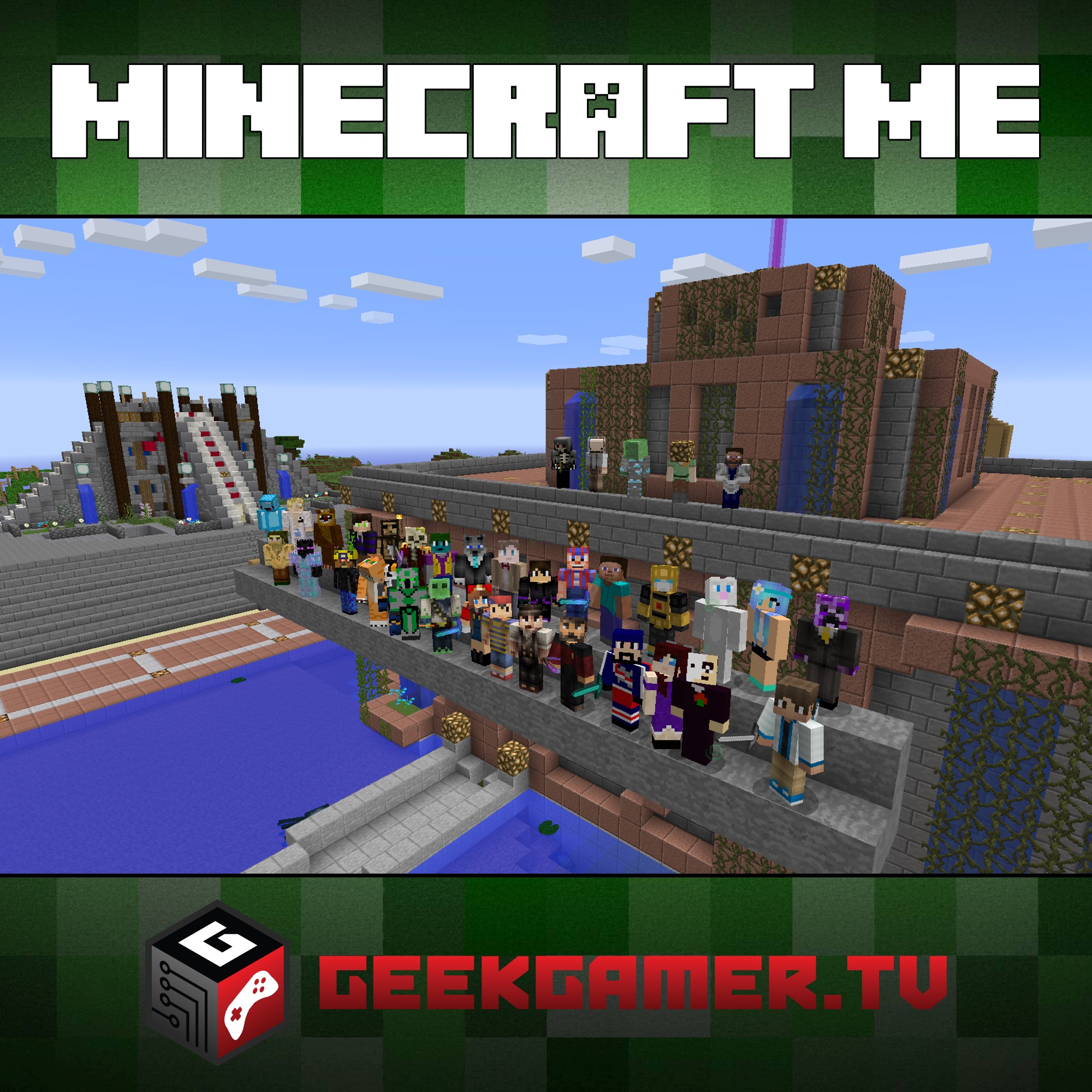
[sublimevideo src1=”http://www.podtrac.com/pts/redirect.mp3/www.geekgamer.tv/media/minecraft/video/mm_032.m4v” uid=”fc576680″ id=”fc576680″ width=”620″ height=”349″] Want to play the latest edition of the game, but are afraid to mess up your vanilla installation? Worry no more! We show you how to install the latest snapshot so you can try all the new features with little risk! We also cover the top Mincraft news, the server showcase, our upcoming E3 coverage and YOUR questions! All this and more on this edition of Minecraft Me! More Minecraft Me? https://geekgamer.tv Software Used: Magic Launcher: http://bit.ly/magicminecraft Hosts: Chase Nunes, Joseph Falbey Minecraft can be found at: http://www.minecraft.net More information can be found at: https://geekgamer.tv/minecraftme —– Subscribe Below! Audio Version Video Version —– Join our Facebook Family, Steam Gaming Group and also follow us on Twitter! Connect with us! —– Send us your comments, questions and stories! and please take our GGR Survey! Let us know what you think of our show! —–
Embed this episode
NOW PLAYING
Minecraft Me #32: How to Snapshot!
No transcript for this episode yet
Similar Episodes
No similar episodes found.
Similar Podcasts
No similar podcasts found.