Multi Cloud Management: How to Share Folders Across Clouds
from cloudHQ Hosted by cloudHQ
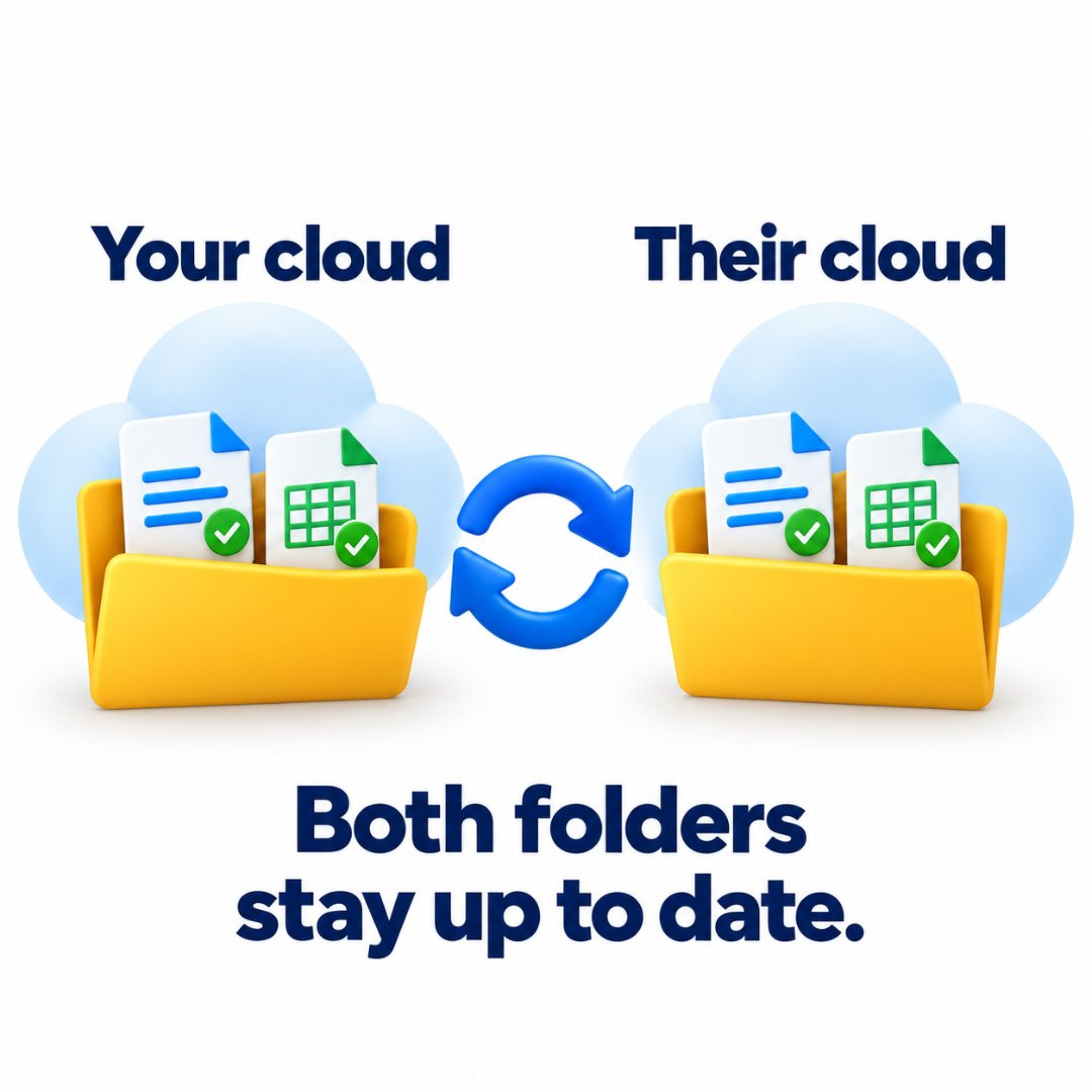
Your client uses a different cloud. That should not mean more work for you. This episode covers how Cross-Cloud Folder Sharing by cloudHQ connects folders across cloud storage services and keeps files in sync in both directions. Helix hosts. Episode length: 7 minutes 13 seconds. In this episode: 00:00 Show open 00:20 Why attachments and mixed clouds get messy 00:50 What cross-cloud folder sharing is 01:35 The Google Drive to OneDrive walkthrough 01:53 How to share a folder across clouds 02:10 Step one: select your folder 02:40 Step two: invite by email 03:00 Step three: accept and choose a destination 03:40 What happens after the folders connect 04:07 Supported cloud storage platforms 04:30 When cross-cloud sharing is useful 05:15 Common questions 06:30 Start with one folder 06:50 Close Supported services include Google Drive, Google Shared Drives, Microsoft OneDrive, Microsoft SharePoint, Dropbox, Box, Egnyte, and Amazon S3. Recipients need a free cloudHQ account. Cross-Cloud Folder Sharing is included in the cloudHQ Business Plan. Get started: https://cloudhq.net/share Read the full post: https://blog.cloudhq.net/ From the CloudHQ podcast. More episodes at blog.cloudhq.net. Subscribe if you want helpful, time-saving updates through the week.
Embed this episode
No transcript yet.