
EPISODE · Sep 20, 2011 · 13 MIN
Multiscreen Best Practices
from Flash Training with Paul Trani
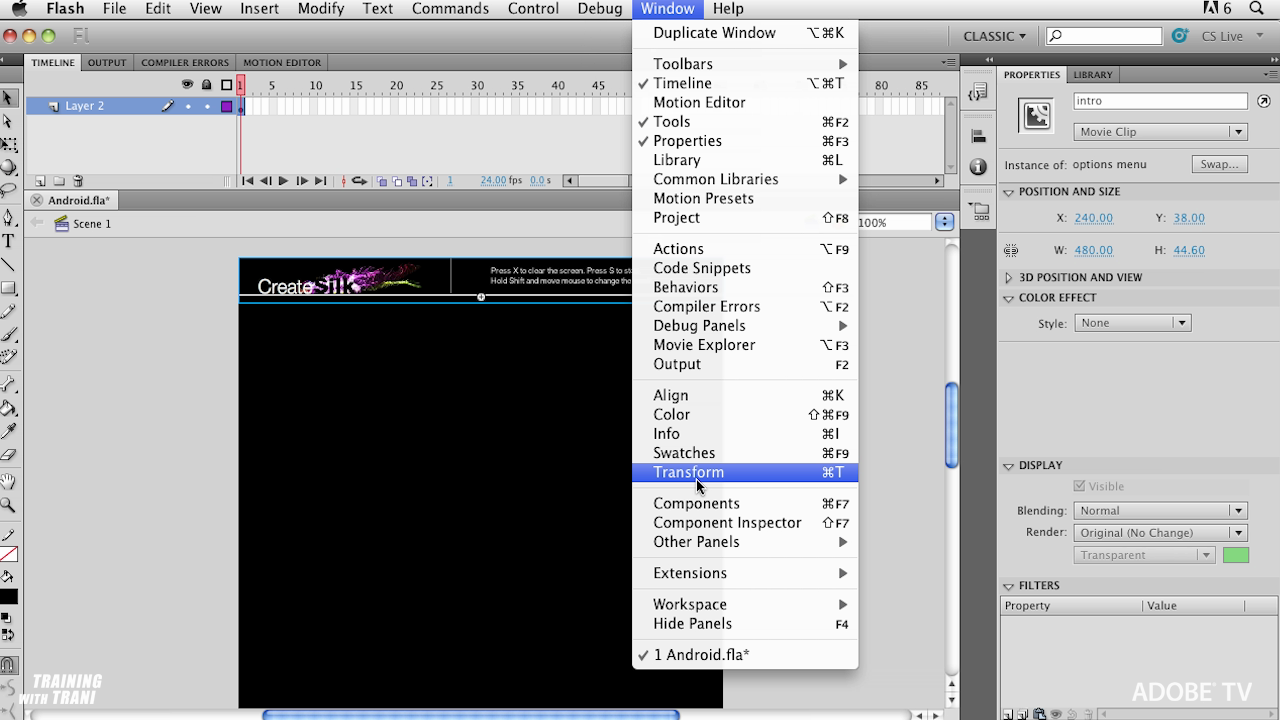
Normal 0 false false false EN-US X-NONE X-NONE /* Style Definitions */ table.MsoNormalTable {mso-style-name:"Table Normal"; mso-tstyle-rowband-size:0; mso-tstyle-colband-size:0; mso-style-noshow:yes; mso-style-priority:99; mso-style-qformat:yes; mso-style-parent:""; mso-padding-alt:0in 5.4pt 0in 5.4pt; mso-para-margin-top:0in; mso-para-margin-right:0in; mso-para-margin-bottom:10.0pt; mso-para-margin-left:0in; line-height:115%; mso-pagination:widow-orphan; font-size:11.0pt; font-family:"Calibri","sans-serif"; mso-ascii-font-family:Calibri; mso-ascii-theme-font:minor-latin; mso-fareast-font-family:"Times New Roman"; mso-fareast-theme-font:minor-fareast; mso-hansi-font-family:Calibri; mso-hansi-theme-font:minor-latin; mso-bidi-font-family:"Times New Roman"; mso-bidi-theme-font:minor-bidi;} What is the workflow when it comes to creating an app for multiple mobile platforms that all have different screen sizes and capabilities? In this video learn the workflow for taking an app from an Android device, to iOS to the BlackBerry PlayBook. For more Adobe tutorials, visit Adobe TV, http://tv.adobe.com
Embed this episode
Ready to play
Multiscreen Best Practices
No transcript for this episode yet
Similar Episodes
No similar episodes found.