
EPISODE · Sep 24, 2025 · 28 MIN
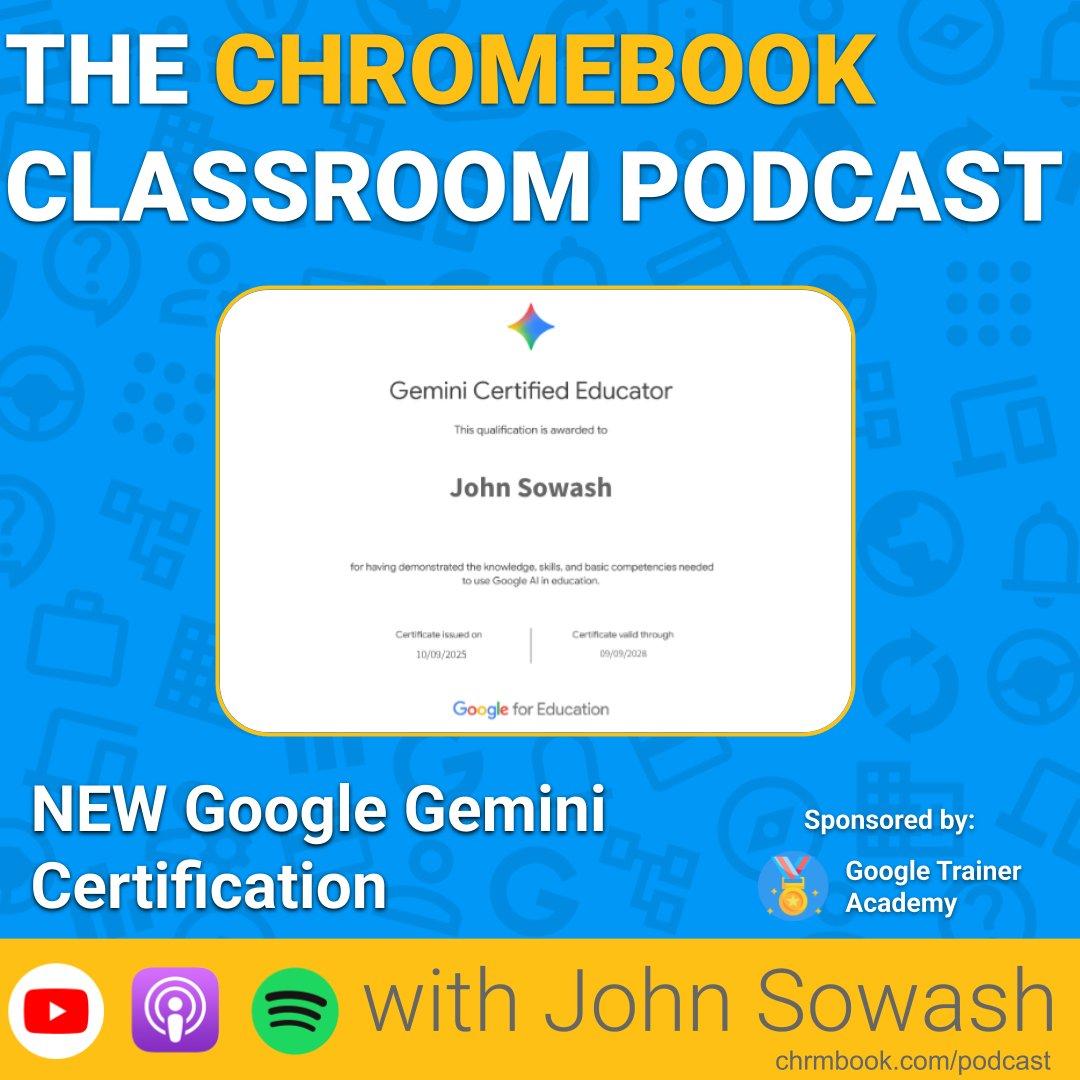
NEW Google Gemini Certification + 10 Gemini Tips
from The Chromebook Classroom Podcast · host John R. Sowash
** Episode Sponsor: Google Trainer Academy: GoogleTrainerAcademy.com ** Over the past month I've been able to visit a half-dozen different schools across the US sharing tips and ideas for using AI in the classroom. While there are a LOT of AI tools available, there's one that I think is at the top of the list: Google Gemini. Gemini has become my go-to AI tool. It's fast, flexible, safe, and free! Using Gemini with your school account means you get advanced features AND data privacy that's not included with a lot of other applications (looking at you ChatGPT!). If you haven't used Gemini recently, take another look...there have been a LOT of update and several new features specifically designed for the classroom. Here are some of my favorite features and ideas... Show notes and links: https://www.chrmbook.com/s9e9/ ----------------------------- Thanks for tuning into the Chromebook Classroom Podcast! If you enjoyed today's episode, I would appreciate your honest rating and review! You can connect with me, John Sowash, on Facebook, Twitter, or Instagram. I would love to hear your thoughts on the show!
Embed this episode
NOW PLAYING
NEW Google Gemini Certification + 10 Gemini Tips
No transcript for this episode yet
Similar Episodes
No similar episodes found.
Similar Podcasts
No similar podcasts found.