
EPISODE · Jul 16, 2023 · 25 MIN
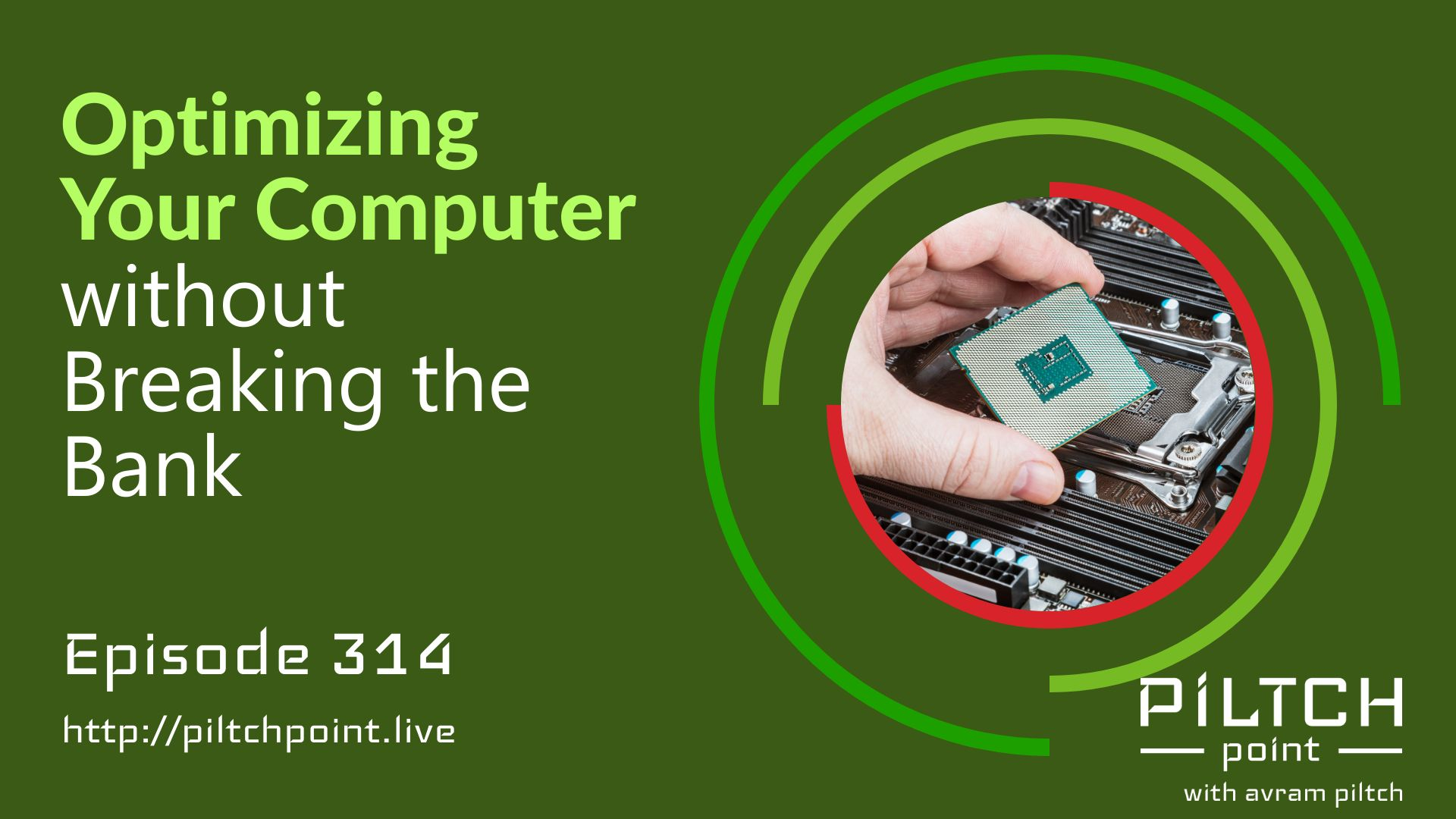
Optimizing Your Computer without Breaking the Bank - Episode 314
from Piltch Point (Video) · host PLUGHITZ Live
This is a great time to be considering an upgrade to your PC. Whether you're looking for a small upgrade, like adding an SSD to your system, or you want to do a full processor and motherboard replacement, there are deals available all over the industry. And while the deals may night quite be as good as the lightning deals of Prime Day, you can make some big moves on a small budget.Avram begins by emphasizing the importance of upgrading one's computer, especially when there are deals available. Upgrading a PC can be a great way to get improved performance without having to purchase a brand new computer.Avram then delves into the affordability of SSDs (Solid-State Drives), specifically focusing on two terabyte options. He mentions that the sweet spot in terms of price and capacity lies in acquiring a two terabyte SSD. Avram recommends brands like SK hynix, which acquired Intel's SSD business, which has solid drives for just $80. He also mentions Western Digital's WD Black, which offers one of the fastest SSDs on the market for $89.99, a slightly higher price but worth it for those seeking top-notch performance. Avram notes that storage is currently a great deal, with prices for SSDs dropping significantly.Moving on to RAM, Avram highlights the affordability of DDR4 memory. He suggests that those looking to upgrade from a 16GB kit should consider adding another 16GB to their system. Avram recommends looking for a two-by-eight kit from reputable brands like Team Group, which can be purchased for as low as $35. He advises opting for CL 16 latency for better performance. For those seeking a 32GB kit, Avram mentions that it can be obtained for around $56, offering high-speed performance at a reasonable price. He suggests that everyone should have at least 32GB of RAM in their desktops, and if possible, even more for enhanced performance.Avram also briefly touches on upgrading to 64GB of RAM, recommending purchasing two identical kits or a four-kit of 16GB RAM to save on costs. He estimates that upgrading to 64GB would cost around $120, making it a viable option for those who require higher memory capacity.One of the best resources available is PC Part Picker, a website that helps you build a PC. It shows the current prices for nearly any PC component currently being sold, and can help to ensure that you only purchase components that work together. And, the best part is that the website is completely free to use, making it one of the best tools in the industry.In conclusion, Avram emphasizes the affordability of SSDs and RAM upgrades in the current market. He encourages listeners to take advantage of the low prices and consider upgrading their computer components for improved performance and efficiency. With SSDs becoming increasingly inexpensive and DDR4 RAM being readily available at affordable prices, now is an opportune time to invest in these upgrades. For more advice on PC component deals, check out Tom's Hardware.
Embed this episode
What this episode covers
Description This is a great time to be considering an upgrade to your PC. Whether you're looking for a small upgrade, like adding an SSD to your system, or you want to do a full processor and motherboard replacement, there are deals available all over the industry. And while the deals may night quite be as good as the lightning deals of Prime Day, you can make some big moves on a small budget. Avram begins by emphasizing the importance of upgrading one's computer, especially when there are deals available. Upgrading a PC can be a great way to get improved performance without having to purchase a brand new computer. Avram then delves into the affordability of SSDs (Solid-State Drives), specifically focusing on two terabyte options. He mentions that the sweet spot in terms of price and capacity lies in acquiring a two terabyte SSD. Avram recommends brands like SK hynix, which acquired Intel's SSD business, which has solid drives for just $80. He also mentions Western Digital's WD Black, which offers one of the fastest SSDs on the market for $89.99, a slightly higher price but worth it for those seeking top-notch performance. Avram notes that storage is currently a great deal, with prices for SSDs dropping significantly. Moving on to RAM, Avram highlights the affordability of DDR4 memory. He suggests that those looking to upgrade from a 16GB kit should consider adding another 16GB to their system. Avram recommends looking for a two-by-eight kit from reputable brands like Team Group, which can be purchased for as low as $35. He advises opting for CL 16 latency for better performance. For those seeking a 32GB kit, Avram mentions that it can be obtained for around $56, offering high-speed performance at a reasonable price. He suggests that everyone should have at least 32GB of RAM in their desktops, and if possible, even more for enhanced performance. Avram also briefly touches on upgrading to 64GB of RAM, recommending purchasing two identical kits or a four-kit of 16GB RAM to save on costs. He estimates that upgrading to 64GB would cost around $120, making it a viable option for those who require higher memory capacity. One of the best resources available is PC Part Picker, a website that helps you build a PC. It shows the current prices for nearly any PC component currently being sold, and can help to ensure that you only purchase components that work together. And, the best part is that the website is completely free to use, making it one of the best tools in the industry. In conclusion, Avram emphasizes the affordability of SSDs and RAM upgrades in the current market. He encourages listeners to take advantage of the low prices and consider upgrading their computer components for improved performance and efficiency. With SSDs becoming increasingly inexpensive and DDR4 RAM being readily available at affordable prices, now is an opportune time to invest in these upgrades. For more advice on PC component deals, check out Tom's Hardware . Participants Scott Ertz Host Scott is a developer who has worked on projects of varying sizes, including all of the PLUGHITZ Corporation properties. He is also known in the gaming world for his time supporting the rhythm game community, through DDRLover and hosting tournaments throughout the Tampa Bay Area. Currently, when he is not working on software projects or hosting F5 Live: Refreshing Technology, Scott can often be found returning to his high school days working with the Foundation for Inspiration and Recognition of Science and Technology (FIRST), mentoring teams and helping with ROBOTICON Tampa Bay. He has also helped found a student software learning group, the ASCII Warriors, currently housed at AMRoC Fab Lab. Avram Piltch Host Avram's been in love with PCs since he played original Castle Wolfenstein on an Apple II+. Before joining Tom's Hardware, for 10 years, he served as Online Editorial Director for sister sites Tom's Guide and Laptop Mag, where he programmed the CMS and many of the benchmarks. When he's not editing, writing or stumbling around trade show halls, you'll find him building Arduino robots with his son and watching every single superhero show on the CW. Live Discussion Powered by PureVPN
Ready to play
Optimizing Your Computer without Breaking the Bank - Episode 314
No transcript for this episode yet
Similar Episodes
No similar episodes found.