
EPISODE · Mar 16, 2014 · 9 MIN
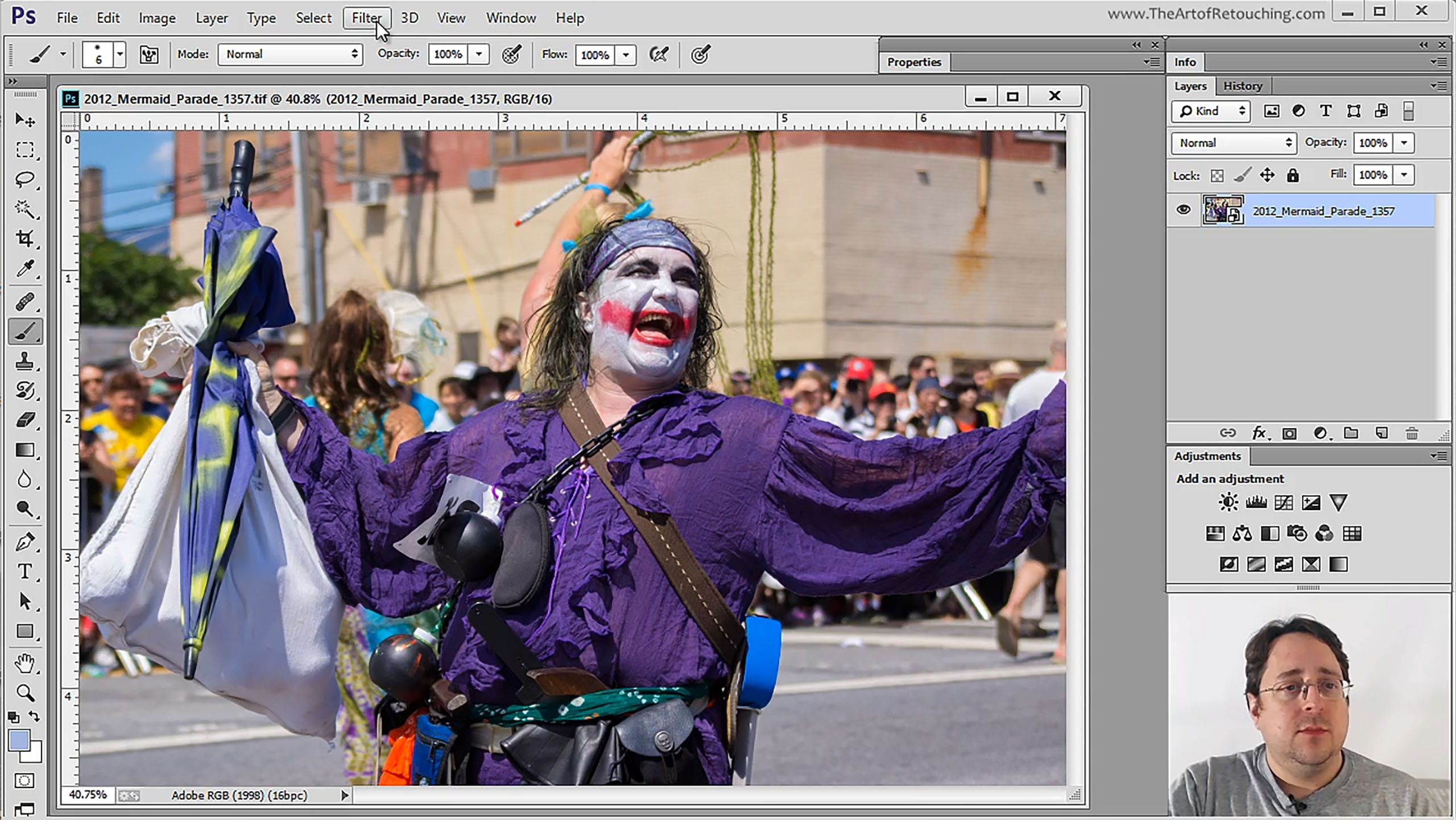
Photoshop Tutorial – Smart Objects and Smart Filters
from The Art of Retouching Studio · host John Ross
This session will tell you all about the magic of Smart Objects and Smart Filters. For any retoucher, it’s important to develop a non-destructive workflow. Smart Objects and Smart Filters will give you the ability to go back and forth between your actions without permanently damaging your photo. For example, after many hours of work, I had 7 images needed to be blown up approximately 170%. The client failed to mention that part. Instead of having to blow up pixel data, or start over again; I was able to simply go back to Camera Raw, and output the images blown up (which were way sharper than Photoshop’s pixel data). Simply dragging over the existing Adjustment Layers, Masks, and Smart Filters; I was able to give the sharpest image possible, without much trouble.
Embed this episode
Ready to play
Photoshop Tutorial – Smart Objects and Smart Filters
No transcript for this episode yet
Similar Episodes
No similar episodes found.