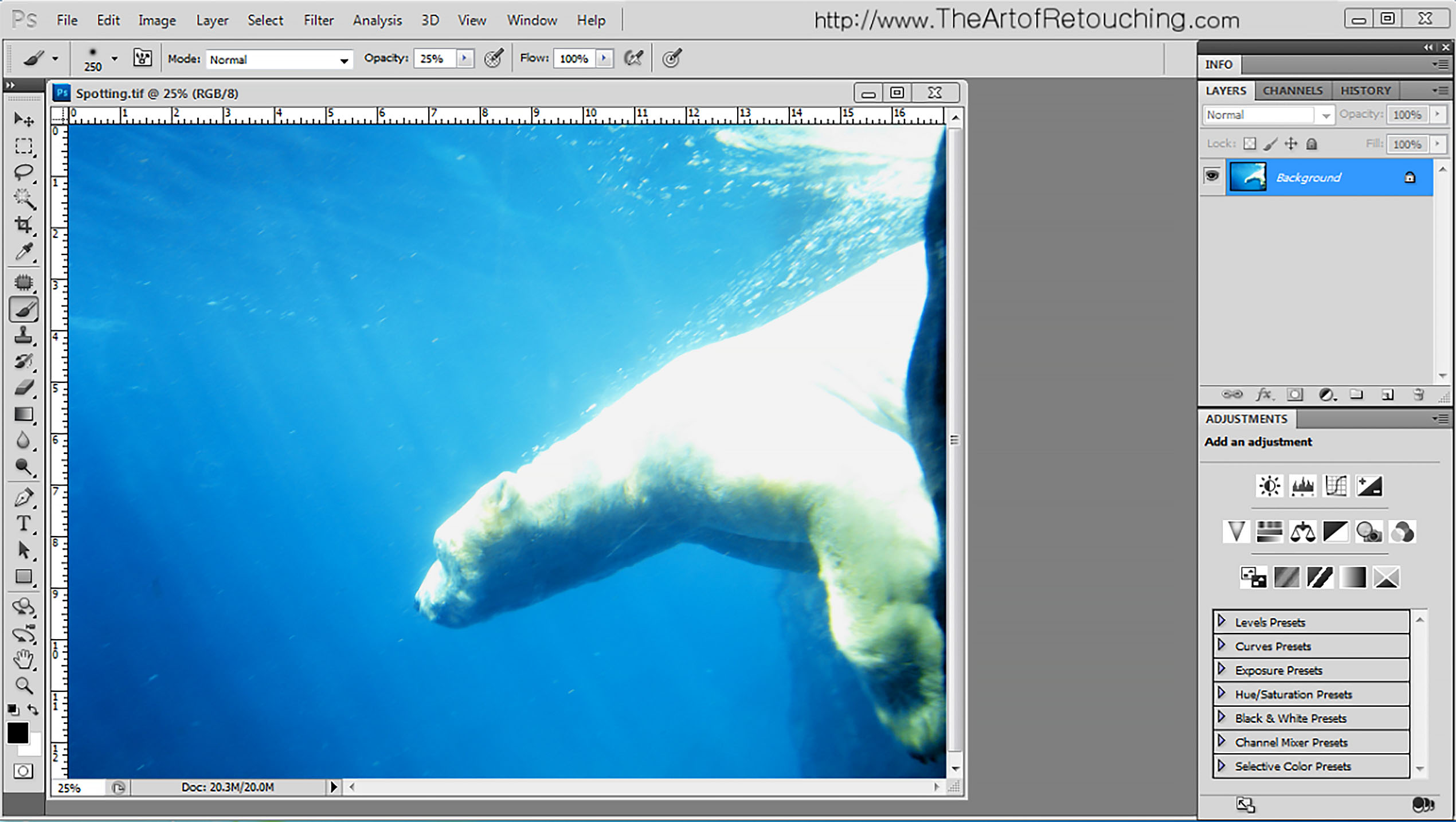
Photoshop Tutorial – Spotting Images
from The Art of Retouching Studio Hosted by John Ross
This Adobe Photoshop tutorial describes what spotting images means, and how to do it. In short, spotting simply means that you are going to remove any extra dust spots, or other very quick dirt removal. While it usually means dust from the camera lens, it could also mean quickly removing any other sort of blemishes from the picture, like lint on clothing or freckles. Again, the real key is that it is quick, and usually takes less than 10 minutes, and less than 5 minutes is even better. Ideally, this would be the very first thing done to an image, before any other sort of retouching is done. All you need to do is create a new layer, select one of the cloning tools, and begin removing anything that doesn't belong. Spotting Images should be done for every picture you start working on.
Embed this episode
No transcript yet.