
EPISODE · Oct 29, 2025 · 18 MIN
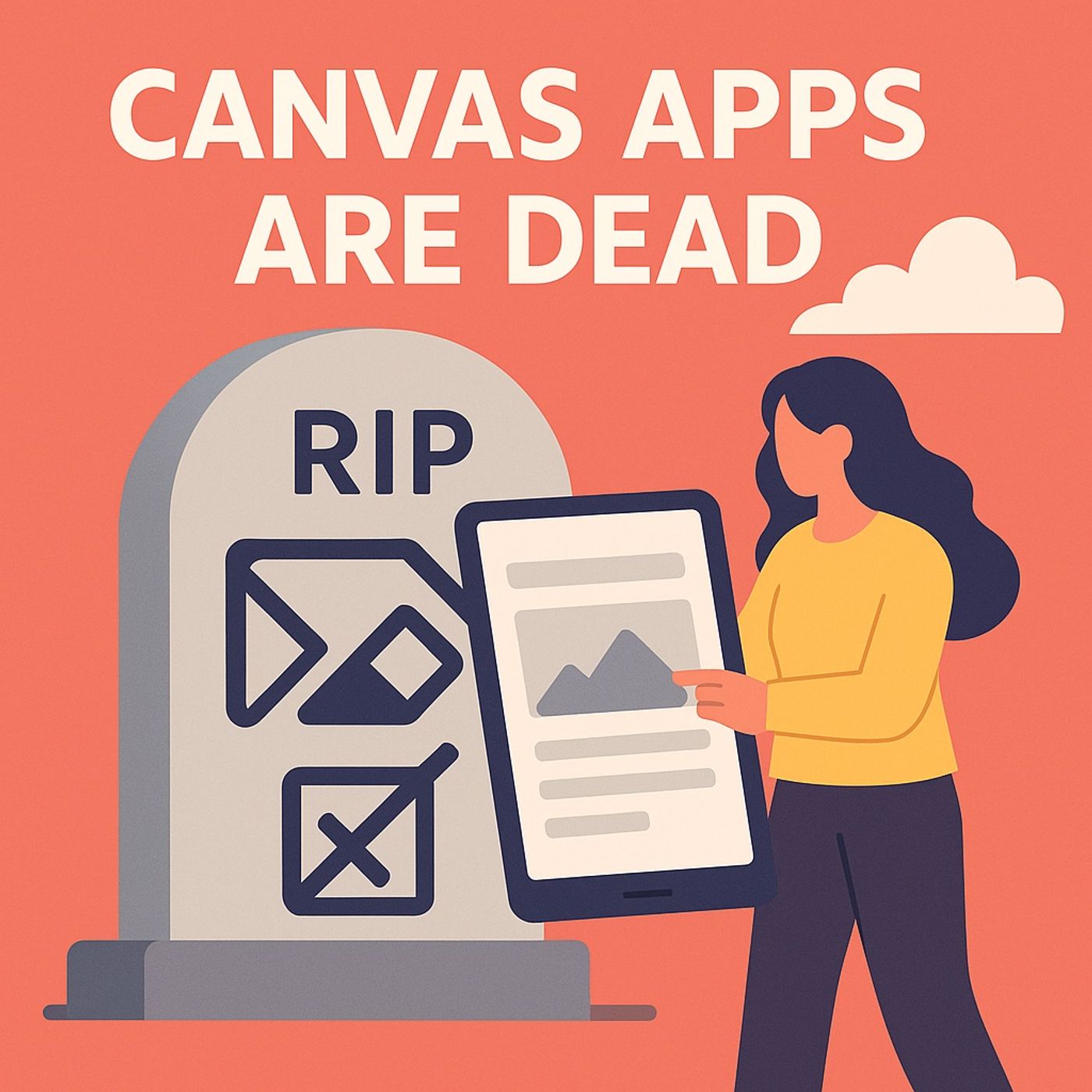
Power Apps Generative Pages vs Canvas Apps: when to stop pixel‑building and let AI design your app
from M365.FM - Modern work, security, and productivity with Microsoft 365 · host Mirko Peters - Founder of m365.fm, m365.show and m365con.net
Canvas Apps vs. Generative Pages Power Apps: in this episode of M365.fm, Mirko Peters explains why clinging to classic Canvas Apps has become self‑inflicted pain—and how Generative Pages with the new App Agent fundamentally change how you should design Power Apps. He starts with the “Canvas lie”: the promise of pixel‑perfect freedom that turned into pixel purgatory, where every layout tweak, theme change, or new filter means spelunking through nested containers, brittle Power FX formulas, and UI dependencies that collapse like Jenga pieces.Mirko recounts how enterprises quietly normalized this suffering. Teams celebrated beautifully aligned screens while sprint boards filled with chores like “fix header layout,” “refactor gallery filter,” and “make it responsive,” pushing real work—data modeling, security, performance, governance—into the background. Canvas Apps became hobby farms for perfectionists: handcrafted, visually impressive, and terrifying to modify once they hit production. Most organizations never noticed the bleed because it was disguised as craftsmanship rather than technical debt.He then introduces Generative Pages as the grown‑up alternative: Dataverse‑aware, schema‑driven, and powered by AI that understands structure instead of just drawing rectangles. Instead of dragging controls, you describe intent: “Create an ideas tracker with categories, status, and charts,” attach a sample or sketch, and the system generates a fully functional, responsive page atop React components wired directly to Dataverse. Sorting, filtering, forms, and security come from your data model, not from hand‑written formulas; accessibility and theming are built in rather than bolted on.The episode dives into the new architecture behind Generative Pages. Mirko explains how React‑based rendering brings real web‑app behavior, how CRUD operations and lookups are pre‑wired from your Dataverse schema, and how responsive layouts, dark mode, and accessibility are handled by design tokens instead of fragile width expressions. He also highlights the App Agent: a conversational copilot inside Power Apps that lets you say “replace search with dropdown filters,” “add a date range,” or “insert a chart of ideas by category” and see the app refactored automatically—with undo and history so experimentation is finally safe.Throughout the episode, you get concrete comparisons: how long a typical Canvas page with multiple galleries, filters, and themes takes to build versus a Generative Page; what happens when requirements change mid‑project; and how Dataverse‑first design shifts your focus from pixel pushing to schema, relationships, and governance. Mirko argues that the real upgrade is not prettier UI but a different mental model: you stop being a layout technician and become an architect who describes outcomes while AI and the platform handle the assembly.WHAT YOU WILL LEARNWhy classic Canvas Apps create fragile, unscalable UI debt in enterprise projects.How Generative Pages use Dataverse, React, and AI to generate responsive, schema‑aware Power Apps from intent.How the App Agent refactors apps via natural language—adding filters, charts, and layout changes safely.How shifting from manual layout to model‑driven, AI‑assisted design changes your sprint and governance practices.When to retire Canvas as default and make Generative Pages your new standard for serious Power Apps.THE CORE INSIGHTCanvas Apps turned makers into pixel mechanics; Generative Pages turn them back into architects. Once you let Dataverse, React, and the App Agent handle layout and wiring, building Power Apps stops being a UI endurance test and becomes a conversation about data, behavior, and governance—where your effort finally matches long‑term value.WHO THIS EPISODE IS FORThis episode is ideal for Power Apps makers, solution architects, COE teams, and IT leaders who are tired of Canvas maintenance pain and want a sustainable, AI‑assisted way to build enterprise‑grade apps. It is especially valuable if you are planning new apps, sitting on a portfolio of fragile Canvas Apps, or responsible for setting platform standards and want to know when Generative Pages should become the default.ABOUT THE HOSTMirko Peters is a Microsoft 365 and Power Platform consultant focused on building governed, scalable solutions with Power Apps, Dataverse, Microsoft Copilot, and modern low‑code architecture patterns. Through M365.fm, he shares practical app‑design stories, AI‑assisted build patterns, and governance models that help organizations move from handcrafted Canvas experiments to durable, Generative‑Page‑driven applications.Become a supporter of this podcast: https://www.spreaker.com/podcast/m365-fm-modern-work-security-and-productivity-with-microsoft-365--6704921/support.
Embed this episode
NOW PLAYING
Power Apps Generative Pages vs Canvas Apps: when to stop pixel‑building and let AI design your app
No transcript for this episode yet
Similar Episodes
No similar episodes found.
Similar Podcasts
No similar podcasts found.