
EPISODE · Oct 28, 2025 · 23 MIN
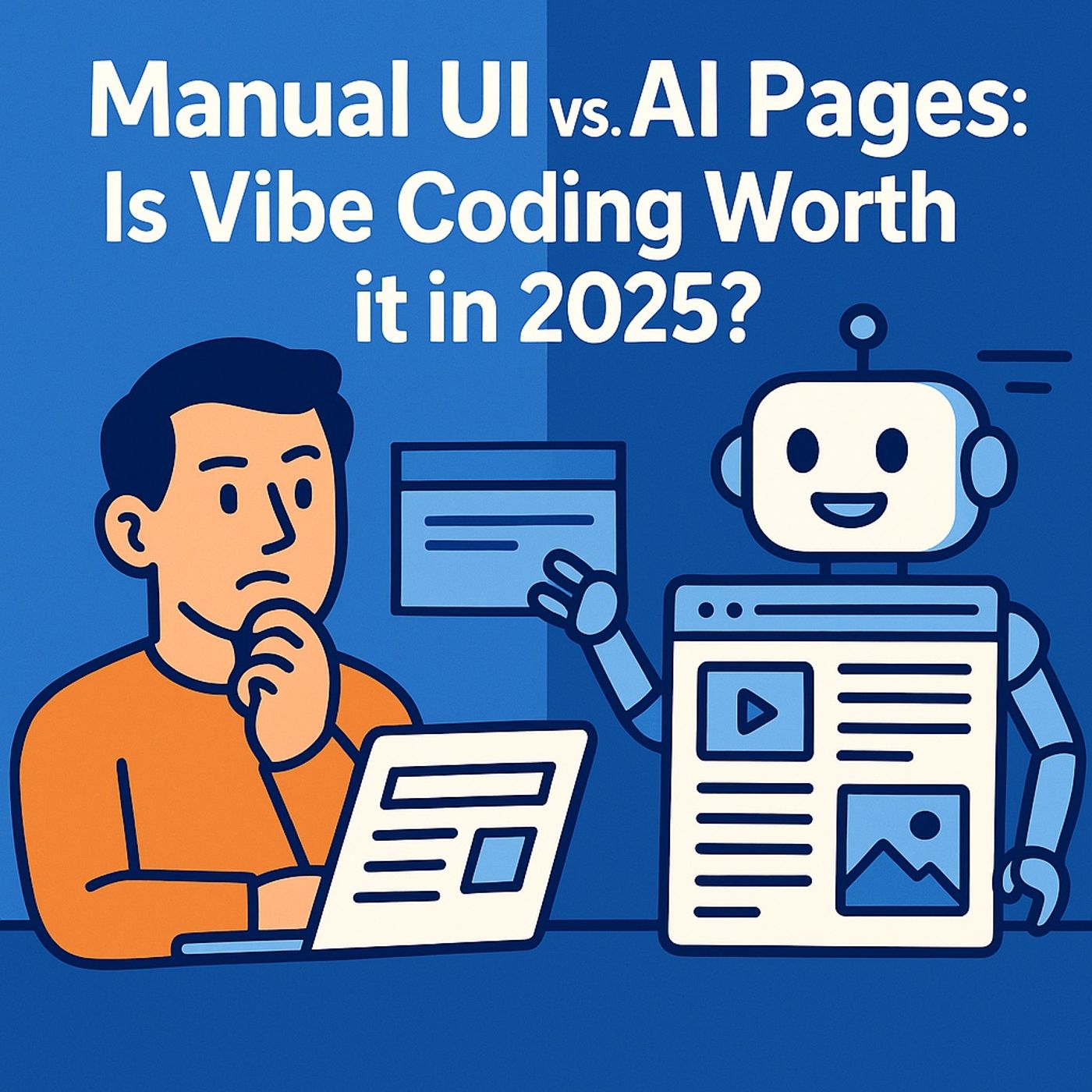
Power Apps manual UI vs Generative Pages: is vibe coding the better way to build apps?
from M365.FM - Modern work, security, and productivity with Microsoft 365 · host Mirko Peters - Founder of m365.fm, m365.show and m365con.net
Power Apps manual UI vs AI Pages: in this episode of M365.fm, Mirko Peters dissects the UI paradox in Power Apps—why teams still drag rectangles around like it’s 2019 while Generative Pages and “vibe coding” let you describe layouts in natural language and let AI build them. He contrasts the handcrafted Canvas era, where every pixel is manually aligned and every app becomes a fragile one‑off, with the emerging model where you supervise intelligence instead of babysitting controls.Mirko breaks down the “manual UI” era as digital pottery: noble, slow, and completely impractical at scale. He shows how canvas apps turn makers into pixel mechanics who spend more time fixing margins, containers, and responsive layouts than modeling data, performance, and security. Every extra screen multiplies technical debt—slightly different headers, inconsistent filters, and layout quirks that make maintenance feel like archaeology instead of engineering.He then introduces Generative Pages as the vibe‑coding alternative. Instead of dragging controls, you start from Dataverse or existing data and tell Copilot what you want: “show order records as cards with customer name, payment type, and paid date,” “make it responsive,” “apply our corporate colors.” The App Agent interprets intent, scaffolds React‑based pages tied to your schema, and lets you iterate conversationally—“add a date filter,” “make cards clickable,” “switch to dark mode”—regenerating safe, consistent layouts without rummaging through nested formulas.The episode also explores where AI layout generation truly shines and where manual design still has a place. Mirko explains how Generative Pages bring built‑in responsiveness, Fluent‑based components, and consistent UX that scale across apps, while Canvas still matters for edge‑case experiences and heavy customization—provided you accept the maintenance cost. He walks through governance and team workflows: how vibe coding fits into environments, versioning, and design standards, and how to stop treating every UI change as a bespoke craft project.Throughout the conversation, you get a ruthless cost‑benefit view of vibe coding: hours saved per screen, reduced layout variance across environments, and lower UI‑related technical debt over the lifecycle of an app. Mirko gives you language to challenge “I like to hand‑craft my screens” and replace it with a healthier model: use AI to generate the 80% baseline, then apply human judgement only where it materially improves user outcomes instead of feeding perfectionism.WHAT YOU WILL LEARNWhy manual Canvas UI work in Power Apps creates fragile, expensive apps at scale.How Generative Pages and vibe coding use AI and React to turn natural‑language intent into layouts.How the App Agent lets you refactor pages via prompts instead of editing nested formulas and containers.When AI‑generated pages are the right default—and when manual UI design is still worth the cost.How to talk to teams about shifting from pixel craftsmanship to AI‑assisted, model‑driven design.THE CORE INSIGHTManual UI in Power Apps made sense when AI couldn’t design—but that era is over. Generative Pages and vibe coding turn layout into a conversation with an agent, so the real question is not “can I still hand‑build this screen?” but “why would I choose pixel pain over AI‑driven structure unless there’s a very good reason?”.WHO THIS EPISODE IS FORThis episode is ideal for Power Apps makers, UX‑minded developers, COE teams, and platform owners who are deciding whether to double down on classic Canvas Apps or shift new projects to AI‑generated Generative Pages. It is especially valuable if your backlog is full of UI tweaks, responsive fixes, and design refactors and you want a credible path to spend that time on data, logic, and governance instead.ABOUT THE HOSTMirko Peters is a Microsoft 365 and Power Platform consultant focused on building governed, scalable applications with Power Apps, Dataverse, Microsoft Copilot, and modern low‑code architecture patterns. Through M365.fm, he shares practical app‑modernization stories, AI‑assisted build techniques, and governance models that help organizations move from handcrafted UIs to durable, AI‑generated experiences.Become a supporter of this podcast: https://www.spreaker.com/podcast/m365-fm-modern-work-security-and-productivity-with-microsoft-365--6704921/support.
Embed this episode
NOW PLAYING
Power Apps manual UI vs Generative Pages: is vibe coding the better way to build apps?
No transcript for this episode yet
Similar Episodes
Apr 17, 2026 ·13m
Similar Podcasts
No similar podcasts found.