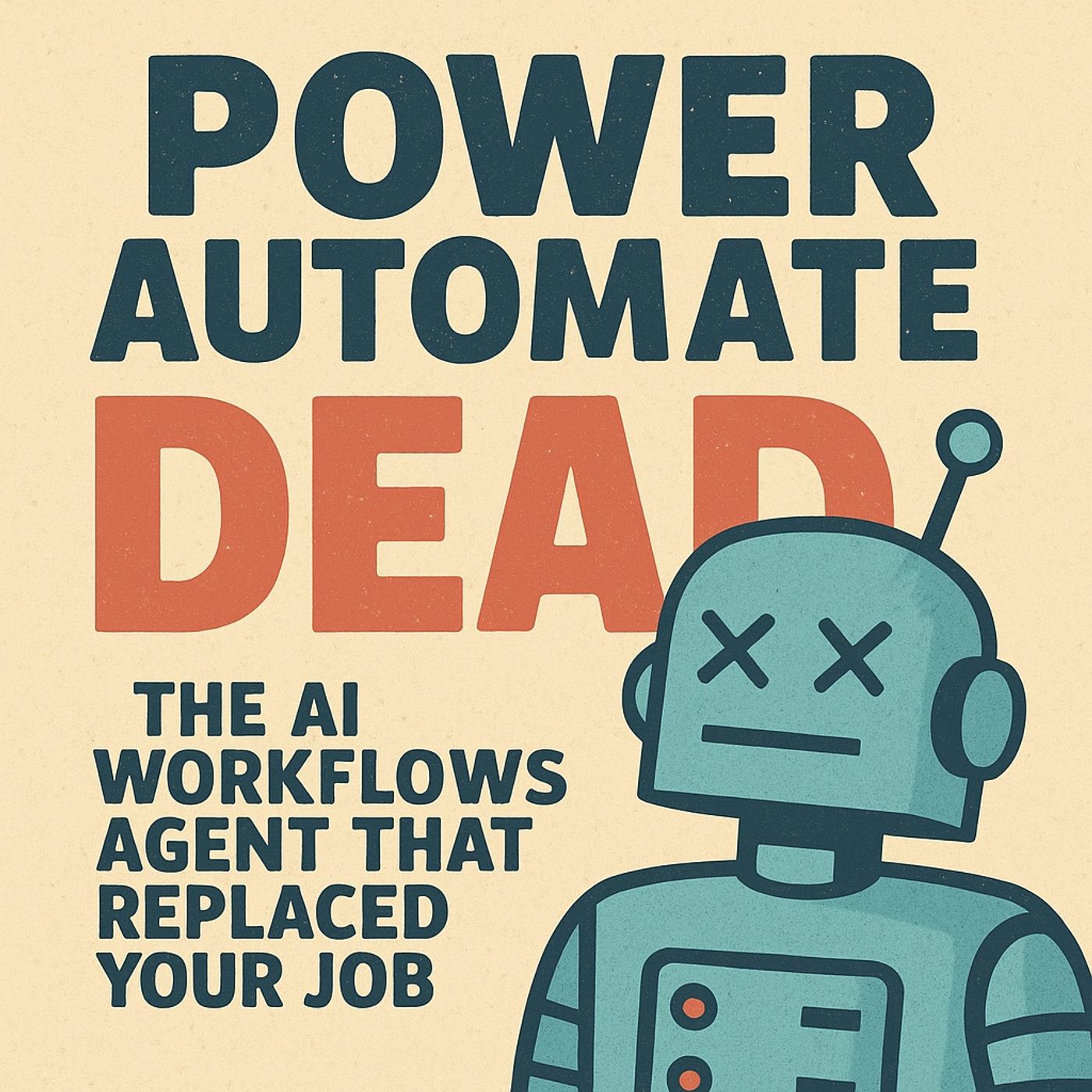
Power Automate vs Workflows Agent: The AI Workflows Agent That Replaced Your Job episode artwork

EPISODE · Nov 27, 2025 · 28 MIN

Power Automate vs Workflows Agent: The AI Workflows Agent That Replaced Your Job

from M365.FM - Modern work, security, and productivity with Microsoft 365 · host Mirko Peters - Founder of m365.fm, m365.show and m365con.net

(00:00:00) The Power Automate vs Workflow's Agent Debate (00:00:36) The Agent's Capabilities and Limitations (00:04:08) Approvals: Click vs. Say and Ship (00:07:36) Data Sync: SharePoint to Teams (00:11:04) Incident Triage: AI-Powered First Response (00:14:40) CRM Updates: Outlook to CRM Automation (00:18:20) Onboarding: From Request to Checklist (00:20:49) The Hybrid Approach: When to Use Each Tool (00:25:29) Governance and Security Considerations (00:28:18) The Verdict and Next Steps In this episode of M365.fm, Mirko Peters breaks down how Workflows Agent inside Microsoft 365 Copilot is quietly taking over the kind of day‑to‑day automation that used to require full Power Automate flows. You’ll learn what Workflows Agent actually is (and isn’t), how it uses Microsoft Graph and Copilot to turn natural‑language intent into real automations, and where it already outperforms “drag‑and‑drop” flows for everyday work.WHAT YOU WILL LEARNWhat Workflows Agent really does behind the scenes when you describe a task in plain languageHow it compares to classic Power Automate for approvals, notifications, CRM updates, and incident triageWhere the 100‑second external call window and other Frontier limits matter in real scenariosWhen Power Automate still wins (long‑running, multi‑branch, SLA‑driven, multi‑system flows)How to design hybrid patterns where Agent handles conversational intake and Power Automate handles durable back‑end workHow to align governance, DLP, environments, and RBAC so AI‑built workflows don’t become shadow ITTHE CORE INSIGHTPower Automate isn’t dead — but your excuses for slow, over‑engineered flows are. Workflows Agent gives business users a way to describe work in one sentence and get working automation tied into Outlook, Teams, SharePoint, Planner, and Graph in seconds. Power Automate remains the backbone for regulated, complex, and long‑running workflows, but for everyday tasks, manual canvas building is quickly becoming legacy. The future of Microsoft 365 automation is a hybrid: AI‑driven, intent‑based Workflows Agent at the edge; Power Automate as the durable spine.WHO THIS EPISODE IS FORThis episode is ideal for Power Automate makers, automation engineers, Copilot owners, and Microsoft 365 platform leads who need a clear, honest view of how Workflows Agent changes their automation strategy. If you’re wondering which flows to keep, which to refactor, and where AI workflows will replace manual building, this conversation gives you a practical map you can start using this quarter.ABOUT THE HOSTMirko Peters is a Microsoft 365 consultant and digital workplace architect focused on building secure, governed automation and Copilot experiences on the Microsoft cloud. Through M365.fm, Mirko shares practical patterns, modernization strategies, and governance models that help organizations evolve from classic Power Automate–only patterns to an AI‑accelerated automation landscape that still respects compliance and control.Become a supporter of this podcast: https://www.spreaker.com/podcast/m365-fm-modern-work-security-and-productivity-with-microsoft-365--6704921/support.

(00:00:00) The Power Automate vs Workflow's Agent Debate (00:00:36) The Agent's Capabilities and Limitations (00:04:08) Approvals: Click vs. Say and Ship (00:07:36) Data Sync: SharePoint to Teams (00:11:04) Incident Triage: AI-Powered First Response (00:14:40) CRM Updates: Outlook to CRM Automation (00:18:20) Onboarding: From Request to Checklist (00:20:49) The Hybrid Approach: When to Use Each Tool (00:25:29) Governance and Security Considerations (00:28:18) The Verdict and Next Steps In this episode of M365.fm, Mirko Peters breaks down how Workflows Agent inside Microsoft 365 Copilot is quietly taking over the kind of day‑to‑day automation that used to require full Power Automate flows. You’ll learn what Workflows Agent actually is (and isn’t), how it uses Microsoft Graph and Copilot to turn natural‑language intent into real automations, and where it already outperforms “drag‑and‑drop” flows for everyday work.WHAT YOU WILL LEARNWhat Workflows Agent really does behind the scenes when you describe a task in plain languageHow it compares to classic Power Automate for approvals, notifications, CRM updates, and incident triageWhere the 100‑second external call window and other Frontier limits matter in real scenariosWhen Power Automate still wins (long‑running, multi‑branch, SLA‑driven, multi‑system flows)How to design hybrid patterns where Agent handles conversational intake and Power Automate handles durable back‑end workHow to align governance, DLP, environments, and RBAC so AI‑built workflows don’t become shadow ITTHE CORE INSIGHTPower Automate isn’t dead — but your excuses for slow, over‑engineered flows are. Workflows Agent gives business users a way to describe work in one sentence and get working automation tied into Outlook, Teams, SharePoint, Planner, and Graph in seconds. Power Automate remains the backbone for regulated, complex, and long‑running workflows, but for everyday tasks, manual canvas building is quickly becoming legacy. The future of Microsoft 365 automation is a hybrid: AI‑driven, intent‑based Workflows Agent at the edge; Power Automate as the durable spine.WHO THIS EPISODE IS FORThis episode is ideal for Power Automate makers, automation engineers, Copilot owners, and Microsoft 365 platform leads who need a clear, honest view of how Workflows Agent changes their automation strategy. If you’re wondering which flows to keep, which to refactor, and where AI workflows will replace manual building, this conversation gives you a practical map you can start using this quarter.ABOUT THE HOSTMirko Peters is a Microsoft 365 consultant and digital workplace architect focused on building secure, governed automation and Copilot experiences on the Microsoft cloud. Through M365.fm, Mirko shares practical patterns, modernization strategies, and governance models that help organizations evolve from classic Power Automate–only patterns to an AI‑accelerated automation landscape that still respects compliance and control.Become a supporter of this podcast: <a...

NOW PLAYING

Power Automate vs Workflows Agent: The AI Workflows Agent That Replaced Your Job

0:00 28:45

No transcript for this episode yet

We transcribe on demand. Request one and we'll notify you when it's ready — usually under 10 minutes.

Frequently Asked Questions

How long is this episode of M365.FM - Modern work, security, and productivity with Microsoft 365?

This episode is 28 minutes long.

When was this M365.FM - Modern work, security, and productivity with Microsoft 365 episode published?

This episode was published on November 27, 2025.

What is this episode about?

(00:00:00) The Power Automate vs Workflow's Agent Debate (00:00:36) The Agent's Capabilities and Limitations (00:04:08) Approvals: Click vs. Say and Ship (00:07:36) Data Sync: SharePoint to Teams (00:11:04) Incident Triage: AI-Powered First...

Is there a transcript available for this episode?

Yes, a full transcript is available for this episode. You can read the complete transcript on the episode page.

Can I download this M365.FM - Modern work, security, and productivity with Microsoft 365 episode?

Yes, you can download this episode by clicking the download button on the episode player, or subscribe to the podcast in your preferred podcast app for automatic downloads.
URL copied to clipboard!