
EPISODE · Aug 9, 2025 · 22 MIN
Power Platform CLI (PAC CLI): How to Bring DevOps Discipline to Your Power Apps and Flows
from M365.FM - Modern work, security, and productivity with Microsoft 365 · host Mirko Peters - Founder of m365.fm, m365.show and m365con.net
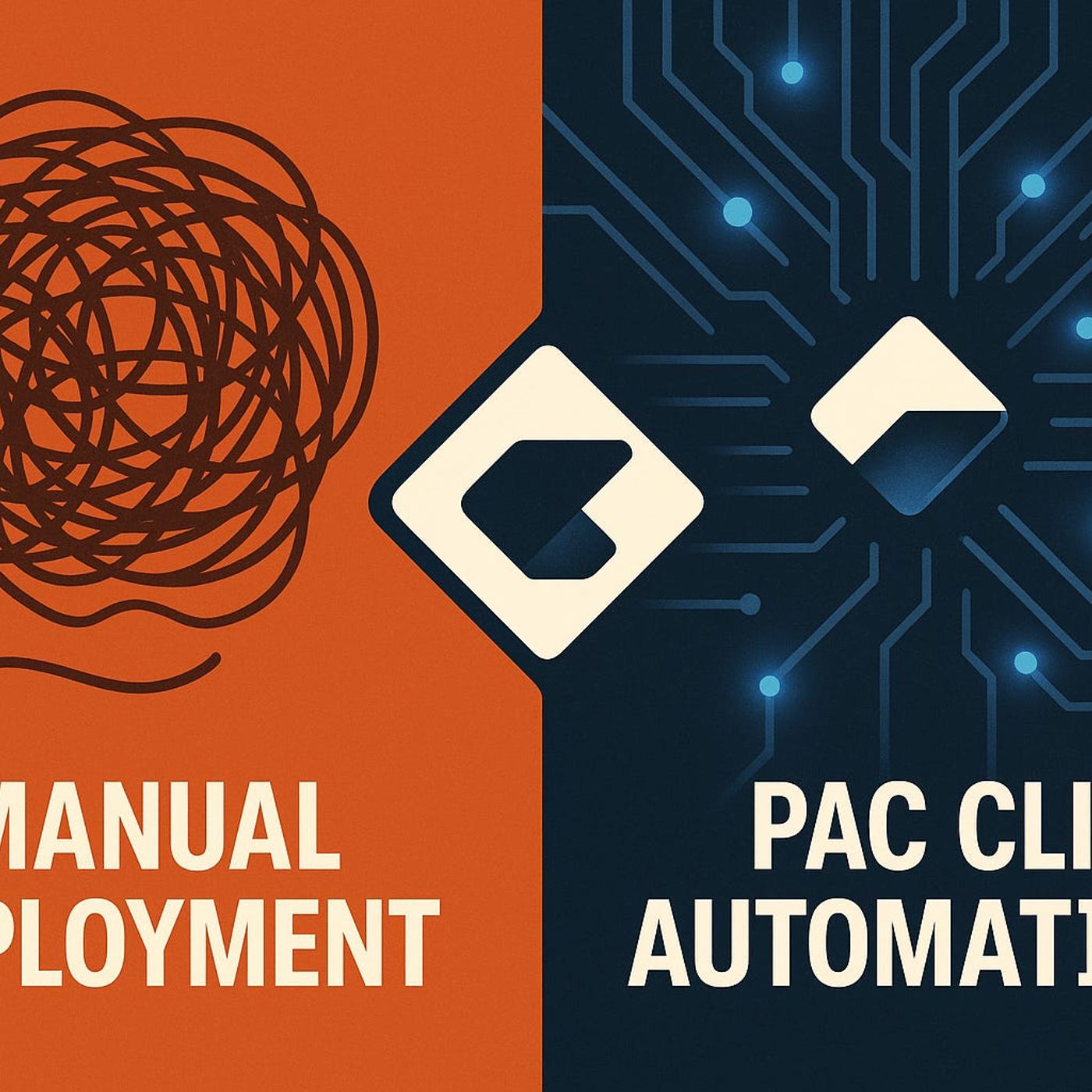
Power Platform feels easy when you build in one environment—and painfully fragile the moment you try to move serious apps, components, and plug‑ins into test and production. In this episode, I show how Power Platform CLI (PAC CLI) turns that chaos into a repeatable DevOps workflow, so your solutions become reusable building blocks instead of one‑off sandcastles that break on every move. Starting from the real “portal only” pain—missing data sources, manual fixes, and five slightly different versions of the same app—we unpack why a CLI‑driven mindset is the key to treating your components like real software assets with versions, lifecycles, and predictable deployments.We begin with why the maker portal is great for prototypes but terrible as the only way to manage change. You’ll hear how point‑and‑click building hides dependencies, encourages copy‑paste fixes, and makes it almost impossible to keep environments in sync once the app matters for real business processes. Using stories like the “works in DEV, breaks in QA” scenario from your current description, we connect that frustration to what’s actually missing: scripted exports, consistent solution packaging, and a clear record of what changed, when, and where.From there, we dive into what makes PAC CLI feel different once you get past the first command prompt. We walk through how scripting your solution exports, imports, and component management flips your process from manual checklists to predictable automation: no more wondering which flows are included, which plug‑ins got left behind, or which tenant you just targeted. You’ll see how CLI commands bring basic software‑engineering practices—versioning, reusability, and logs—into your Power Platform work without forcing you to abandon the portal for everyday building.Finally, we focus on safe setup and adoption so you don’t “brick” what already works. You’ll learn how to start with sandbox tenants, use PAC auth profiles to avoid targeting the wrong environment, and run PAC CLI side‑by‑side with your existing workflow instead of replacing it overnight. By the end, PAC CLI stops looking like a risky developer toy and starts feeling like the missing layer that keeps your components reusable, your environments consistent, and your deployments boring—in the best possible way.WHAT YOU LEARNWhy portal‑only Power Platform development doesn’t scale once multiple environments and teams are involved.How PAC CLI turns solutions, components, and plug‑ins into reusable, versioned assets instead of fragile one‑offs.How scripted exports and imports reduce manual rework, missing dependencies, and “works in DEV, breaks in QA” incidents.How to set up PAC CLI safely with sandbox tenants and auth profiles so you don’t accidentally hit the wrong environment.Why adopting CLI‑driven workflows brings real DevOps discipline—logs, repeatability, and confidence—to Power Platform projects.CORE INSIGHTThe core insight of this episode is that Power Platform chaos doesn’t come from low‑code—it comes from managing serious apps with only point‑and‑click tools. When you add PAC CLI and start scripting how solutions and components move between environments, you replace fragile, manual steps with a reusable, auditable workflow that finally treats your Power Platform assets like real software.WHO THIS IS FORPower Apps and Power Automate makers who are tired of rebuilding or fixing apps every time they move environments.Developers and platform teams who want to bring DevOps practices—scripts, versioning, repeatable deployments—into Power Platform.Architects responsible for environment strategy, solution structure, and long‑term maintainability.IT leaders who want fewer deployment surprises and more predictable, documented change in their Power Platform estate.ABOUT THE HOSTMirko Peters is a Microsoft 365 and Power Platform consultant and the host of M365.FM, focused on modern work, security, and cloud architectures that hold up under real load. He helps organizations move from portal‑only Power Platform development to context‑driven architectures on Microsoft 365, Power Platform, and Azure, where tools like PAC CLI and DevOps pipelines make change repeatable instead of risky. In M365.FM, Mirko turns long nights of manual deployments and broken environments into practical patterns listeners can copy into their own projectsBecome a supporter of this podcast: https://www.spreaker.com/podcast/m365-fm-modern-work-security-and-productivity-with-microsoft-365--6704921/support.
Embed this episode
NOW PLAYING
Power Platform CLI (PAC CLI): How to Bring DevOps Discipline to Your Power Apps and Flows
No transcript for this episode yet
Similar Episodes
No similar episodes found.
Similar Podcasts
No similar podcasts found.