
EPISODE · Jan 27, 2025 · 31 MIN
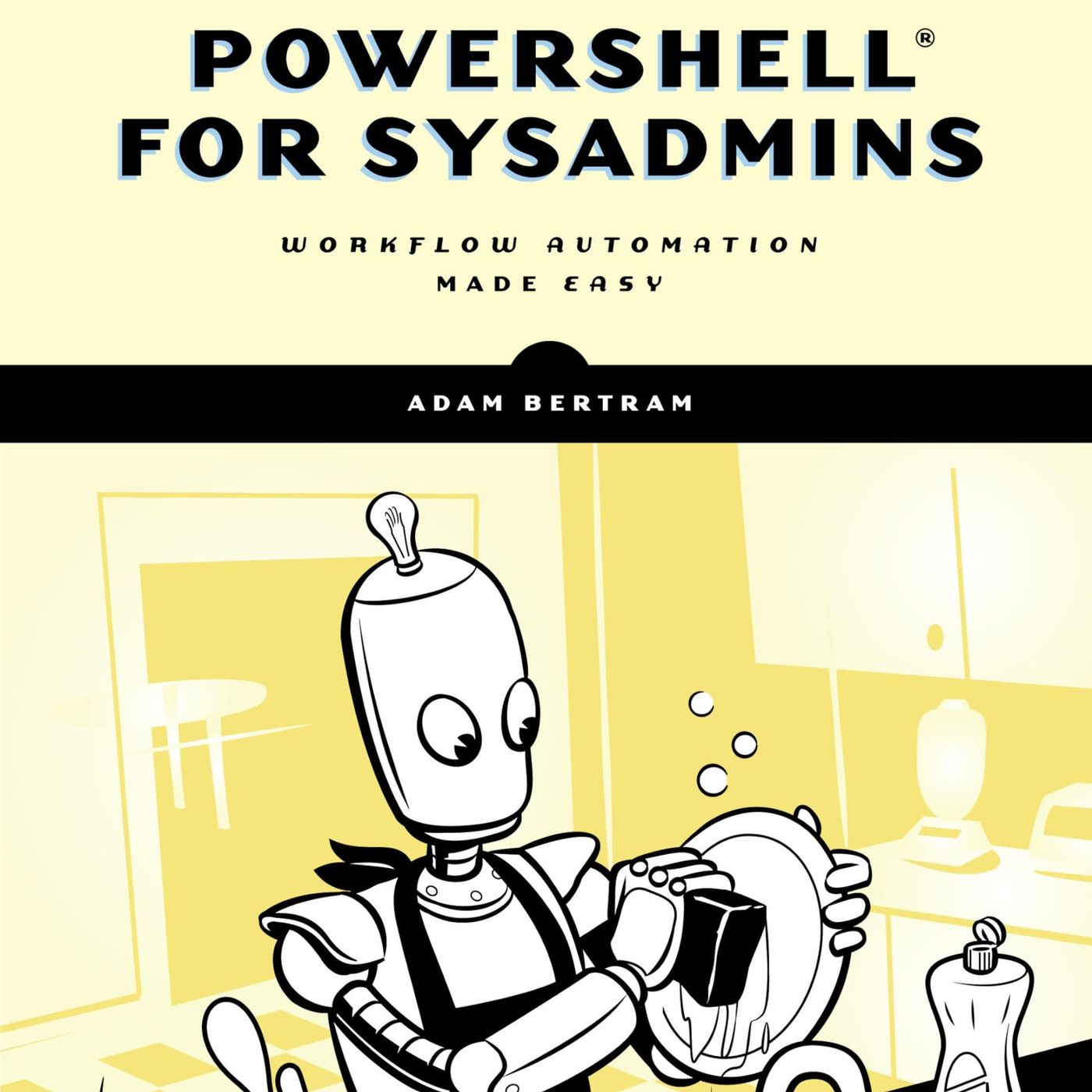
PowerShell for Sysadmins: Workflow Automation Made Easy
from CyberSecurity Summary · host CyberSecurity Summary
The provided Book "PowerShell for Sysadmins: Workflow Automation Made Easy" by Adam Bertram. The excerpt is a guide to using PowerShell for automating tasks in a Windows environment. It covers a wide range of topics, including PowerShell basics, scripting, functions, modules, remote management, and testing using Pester. The excerpt also provides practical examples and step-by-step instructions on building a module that automates the creation and configuration of virtual machines, operating systems, Active Directory, SQL servers, and IIS web servers. You can listen and download our episodes for free on more than 10 different platforms: https://linktr.ee/cyber_security_summary Get the Book now from Amazon: https://www.amazon.com/Automate-Boring-Stuff-PowerShell-Sysadmins/dp/1593279183?&linkCode=ll1&tag=cvthunderx-20&linkId=81ca3fb797d17e27aaf68190669431e9&language=en_US&ref_=as_li_ss_tl Discover our free courses in tech and cybersecurity, Start learning today: https://linktr.ee/cybercode_academy
Embed this episode
Ready to play
PowerShell for Sysadmins: Workflow Automation Made Easy
No transcript for this episode yet
Similar Episodes
No similar episodes found.