Skip to content
Remove Background from Images in PowerPoint tutorial episode artwork

Jun 30, 2014 4 min

Remove Background from Images in PowerPoint tutorial

from Technology for Teachers and Students Hosted by ytr

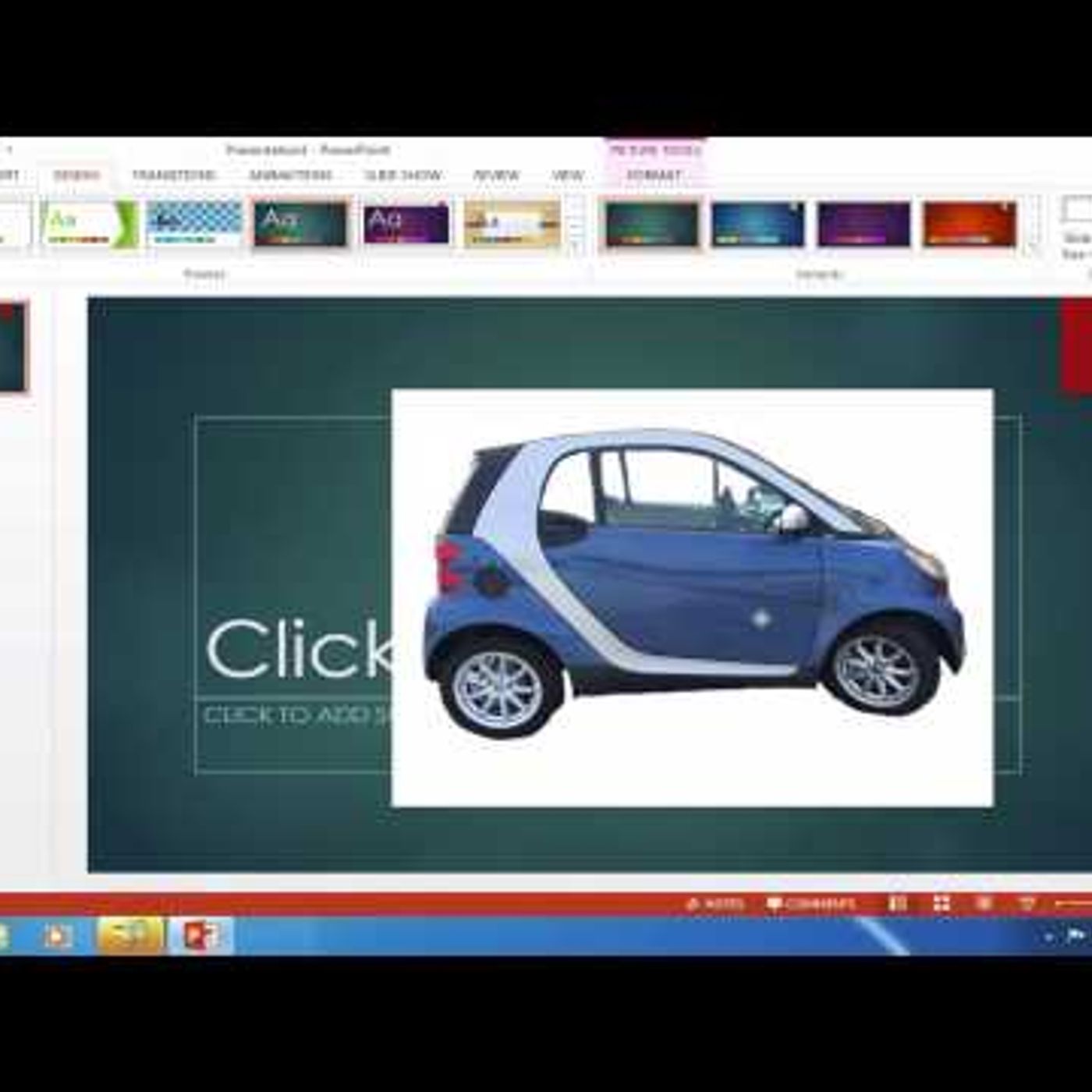
Learn how to quickly remove the background from an image using PowerPoint. When inserting an image from Google Images, Bing, or other image sites, often the picture coming with unwanted corners that are often white. This video shows how to remove them. It also works the same way in Excel and Word. #powerpoint ***Consider supporting Technology for Teachers and Students on Patreon***: https://www.patreon.com/technologyforteachersandstudents Join this channel to get access to perks: https://www.youtube.com/channel/UCYUPLUCkMiUgiyVuluCc7tQ/join

Episode details come from the podcast's RSS feed.

Embed this episode

Ready to play

Remove Background from Images in PowerPoint tutorial

0:00 4:28

No transcript yet.

Requests help us decide what to transcribe next.

Frequently asked questions

How long is this episode of Technology for Teachers and Students?

This episode is 4 minutes long.

When was this Technology for Teachers and Students episode published?

This episode was published on June 30, 2014.

Can I download this Technology for Teachers and Students episode?

Yes. Use the download control on the episode player to save the publisher-provided media file.