Renaming A Bunch Of Files At The Same Time
from Random Tech Thoughts Hosted by Kyle Souza
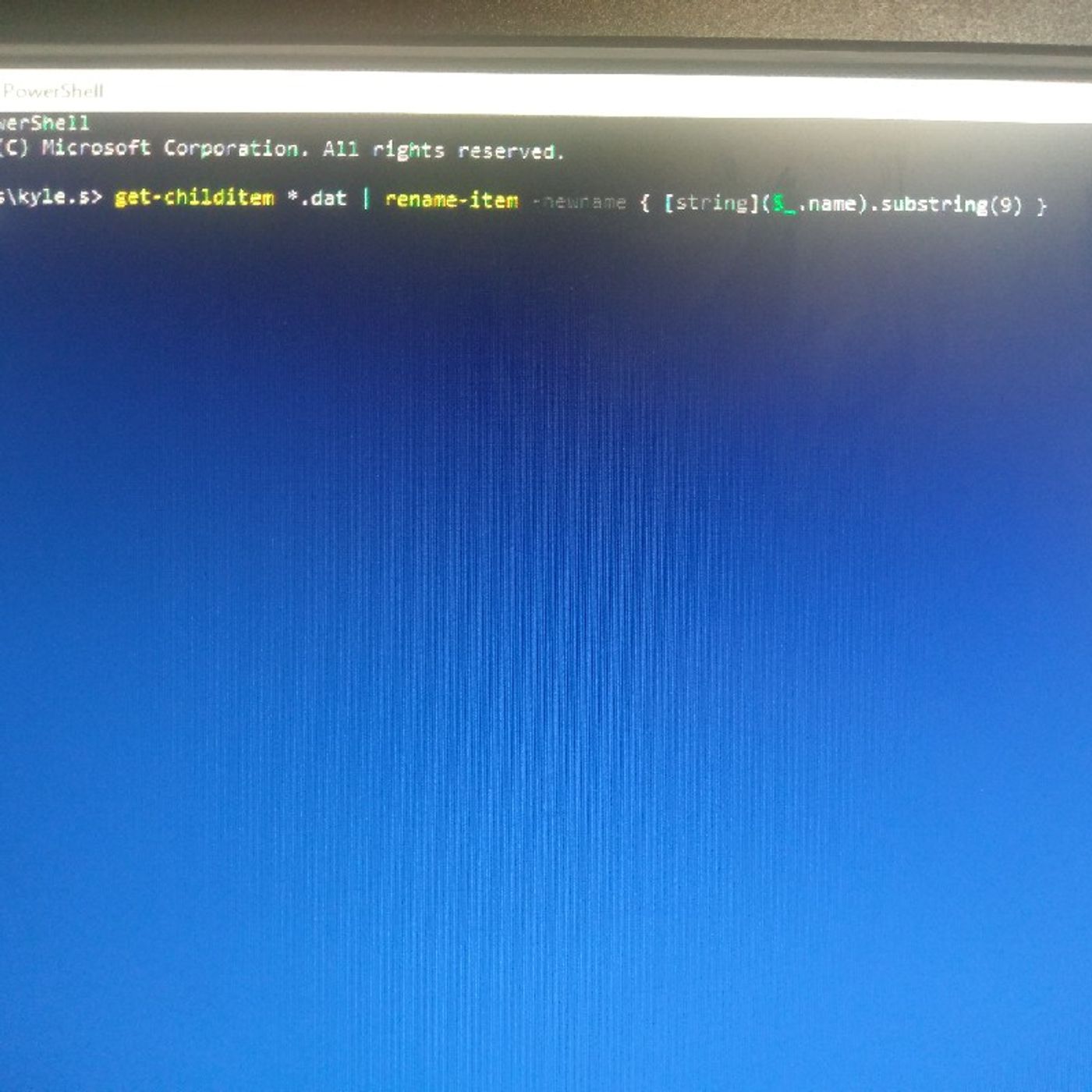
I had to strip off the first part of a bunch of file names. You can do this inside of Windows Powershell, using this simple script: get-childitem *.dat | rename-item -newname { [string]($._name).substring(9) } The file extension and the numeric value are variable based on your needs. WARNING: THIS WILL AFFECT EVERY FILE IN YOUR CHOSEN DIRECTORY, so move all the files that you need to rename to their own folder. And, it can't be redone, so make a backup beforehand, and make sure you're in the correct folder before you execute. Become a supporter of this podcast: https://www.spreaker.com/podcast/random-tech-thoughts--2829929/support.
Embed this episode
No transcript yet.