
EPISODE · Aug 27, 2019 · 23 MIN
Retro Gaming on a Raspberry Pi - Episode 203
from Piltch Point (Video) · host PLUGHITZ Live
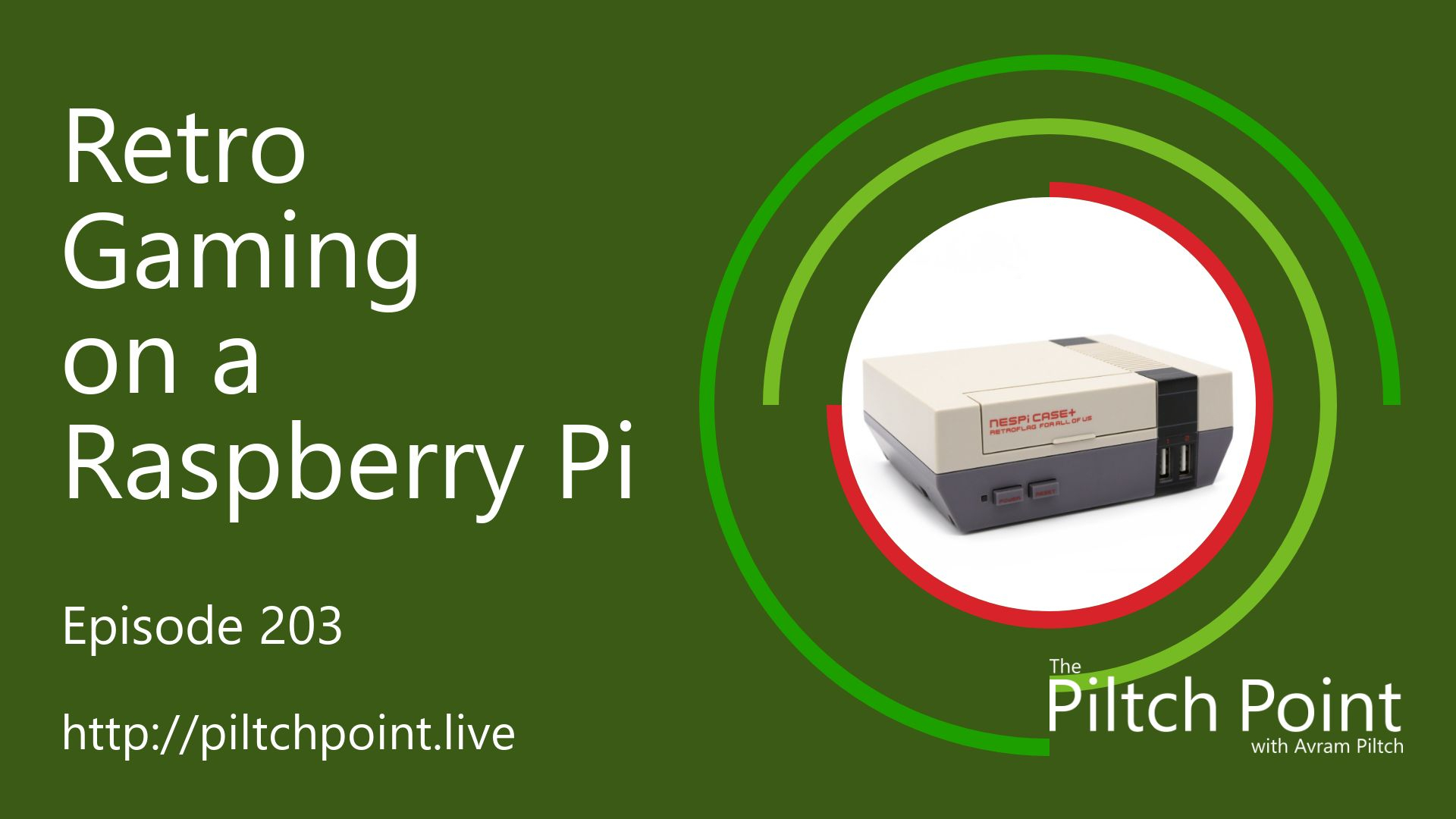
Modern games are fun, but there is something special about retro gaming. The simplicity of the games, the focus on fun over graphics, the limitation of the controls. These old games are just pure, simple fun. While you can play these games on a standard computer, the experience is just better in the environment the games were designed for, whether that be the living room or an arcade cabinet. Luckily, there are ways to replicate those experiences using modern and inexpensive computing hardware, like the Raspberry Pi.Using a Raspberry Pi, you can emulate nearly any gaming experience you want. Using ROMs, which are replications of original game cartridges, you can play the old games exactly as they were made - glitches and all. Some ROMs have been made publicly available legally, while others are available without a proper license. You can also use a cartridge reader to read the games directly. Whatever your method, using an emulator is the key to the experience. It's important to know that the Raspberry Pi 4 currently does no support this, but official support is in the works. If you are a little more adventurous, you can try your hand at a bypass.For a console-style experience, you can buy cases online, or 3D print a case, that matches your style. Whether it be an NES, a Super Nintendo, or Sega Genesis, you can make your Raspberry Pi look like the console you know and love. Some of the cases even come with USB versions of the matching controllers, including some of the links above.For an arcade-style experience, some cases can replicate an arcade gaming stick or even an entire arcade cabinet, complete with screen, joystick, and buttons. You can also add an external USB arcade stick. Most of these projects require assembly, but others are mostly plug-and-play.
Embed this episode
What this episode covers
Description Modern games are fun, but there is something special about retro gaming. The simplicity of the games, the focus on fun over graphics, the limitation of the controls. These old games are just pure, simple fun. While you can play these games on a standard computer, the experience is just better in the environment the games were designed for, whether that be the living room or an arcade cabinet. Luckily, there are ways to replicate those experiences using modern and inexpensive computing hardware, like the Raspberry Pi. Using a Raspberry Pi, you can emulate nearly any gaming experience you want. Using ROMs, which are replications of original game cartridges, you can play the old games exactly as they were made - glitches and all. Some ROMs have been made publicly available legally, while others are available without a proper license. You can also use a cartridge reader to read the games directly. Whatever your method, using an emulator is the key to the experience. It's important to know that the Raspberry Pi 4 currently does no support this, but official support is in the works. If you are a little more adventurous, you can try your hand at a bypass . For a console-style experience, you can buy cases online, or 3D print a case, that matches your style. Whether it be an NES , a Super Nintendo , or Sega Genesis , you can make your Raspberry Pi look like the console you know and love. Some of the cases even come with USB versions of the matching controllers, including some of the links above. For an arcade-style experience, some cases can replicate an arcade gaming stick or even an entire arcade cabinet, complete with screen, joystick, and buttons. You can also add an external USB arcade stick. Most of these projects require assembly, but others are mostly plug-and-play. Participants Scott Ertz Host Scott is a developer who has worked on projects of varying sizes, including all of the PLUGHITZ Corporation properties. He is also known in the gaming world for his time supporting the rhythm game community, through DDRLover and hosting tournaments throughout the Tampa Bay Area. Currently, when he is not working on software projects or hosting F5 Live: Refreshing Technology, Scott can often be found returning to his high school days working with the Foundation for Inspiration and Recognition of Science and Technology (FIRST), mentoring teams and helping with ROBOTICON Tampa Bay. He has also helped found a student software learning group, the ASCII Warriors, currently housed at AMRoC Fab Lab. Avram Piltch Host Avram's been in love with PCs since he played original Castle Wolfenstein on an Apple II+. Before joining Tom's Hardware, for 10 years, he served as Online Editorial Director for sister sites Tom's Guide and Laptop Mag, where he programmed the CMS and many of the benchmarks. When he's not editing, writing or stumbling around trade show halls, you'll find him building Arduino robots with his son and watching every single superhero show on the CW. Live Discussion Powered by PureVPN
Ready to play
Retro Gaming on a Raspberry Pi - Episode 203
No transcript for this episode yet
Similar Episodes
No similar episodes found.