
EPISODE · Jan 6, 2025 · 18 MIN
Retro MS-DOS Coding - Recreating the Iconic Award BIOS Screen
from NCOT Technology · host juytre
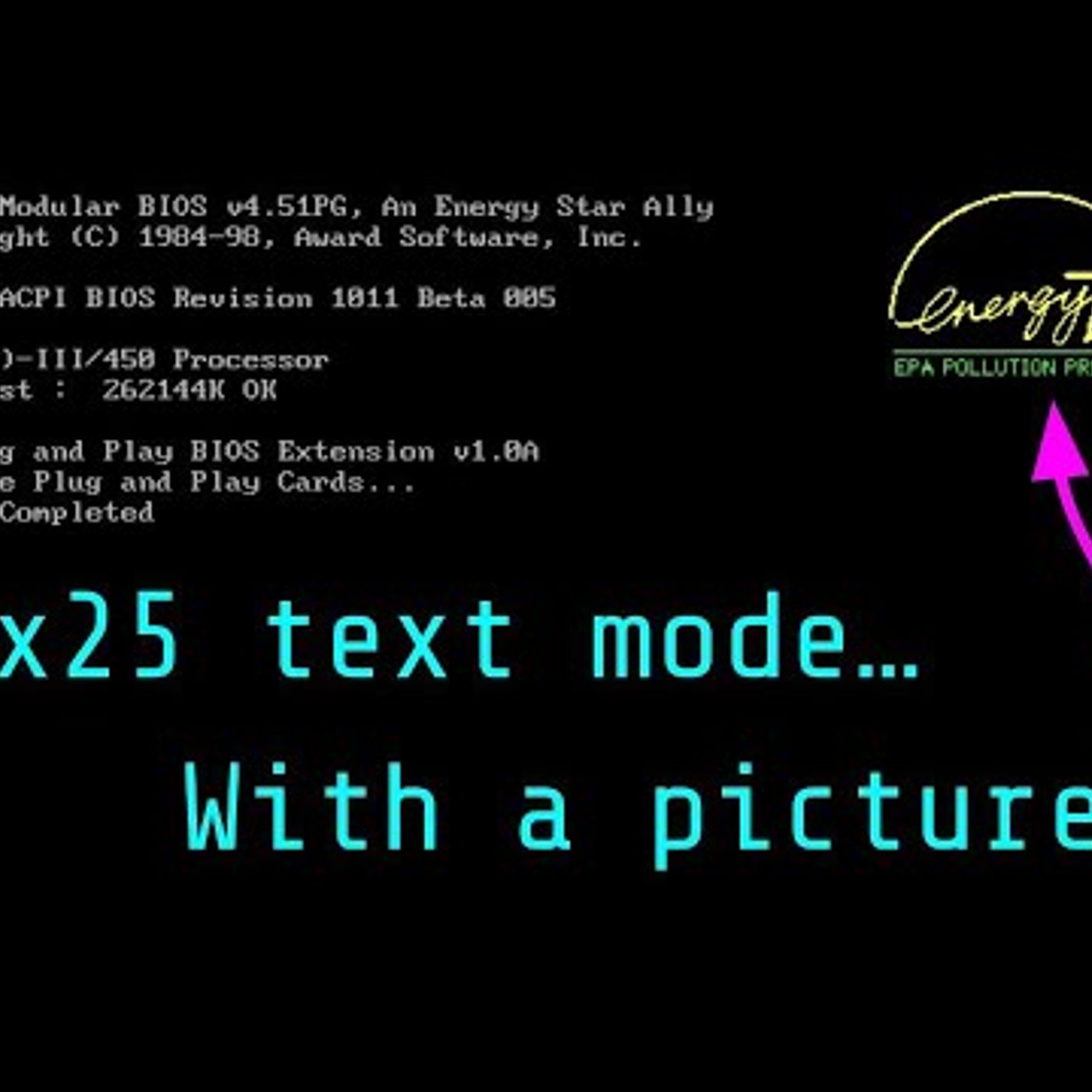
Support the channel: https://ko-fi.com/ncot_tech Read the longer blog post: https://ncot.uk/projects/dosdev/lets-recreate-a-90s-pc-bios-boot-screen/ Because why not, it looks simpler than it really is and we’ll get to fall down a rabbit hole trying to draw the Energy Star logo. Once you’ve tested the compiler and figured out how to work the IDE, what next? It seems a bit of a jump going straight into a massive project. I’m attempting to learn how to write DOS and x86 programs and need something a bit more complex than printing “Hello World”, but not so complex that I need to spend six months learning the inner bowels of a PC or its VGA card before starting. Being unable to think of anything, I was sat staring at my emulated PC as it booted up and decided the BIOS boot screen would do. It’s mostly text, but there’s a curious image in the upper right of the screen. That big Energy Star logo. Except this is the BIOS, on a 90s PC. It’s in text mode. How’s that work? Recreating the majority of this is easy, it’s just a load of printf() statements and some code to position the cursor properly. The logo though? Let’s go down that rabbit hole…
Embed this episode
Ready to play
Retro MS-DOS Coding - Recreating the Iconic Award BIOS Screen
No transcript for this episode yet
Similar Episodes
No similar episodes found.
Similar Podcasts
No similar podcasts found.