
EPISODE · Jun 23, 2026 · 8 MIN
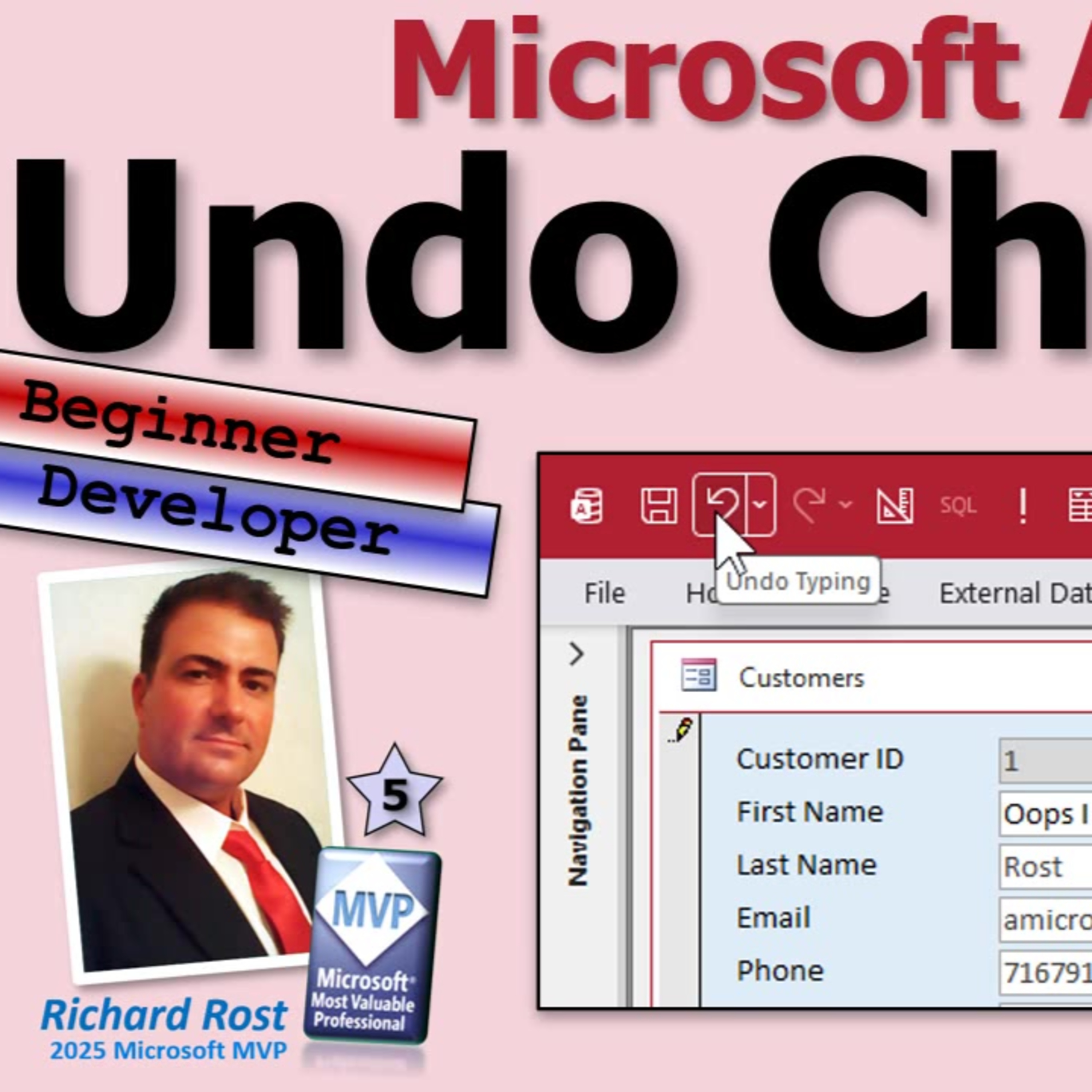
Reversing Data Changes in Microsoft Access: Understanding Undo and Redo
from Computer Learning Zone · host Richard Rost
Ever wished you could easily undo past record changes in Microsoft Access, just like hitting Control Z in Word? In this episode, Richard Rost from AccessLearningZone.com dives into how undo and redo actually work within the Access environment. You will hear why Access's undo options are much more limited than in Word or Excel, and what really happens the moment a record gets saved.Richard answers a common question from database users who want a multi-level undo option and explains Access's built-in limitations. He covers the difference between undoing a single field, an entire record, and how far back you can realistically roll back your changes. Discover what it takes to add your own undo button with VBA and why building a multi-level undo system requires extra work like logging changes in a separate table.If you have ever made a mistake a few records back or wondered why redo seems to vanish right when you need it, you will get clear, practical answers here. Tune in for an honest look at Access's undo capabilities, why they differ from other Microsoft tools, and some ideas if you want to build a more advanced solution for your database users.
Embed this episode
NOW PLAYING
Reversing Data Changes in Microsoft Access: Understanding Undo and Redo
No transcript for this episode yet
Similar Episodes
No similar episodes found.