
EPISODE · Apr 2, 2026 · 29 MIN
Robotics Programming Languages for Kids Explained: Scratch, Blockly, Python, and C++
from The STEM Lab
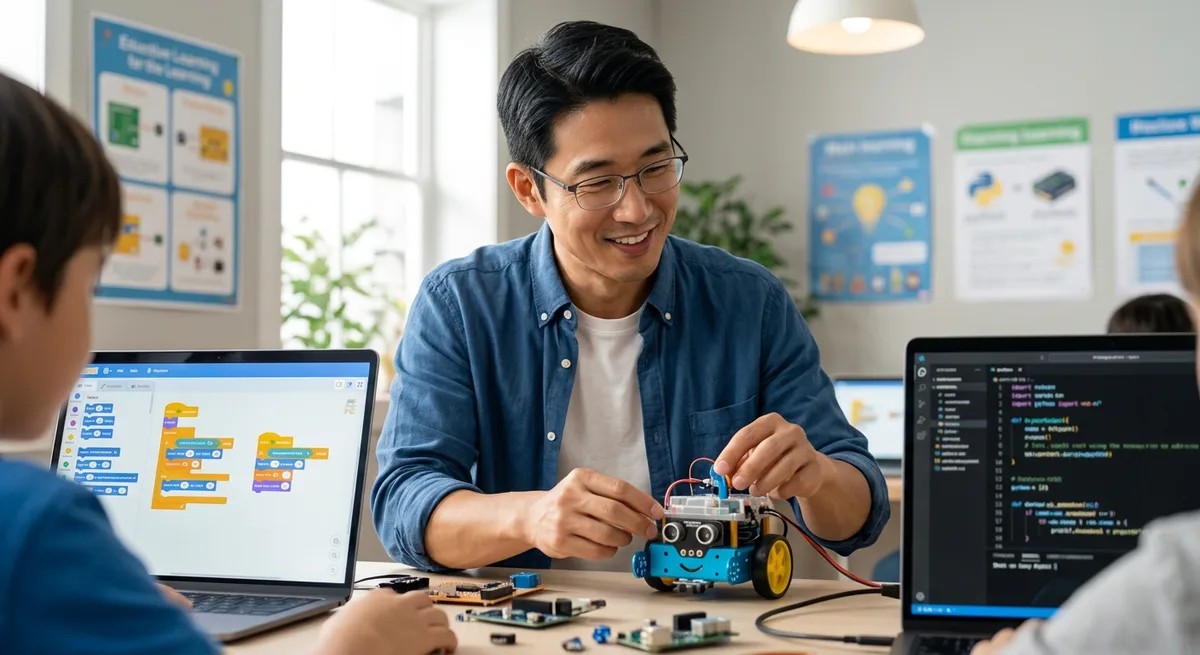
Choosing the right programming language for your child's robotics journey isn't about finding the easiest option—it's about building a capability ladder that can take them from dragging colorful blocks to writing the same code used at Boston Dynamics and NASA. In this episode, Kazuki Tanaka draws on three years of fabrication lab experience to break down the four tiers of robotics programming languages and explain exactly how each one translates kid-friendly instructions into actual robot motion. Whether your child is just starting out or ready to level up, this episode helps you understand which language fits their developmental stage and where each path ultimately leads. Robotics programming languages differ from standard coding instruction because they bridge digital commands and physical outcomes—kids aren't just watching pixels change, they're commanding motors, reading sensors, and experiencing real-time feedback that accelerates learning. Scratch and Blockly aren't toy languages; behind the visual interface, they generate actual code and build abstract syntax trees just like professional compilers, making them legitimate starting points for sophisticated autonomous navigation routines. The four capability tiers progress from visual block languages (Scratch, Blockly) to simplified text languages (MicroPython, CircuitPython) to industry-standard interpreted languages (Python) to compiled languages used in professional robotics (C++). Visual languages use hardware abstraction layers that hide complex calculations involving wheel diameter, track width, and encoder resolution—pedagogically sound for beginners but creating knowledge gaps that must be addressed when transitioning to advanced work. Interpreted Python offers immediate feedback that dramatically accelerates iteration during learning, but introduces timing jitter measured in milliseconds that becomes problematic for competition-level robots requiring microsecond precision. Starting at the wrong entry point can cause talented learners to bounce off programming entirely, making proper progression planning more important than simply choosing what looks fun or appears easiest. Read the full article: https://stemlabguide.com/robotics-programming-languages-for-kids-explained
Embed this episode
Ready to play
Robotics Programming Languages for Kids Explained: Scratch, Blockly, Python, and C++
No transcript for this episode yet
Similar Episodes
No similar episodes found.