
EPISODE · Sep 30, 2025 · 25 MIN
Sandboxing services with Landlock (asg2025)
from Chaos Computer Club - recent events feed (high quality) · host Mickaël Salaün
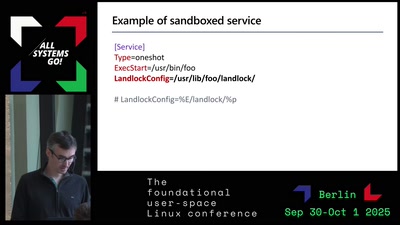
Landlock is an unprivileged kernel feature that enables all Linux users to sandbox their processes. Complementary to seccomp, developers can leverage Landlock to restrict their programs in a fine-grained way. While Landlock can be used by end users through sandboxer tools, there is currently no well-integrated solution to define security policies tailored to system services. Although AppArmor and seccomp security policies can already be tied to a system unit, we aim to provide a more dynamic, standalone, and unprivileged option with Landlock. In this talk, we'll briefly explain what Landlock is and highlight its differences from other Linux security features (e.g., namespaces, seccomp, other LSMs). We'll then focus on the new configuration format we are designing for Landlock security policies, its characteristics, and how it could extend systemd units by taking into account runtime context (e.g., XDG variables). Licensed to the public under https://creativecommons.org/licenses/by/4.0/de/ about this event: https://cfp.all-systems-go.io/all-systems-go-2025/talk/FXWDCF/
Embed this episode
Ready to play
Sandboxing services with Landlock (asg2025)
No transcript for this episode yet
Similar Episodes
No similar episodes found.
Similar Podcasts
No similar podcasts found.