
EPISODE · Sep 20, 2011 · 10 MIN
Screen Density
from Flash Training with Paul Trani
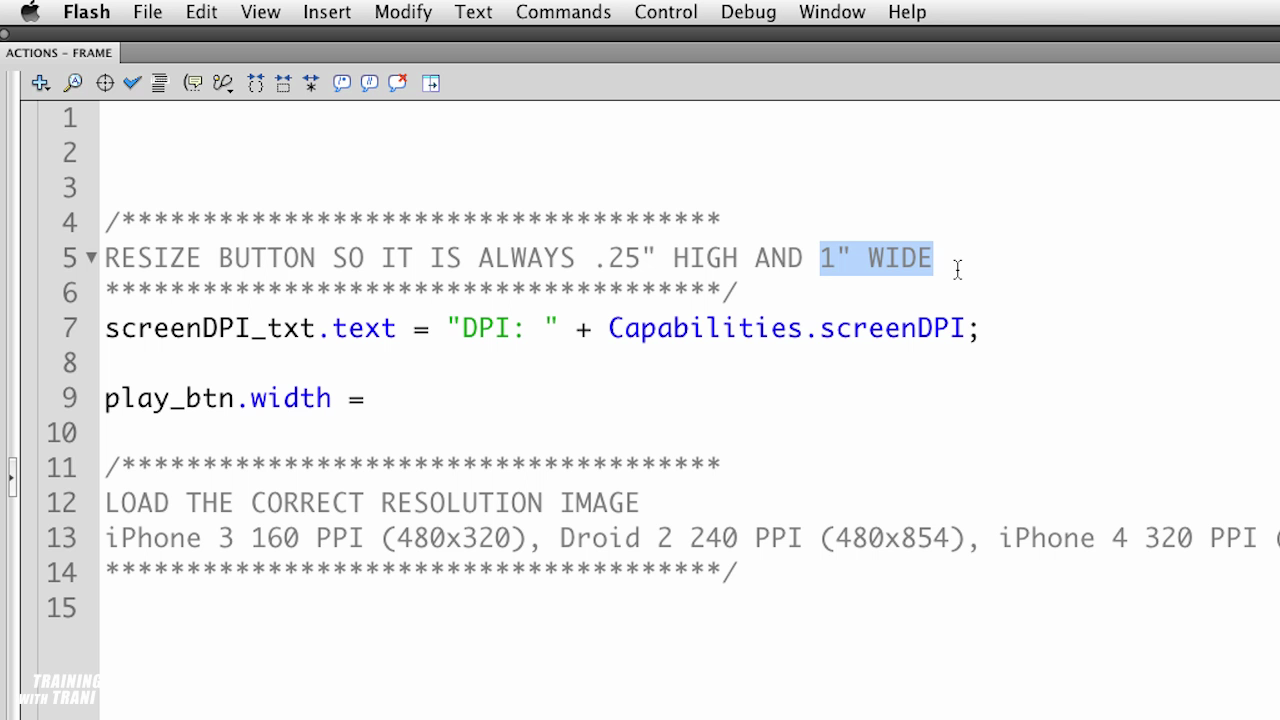
Normal 0 false false false EN-US X-NONE X-NONE /* Style Definitions */ table.MsoNormalTable {mso-style-name:"Table Normal"; mso-tstyle-rowband-size:0; mso-tstyle-colband-size:0; mso-style-noshow:yes; mso-style-priority:99; mso-style-qformat:yes; mso-style-parent:""; mso-padding-alt:0in 5.4pt 0in 5.4pt; mso-para-margin-top:0in; mso-para-margin-right:0in; mso-para-margin-bottom:10.0pt; mso-para-margin-left:0in; line-height:115%; mso-pagination:widow-orphan; font-size:11.0pt; font-family:"Calibri","sans-serif"; mso-ascii-font-family:Calibri; mso-ascii-theme-font:minor-latin; mso-fareast-font-family:"Times New Roman"; mso-fareast-theme-font:minor-fareast; mso-hansi-font-family:Calibri; mso-hansi-theme-font:minor-latin; mso-bidi-font-family:"Times New Roman"; mso-bidi-theme-font:minor-bidi;} Unlike laptop computers, the DPI (dots per inch) on mobile devices vary widely. This has a direct affect on the size of your content. In this video learn how to adjust the size of graphics as well as which graphics to use based on the DPI of the device. For more Adobe tutorials, visit Adobe TV, http://tv.adobe.com
Embed this episode
Ready to play
Screen Density
No transcript for this episode yet
Similar Episodes
No similar episodes found.