
EPISODE · Aug 7, 2026 · 39 MIN
Screen Free Coding Toys: Complete Guide to Unplugged Programming Tools
from The STEM Lab
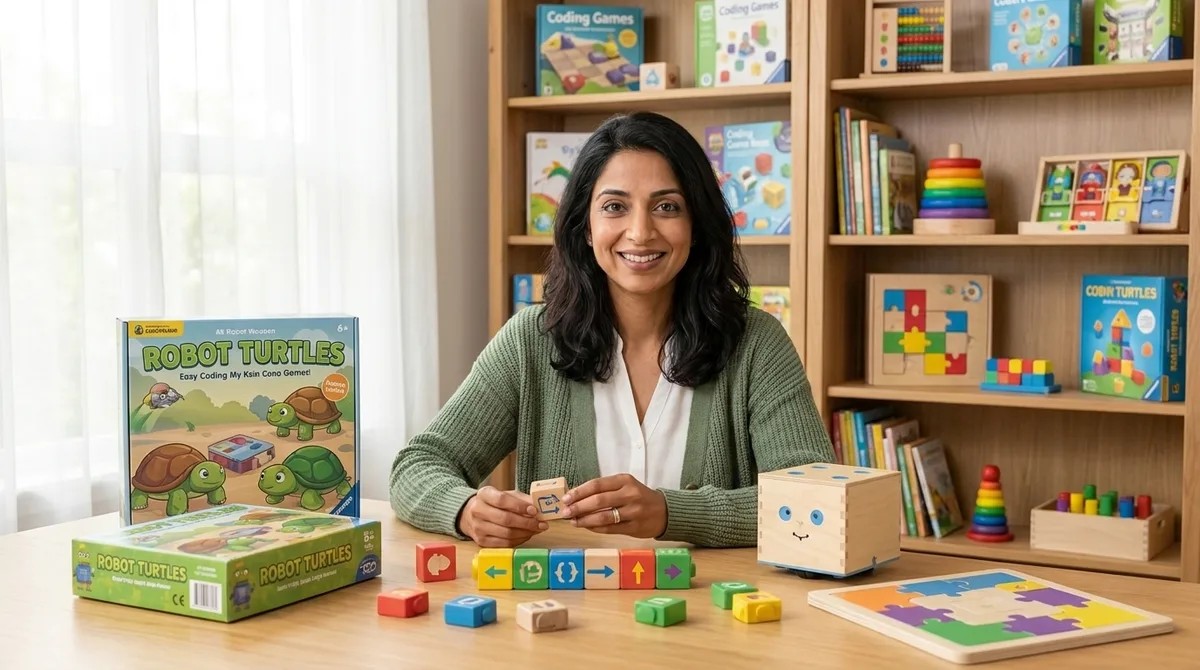
Screen Free Coding Toys: Complete Guide to Unplugged Programming Tools You want your child to learn computational thinking, but you're not ready to hand over screen time. I understand that tension completely—as both a developmental psychologist and a mother who's watched her own children gravitate toward glowing rectangles. Screen free coding toys offer a reassuring middle path: they teach authentic programming concepts through physical manipulation, building neural pathways for logic and sequencing without the addictive pull of digital interfaces. This guide will show you exactly how these tools work, what skills they develop, and how to choose the right progression for your child's learning journey. What Are Screen Free Coding Toys? Screen free coding toys are physical learning tools that teach programming fundamentals—sequence, loops, conditionals, debugging, and algorithmic thinking—through tactile interaction rather than digital screens. These tools range from programmable robots that follow button-press commands to board games that simulate computational processes to wooden maze builders that embody logic gates. The term "screen free" doesn't mean anti-technology. It mean…
Embed this episode
Ready to play
Screen Free Coding Toys: Complete Guide to Unplugged Programming Tools
No transcript for this episode yet
Similar Episodes
No similar episodes found.