
EPISODE · Sep 6, 2007 · 4 MIN
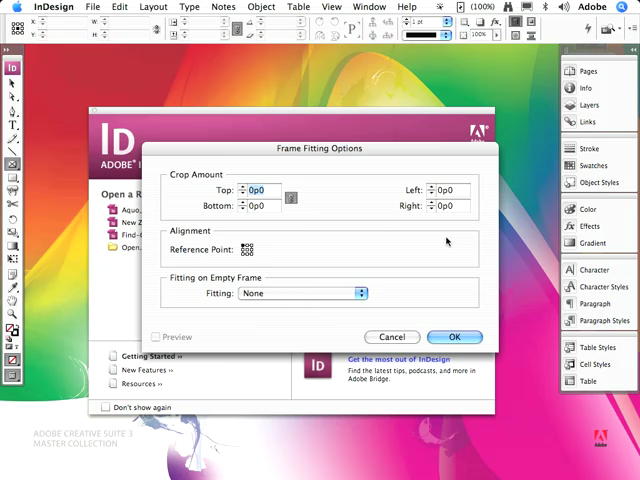
Setting default fitting options in InDesign CS3
In this episode we learn some tricks to allow you to create a default fitting for all new frames that you create in your documents. With InDesign CS3's new ability to assign a fitting option to a frame, you'll want to check out this episode to see how to do it for all of your frames going forward.
Embed this episode
Ready to play
Setting default fitting options in InDesign CS3
0:00
4:36
1×
No transcript for this episode yet
Similar Episodes
No similar episodes found.
Similar Podcasts
No similar podcasts found.
Frequently Asked Questions
How long is this episode of Adobe Creative Cloud TV?
This episode is 4 minutes long.
When was this Adobe Creative Cloud TV episode published?
This episode was published on September 6, 2007.
Can I download this Adobe Creative Cloud TV episode?
Yes. Use the download control on the episode player to save the publisher-provided media file.
URL copied to clipboard!