
EPISODE · May 13, 2026 · 21 MIN
Smart Home Power Outage Preparation Checklist: UPS Sizing, Runtime & Protocol Priority
from The Smart Home Setup Podcast
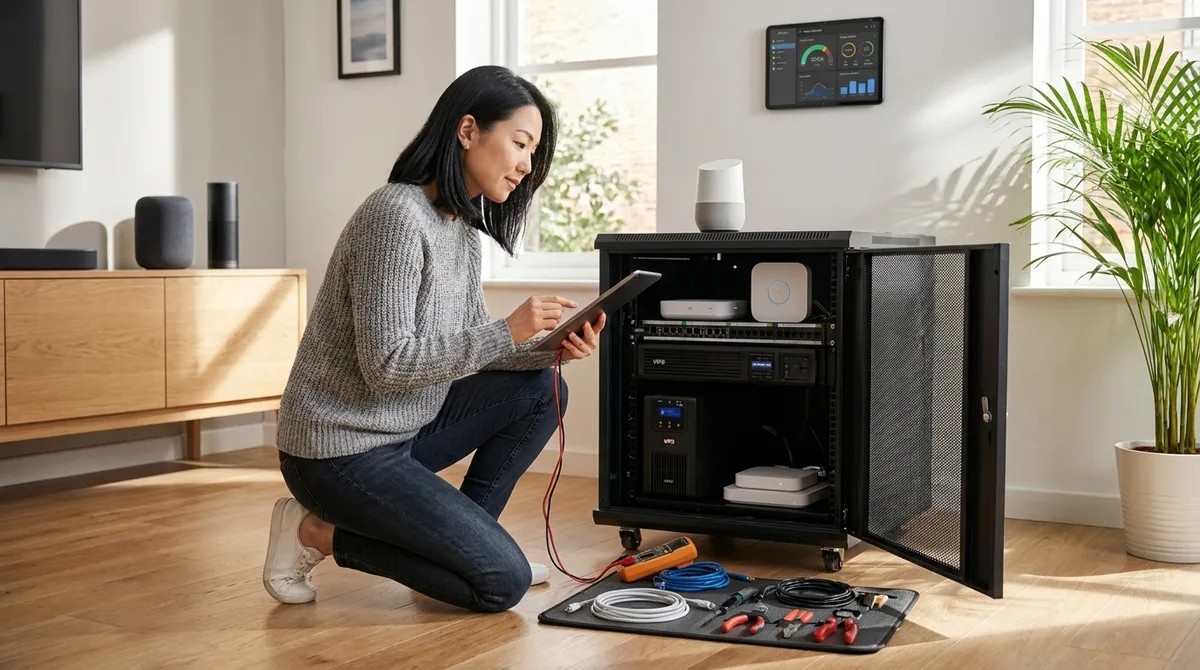
When the power goes out, most smart homes turn into chaos—lights blasting on at 3 AM, locks freezing up, and sensors taking forever to reconnect. This episode walks you through building an invisible backup system that keeps your automation running smoothly during blackouts. You'll learn how to size UPS batteries correctly, understand why some protocols recover faster than others, and figure out which devices actually need backup power versus which ones handle outages on their own. If you've ever woken up to a smart home that forgot how to be smart, this checklist is for you. Your router and hub need their own backup battery with at least two hours of power. Think of your router like the brain's communication center—without it, none of your smart devices can talk to each other or the internet, so it needs to stay on longer than anything else. Zigbee and Z-Wave devices keep working locally without internet, but Wi-Fi devices usually don't. It's like the difference between walkie-talkies that work anywhere versus phones that need cell towers—local mesh protocols are the walkie-talkies of smart homes. Battery-powered sensors keep working during outages but slow down to save energy. Your motion sensor might take 5 to 15 seconds to report movement instead of instantly, which matters a lot if you're depending on it for security. Different protocols recover at different speeds when power returns. Z-Wave is like a student with organized notes who finds their place quickly, while a big Zigbee network is like a classroom of kids who need a few minutes to settle back down—expect 2 to 4 minutes for larger setups. Mixing Matter with Thread adds extra recovery time because systems reconnect in layers. Imagine a relay race where each runner has to wait for the previous one to finish—Thread starts, then Matter connects, then bridges link up, adding 30 to 90 seconds before everything works together again. Show Links Affiliate Disclosure: As an Amazon Associate I earn from qualifying purchases. Full article: https://mysmarthomesetup.com/smart-home-power-outage-preparation-checklist-ups-sizing-runtime-protocol-priority APC Back-UPS Pro 1500VA - https://www.amazon.com/s?k=APC%20Back-UPS%20Pro%201500VA&tag=smarthomesetup-20 Philips Hue Bridge - https://www.amazon.com/s?k=Philips%20Hue%20Bridge&tag=smarthomesetup-20 Related Articles Smart Home Backup Power Solutions: Complete Guide to Uninterruptible Automation - https://mysmarthomesetup.com/smart-home-backup-power-solutions-complete-guide-to-uninterruptible-automation Smart Home Power Monitoring: Real-Time Energy Tracking with Matter & Zigbee Sensors - https://mysmarthomesetup.com/smart-home-power-monitoring-real-time-energy-tracking-with-matter-zigbee-sensors How to Choose Smart Lighting: Protocol, Ecosystem Lock-In & Budget Guide - https://mysmarthomesetup.com/how-to-choose-smart-lighting Device Mesh Network Reliability Explained: Zigbee vs Z-Wave vs Thread - https://mysmarthomesetup.com/device-mesh-network-reliability-explained In-Wall Smart Switches vs Surface Mount: Which Hidden Solution Works Best? - https://mysmarthomesetup.com/in-wall-smart-switches-vs-surface-mount
Embed this episode
NOW PLAYING
Smart Home Power Outage Preparation Checklist: UPS Sizing, Runtime & Protocol Priority
No transcript for this episode yet
Similar Episodes
No similar episodes found.
Similar Podcasts
No similar podcasts found.