
EPISODE · Oct 31, 2025 · 23 MIN
Stop cleaning data: the Copilot fix you need
from M365.FM - Modern work, security, and productivity with Microsoft 365 · host Mirko Peters - Founder of m365.fm, m365.show and m365con.net
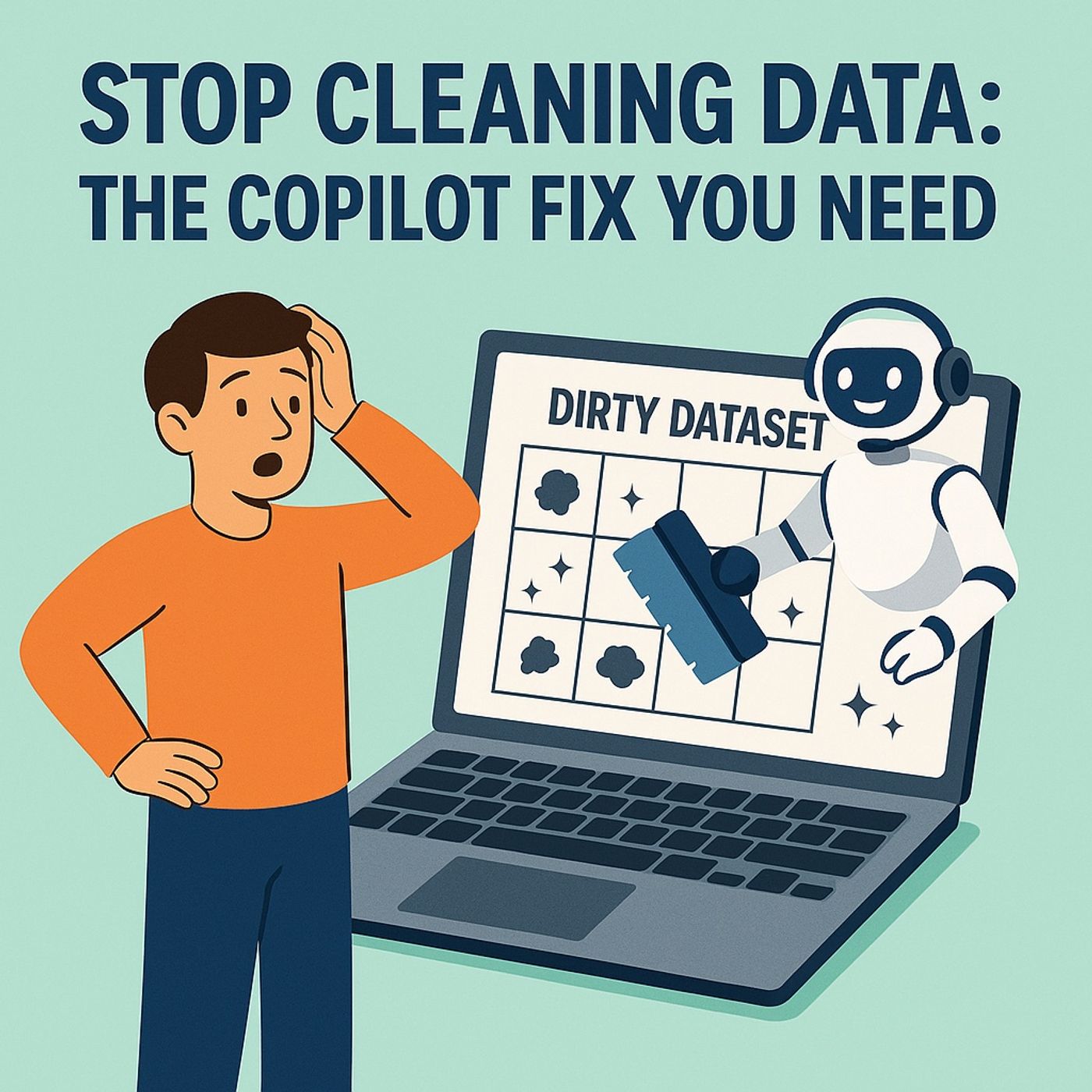
Data cleanup in Excel: in this episode of M365.fm, Mirko Peters explains why most “analysis” jobs are really endless spreadsheet janitor work—and how Excel Copilot finally turns that cleanup into something you can delegate instead of suffer through. He walks through the everyday reality of messy CSVs, mixed date formats, rogue spaces, inconsistent labels, and columns pretending to be databases, showing how these patterns silently poison reports, Power BI dashboards, and Power Platform automations downstream.Mirko breaks down why Excel became a chaos factory: it was built for flexibility, not governance, so it happily accepts any value in any cell, encourages ad‑hoc exports from every system, and lets copies mutate across OneDrive, SharePoint, Teams, and email until nobody remembers the original truth. You’ll hear war stories of mixed types, regional naming inconsistencies, and header changes that quietly break flows and joins—illustrating why manual cleanup is both unavoidable and fundamentally unsustainable once your organization starts automating on top of spreadsheets.He then introduces Excel Copilot as an AI janitor with a PhD in pattern recognition, not just a formula helper. Mirko explains the two modes users confuse: chat mode for questions and diagnostics, and App Skills mode for actual automation that edits sheets, fixes formats, applies rules, and builds tables on your behalf. You will learn how Copilot reads the structure and semantics of your workbook via Microsoft Graph, understands entities like “revenue,” “region,” and “date,” and converts natural‑language instructions into concrete transformations that standardize formats, normalize values, and repair broken schema without you writing a single formula.The episode also introduces three core command patterns that replace most manual cleanup: normalize everything (dates, currencies, text casing), repair structure (headers, tables, ranges), and detect anomalies (duplicates, outliers, mismatched categories). Mirko shows how these prompts let Copilot scan entire sheets, propose corrections, and preview changes so you remain the supervisor, not the typist. By the end, you’ll have a mental model and practical prompt patterns that turn Copilot into your default data janitor, freeing you to focus on analysis instead of spreadsheet penance.WHAT YOU WILL LEARNWhy most Excel‑based “analysis” is really repetitive datacleanup that never scales.How Excel’s flexibility (no schema, weak validation) creates downstream chaos in BI and automation.How Excel Copilot’s chat and App Skills modes work together to diagnose and fix messy data.Which natural‑language commands (normalize, repair structure, find anomalies) replace manual cleanup rituals.How to turn Copilot into a reusable “AI janitor” so you spend time on insight, not on formatting.THE CORE INSIGHTYou were never hired to be Excel’s janitor—Copilot was. Once you let Excel Copilot standardize formats, repair structure, and surface anomalies, spreadsheets stop being a swamp of manual cleanup and become a launchpad for actual analysis, with you directing the work instead of mopping up cells.WHO THIS EPISODE IS FORThis episode is ideal for analysts, finance and operations teams, Power BI users, and anyone who spends hours cleaning CSVs and spreadsheets before they can even start real work. It is especially valuable if you are pushing data from Excel into Power BI or Power Automate and want a repeatable Copilot‑driven pattern to fix quality issues before they break dashboards and flows.ABOUT THE HOSTMirko Peters is a Microsoft 365 consultant and digital workplace architect focused on building governed, scalable analytics and automation platforms with Excel, Power BI, Power Platform, and Microsoft Copilot. Through M365.fm, he shares practical Copilot patterns, real‑world spreadsheet rescue stories, and governance ideas that help organizations turn messy Excel habits into reliable, AI‑assisted data workflows.Become a supporter of this podcast: https://www.spreaker.com/podcast/m365-fm-modern-work-security-and-productivity-with-microsoft-365--6704921/support.
Embed this episode
NOW PLAYING
Stop cleaning data: the Copilot fix you need
No transcript for this episode yet
Similar Episodes
Apr 7, 2026 ·14m
Similar Podcasts
No similar podcasts found.