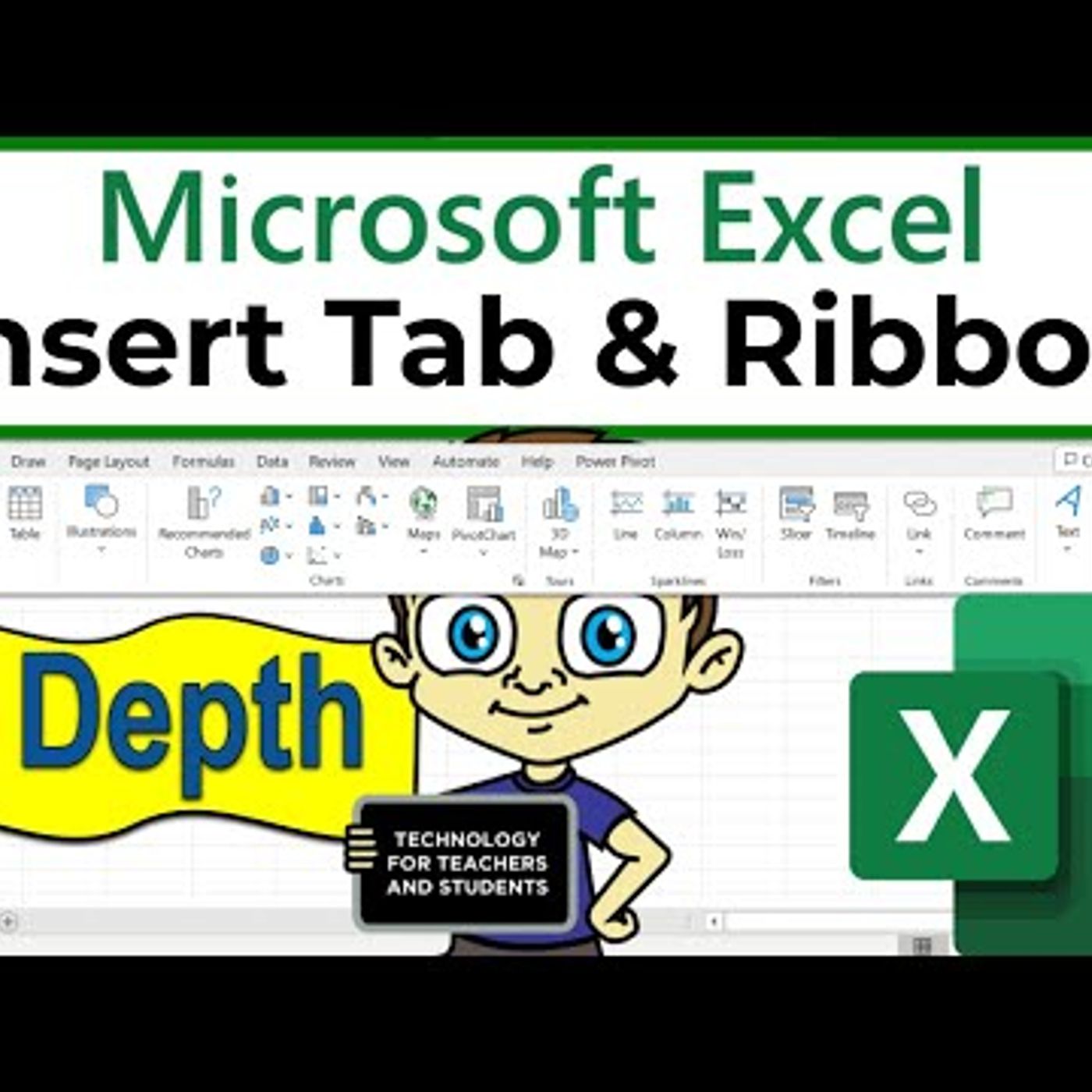
The Excel Insert Tab and Ribbon in Depth
from Technology for Teachers and Students Hosted by ytr
Learn the Insert Tab and Ribbon in Excel, in depth. The Insert Tab is a powerful tool that allows you to add various elements and objects to your spreadsheets. Whether you need to insert tables, charts, pictures, or other objects, the Insert tab has you covered. Table of Contents: 00:00 - Intro 1:00 - Tables Group 8:05 - Illustrations Group 14:34 - Charts Group 18:02 - Tours Group 18:54 - Sparklines Group 20:25 - Filters Group 21:43 - Links Group 23:45 - Comments Group 24:21 - Text Group 25:02 - Symbols Group 26:19 - Conclusion +++Join this channel to get access to perks+++: https://www.youtube.com/channel/UCYUPLUCkMiUgiyVuluCc7tQ/join Here\'s my entire playlist of Excel tutorials: HTTP://bit.ly/tech4excel Please say \"Thanks\" by clicking the Thanks button below the video. Here are the practice files for this video: https://bit.ly/excelpagelayout #excel #exceltutorials #microsoft365 #microsoftexcel ***Consider supporting Technology for Teachers and Students on Patreon***: https://www.patreon.com/technologyforteachersandstudents
Embed this episode
No transcript yet.