
EPISODE · Feb 9, 2026 · 1H 7M
The Infinite Loop of Productivity Apps
from Press Pause with Bill McLean · host Bill McLean
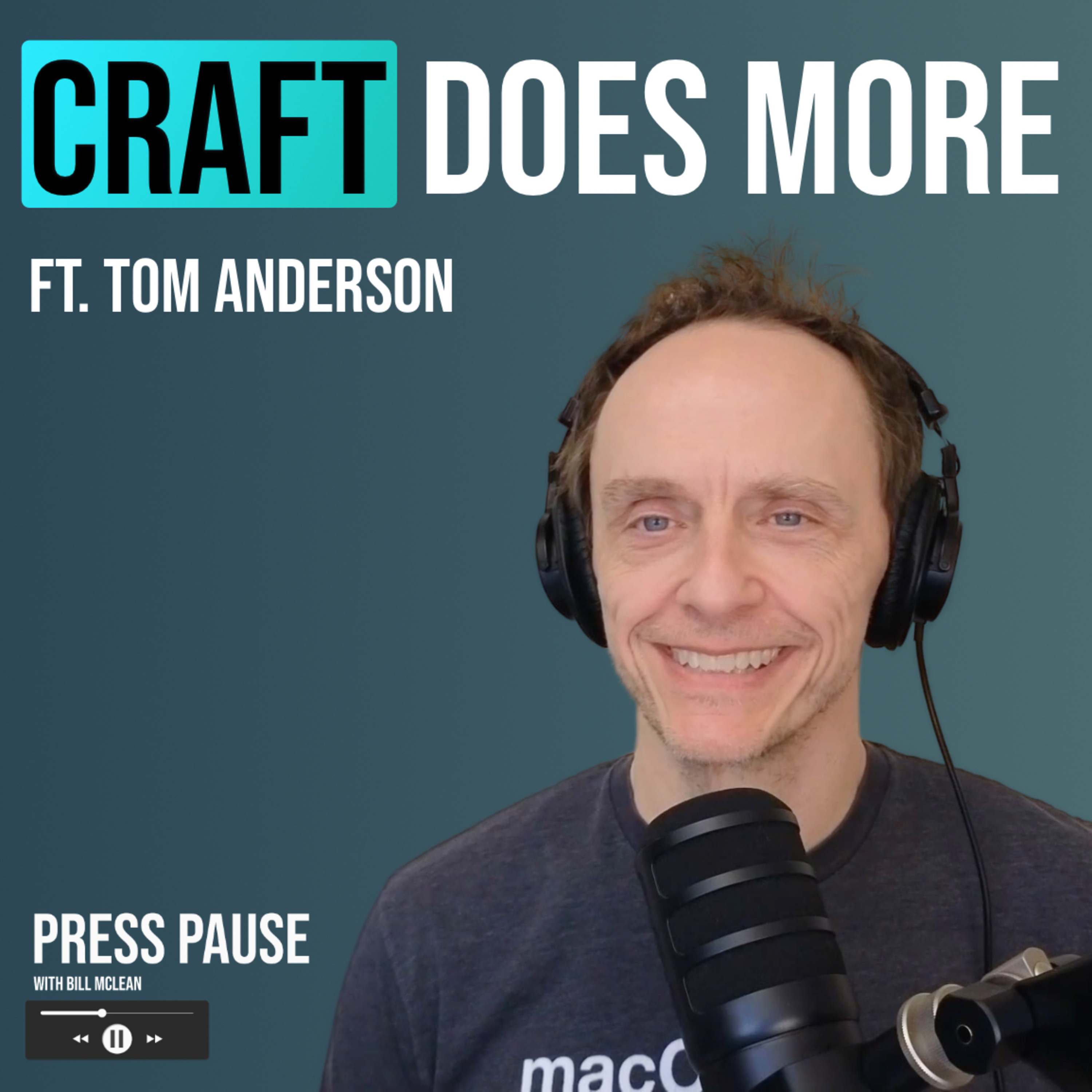
Where to find Tom:Web/newsletter: tomfanderson.comThreads: threads.com/@tomandersonPodcast: basicafshow.comIn this episode of Press Pause, I am joined by Tom Anderson from the Basic AF show to discuss the reality of being a tech enthusiast who just cannot stop switching apps. We talk about the "infinite loop" of productivity tools and why the search for the perfect setup never really ends.Tom shares exactly why he moved his entire workflow into Craft Docs, including how he managed to replace a dedicated task manager like Things 3 to keep his tasks and notes in one place. We also discuss why Apple Notes is fantastic for 90% of people but why it often falls short for power users who need features like nested documents and better export options.We also dive into the current state of AI and the potential risks of giving "agent" tools like OpenClaw unfiltered access to your computer. We debate whether installing these local bots is a productivity hack or a massive security trap waiting to happen.Finally, we cover our hardware setups. Tom explains how he uses the 13-inch iPad Pro as his main computer for 75% of his work. We also look at his home screen which reveals a shocking number of unread notification badges that somehow do not stress him out at all.1Password Article Referenced: https://1password.com/blog/from-magic-to-malware-how-openclaws-agent-skills-become-an-attack-surfaceChapters:00:00 Introduction to the Podcast and Guest02:09 Exploring Notes Apps and Productivity07:45 Craft vs. Other Notes Apps12:02 Task Management and Productivity Tools18:00 The Role of AI in Note-Taking25:59 The Future of AI and Personal Data Management35:44 Integrating AI into Everyday Tools39:08 Specialized AI Applications in Project Management40:33 The Future of AI and Privacy Concerns42:50 Exploring Open Source AI Tools45:07 Navigating AI Usage Limits and Workflows48:35 The Debate on Upgrading Tech Devices49:28 Personal Computing Preferences and Experiences56:18 Notification Management and Personal PreferencesSign up for my new weekly Newsletter The Digital Pulse!https://billmclean.substack.com/Check me out on Social:https://www.threads.net/@williambmcleanhttps://x.com/williambmcleanMust-have affiliate links:☀️Raycast Pro Free for 14 days: https://raycast.com/?via=william-mclean💻CleanMyMac Free for 7 days: https://macpaw.audw.net/c/6052342/263631/1733🎵 2 Months Free! Music, Footage, and More from Artlist: https://artlist.io/referral/4646734/William☁️ Backblaze computer and NAS backup: https://secure.backblaze.com/r/05ckce✅ My favorite todo app(todoist): https://get.todoist.io/ucypxtigr1jyWebsite:www.williabmclean.comFor business inquiries:[email protected]
Embed this episode
Ready to play
The Infinite Loop of Productivity Apps
No transcript for this episode yet
Similar Episodes
No similar episodes found.
Similar Podcasts
No similar podcasts found.