
EPISODE · Apr 19, 2026 · 22 MIN
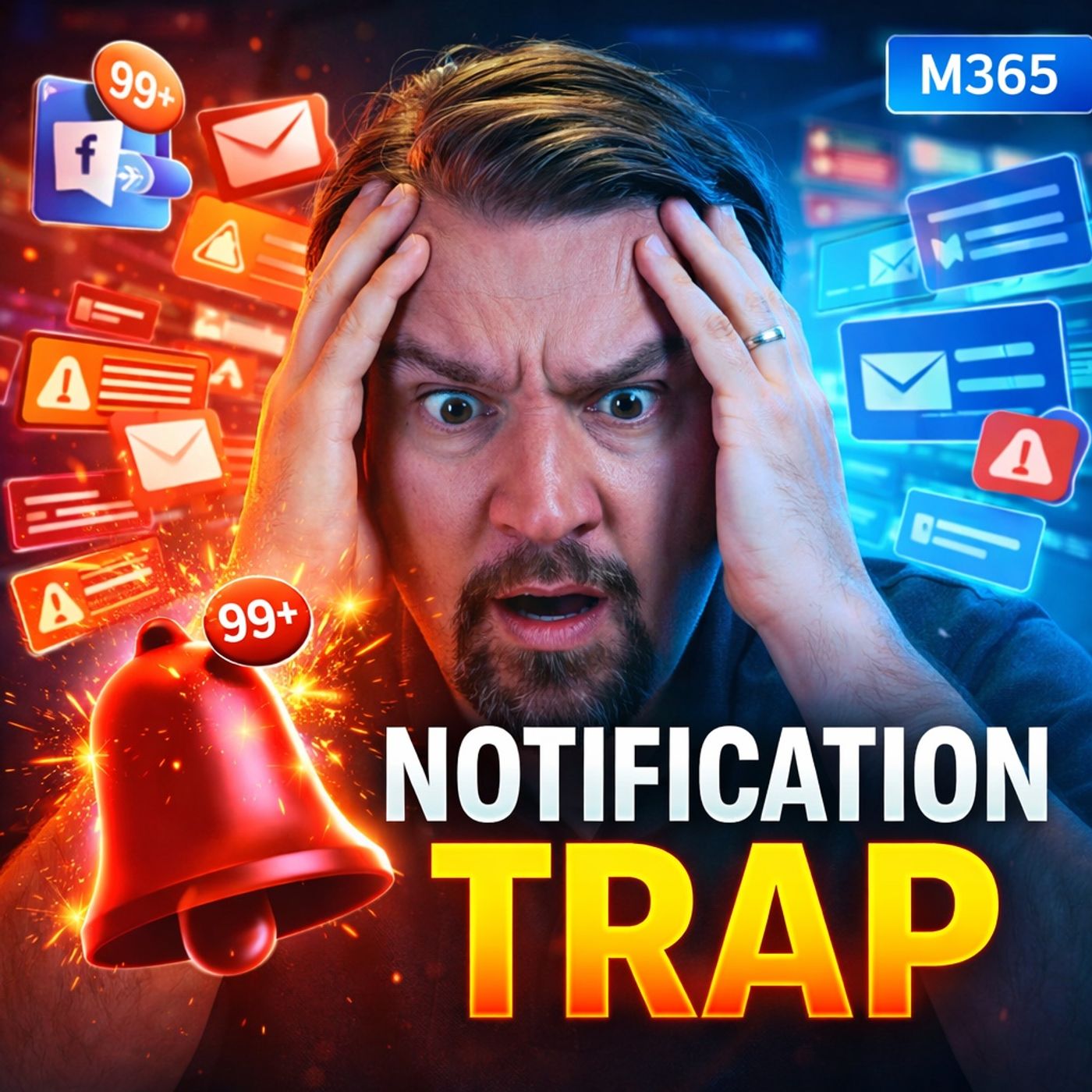
The Notification Trap: Why Your M365 Setup Is Killing Focus
from M365.FM - Modern work, security, and productivity with Microsoft 365 · host Mirko Peters - Founder of m365.fm, m365.show and m365con.net
Your organization doesn’t have a focus problem — it has a notification architecture problem. Most teams blame poor focus on habits, discipline, or time management. But the reality is different:your Microsoft 365 environment is designed to interrupt people constantly. Teams pings. Outlook banners. Red badges. Mobile alerts.All of it pulls attention sideways — and then we wonder why deep work never happens. In this episode, we break down:Why M365 defaults push teams into reaction modeHow constant notifications slow decisions and stretch workWhat leaders must change first to restore focus and clarity⚠️ THE MODEL IS BROKEN: PRODUCTIVITY = RESPONSIVENESS Most organizations still reward:Fast repliesConstant visibilityActive chat participationBut responsiveness ≠ progress.Someone can reply to 20 messages and move nothing forwardAnother can go silent for 90 minutes and solve the real problemYet the system rewards the first. The Result:Decision-making slows downWork gets fragmentedMeetings increaseMore notifications don’t speed things up — they delay decisions.🧠 THE HIDDEN COST: FRAGMENTED ATTENTION Deep work requires:ContinuityContextTime to thinkBut constant interruptions:Break mental flowForce “reload time” when returning to tasksStretch simple work across hoursWhat Happens Next:Tasks take longer than necessaryTeams lose trust in async communicationMeetings replace clarity⚡ THE NEURAL TAX OF THE PING Notifications don’t need clicks to cause damage.Even a quick glance shifts your focusIt can take ~23 minutes to fully refocusA single notification can disrupt thinking for ~7 secondsThe Real Impact:Cognitive drag builds up all dayMental energy drains fasterFocus becomes fragile🔴 WHY BADGES AND ALERTS ARE SO ADDICTIVE Unread notifications create open loops in your brain.They signal unfinished workThey trigger urgency (even when fake)They pull attention away from deep tasksThis leads to:Preference for quick replies over meaningful workConstant checking behaviorIllusion of productivity⚙️ THE DEFAULT SETTINGS TRAP IN M365 Most organizations never question the defaults. Teams:Constant activity feedsOveruse of @mentionsPresence indicators driving pressureOutlook:Desktop pop-ups interrupt constantlyInbox treated like real-time chatViva:Focus time exists but isn’t enforcedMeetings override deep workSharePoint:Alert sprawl creates noiseImportant updates get buriedMobile:Work follows users everywhereNo real boundary between work and personal time💸 THE BUSINESS COST LEADERS ACTUALLY FEEL This isn’t just a productivity issue — it’s an operational problem. Key Impacts:Slower decision velocityLonger cycle timesIncreased meeting hoursReduced execution qualityHidden Cost:Teams look busy but deliver slowerLeaders lose strategic thinking capacitySignal quality collapsesAttention is your organization’s operating capacity.📊 REAL-WORLD CASE: WHAT CHANGED A global services firm (~8,000 users) faced:120–180 notifications per user per day~6.5 hours of meetings dailyAlmost zero focus timeWhat They Changed:Reduced Teams noise (mentions only baseline)Disabled Outlook pop-upsIntroduced focus blocks (Viva)Set mobile quiet hoursRemoved expectation of instant repliesResults (within 90 days):📉 45% fewer notifications📉 18% fewer meeting hours⏱ +2.1 hours of focus time per week per user🚀 Improved project delivery speedBecome a supporter of this podcast: https://www.spreaker.com/podcast/m365-fm-modern-work-security-and-productivity-with-microsoft-365--6704921/support.
Embed this episode
NOW PLAYING
The Notification Trap: Why Your M365 Setup Is Killing Focus
No transcript for this episode yet
Similar Episodes
No similar episodes found.
Similar Podcasts
No similar podcasts found.