
EPISODE · Jan 7, 2008 · 23 MIN
The Premiere Pro CS3 Panasonic P2 workflow
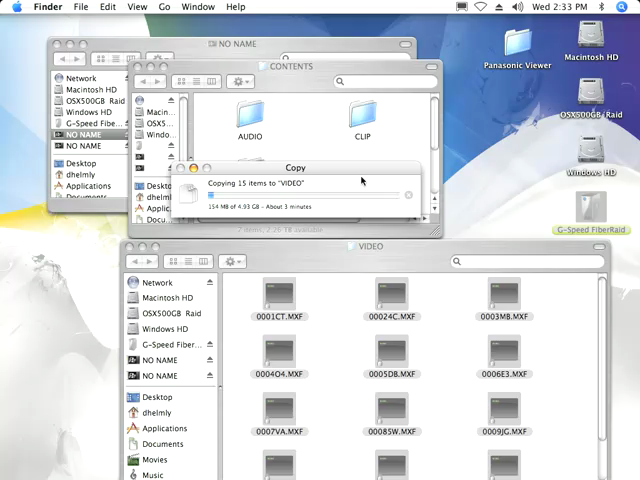
In this episode special guest David Helmly walks us through the Premiere Pro CS3 Panasonic P2 workflow. With the new Premiere Pro CS3 and the 3.1 update, you can now natively Ingest, Edit, and Export the Panasonic P2 format. All you need to do is to shoot your video and simply drag ,drop , and edit – it’s that easy. There is no need to transcode your video with an intermediate codec in order to use them on the timeline, and there are no AVI or Quicktime wrappers – just native P2 format.
Embed this episode
NOW PLAYING
The Premiere Pro CS3 Panasonic P2 workflow
0:00
23:44
1×
No transcript for this episode yet
Similar Episodes
No similar episodes found.
Similar Podcasts
No similar podcasts found.
Frequently Asked Questions
How long is this episode of Adobe Creative Cloud TV?
This episode is 23 minutes long.
When was this Adobe Creative Cloud TV episode published?
This episode was published on January 7, 2008.
Can I download this Adobe Creative Cloud TV episode?
Yes. Use the download control on the episode player to save the publisher-provided media file.
URL copied to clipboard!