
EPISODE · Jun 29, 2026 · 1H 20M
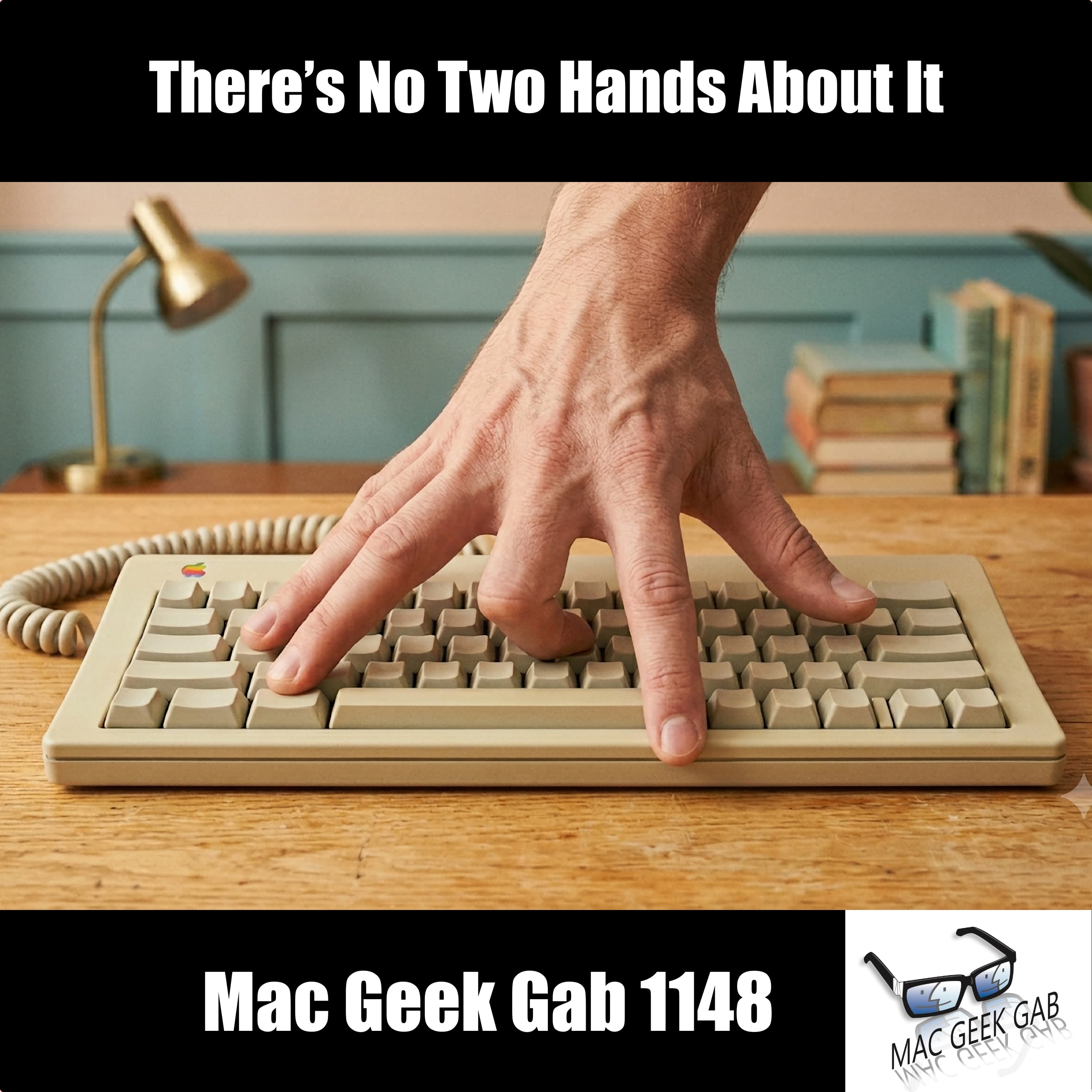
There’s No Two Hands About It
from Mac Geek Gab — Apple Tips, Tricks, and Troubleshooting
Mac Geek Gab 1148 hands you a fresh stack of Quick Tips you’ll actually use. You’ll find out how Mark recovered every one of his accidentally deleted iMessages with Control-Command-4 (or the Recently Deleted view), undo a botched Finder rename with a casual Command-Z, and automate Theater Mode on your Apple Watch so it goes dim and quiet at night without Sleep Focus. You’ll pick up several ways to email a Safari webpage or just its link, learn to strip out distracting page clutter before you share, and finally understand why Apple Music can hijack your Mac’s default speaker output. Then you’ll hear why speakers deserve real thought before you buy a Mac mini, how to coax a stubborn Time Machine disk into ejecting cleanly, and a low-tech trick for AirTags too slippery to grip at battery-change time. When Doug’s M4 Pro MacBook Pro started beach balling and pausing apps from low memory, you’ll get the full playbook for clawing back storage, from spotting the culprits in your menu bar to pruning Downloads and clearing out bloated Messages and Apple media. You’ll walk through Adam’s step-by-step approach to slimming down iMessage storage, learn how to stop copying and pasting invisible white-on-white text that haunts Contacts and email, and speed up a sluggish macOS Contacts app with a clean iCloud re-sync. Keep these moves in your back pocket and don’t get caught with a full drive and a spinning beach ball. 00:00:00 Mac Geek Gab 1148 for Monday, June 29th, 2026 June 29th: National Bacon Burnt End Day MGG Monthly Giveaway – Win a license to SaneBox Quick Tips 00:00:01 Mark-QT-You can recover recently deleted iMessages ^Cmd-4 (not 5) 00:03:45 Scott-QT-Cmd-Z works to undo Finder Renames, too! 00:05:06 Larry-QT-Automate Theater Mode on Apple Watch 00:06:36 Hans-QT-Email a Safari Webpage to Someone 00:08:17 Russ-QT-Apple Music can override the Mac’s default speaker output Volumio 00:11:42 Adam-QT-More on Cmd-I (and Cmd-Shift-I) in Safari to mail a webpage (or the link) Likely based upon the web page’s print.css Also File – Export as PDF 00:17:39 Safari – Hide Distracting Items The (no-longer-actively-developed) Printliminator 00:21:33 Doug-QT-Think about speakers when buying a Mac mini Insta360 Link 2 Pro 00:28:02 Bill-QT-Try Jettison, Mole, and more to eject resistant volumes 00:30:36 Dom-QT-Use tape or thimbles for slippery AirTags Sponsors 00:32:06 SPONSOR: Coveron. One scam can cost you everything. Tools reduce risk, Coveron reduces loss. Use code “macgeekgab” for up to 76% off at https://coveron.com/macgeekgab 00:33:55 SPONSOR: OneSkin. Born from over a decade of longevity research, OneSkin’s OS-01 Peptide is proven to target the visible signs of aging, helping you unlock your healthiest skin now and as you age. Get 15% off OneSkin with the code MGG at https://www.oneskin.co/MGG #oneskinpod #ad 00:35:22 SPONSOR: BBEdit, the power tool for text from Bare Bones Software; now with integrated Notebooks and extended language support. Your Questions Answered and Tips Shared! 00:36:49 Doug-Beach balling apps made me realize I ran out of storage…what do I do? iStat Menus to see free disk space in my menubar How to free up space on your Mac Run mole…regularly! Hazel to keep your downloads folder pruned Run CleanMyMac – Space Lens, especially Clear out your Apple media Manage your Email attachments Clean out Messages CCleaner Clean up local snapshots 00:50:51 Adam’s process for cleaning up iMessage storage use 00:56:21 Steven-How can I avoid pasting white text on a white background on my iPhone? 01:02:55 Mark-Speed up macOS Contacts with an iCloud re-sync ~/Library/Application Support/AddressBook/Sources/<UUID>/AddressBook-v22.abcddb Cool Stuff Found 01:13:18 Adam-CSF-Dungeon Crawler Carl 01:18:36 MGG 1148 Outtro MGG Monthly Giveaway Bandwidth Provided by CacheFly Pilot Pete’s Aviation Podcast: So There I Was (for Aviation Enthusiasts) The Debut Film Podcast – Adam’s new podcast! Dave’s Business Brain (for Entrepreneurs) and Gig Gab (for Working Musicians) Podcasts MGG Merch is Available! Mac Geek Gab iOS app Mac Geek Gab YouTube Page Mac Geek Gab Live Calendar This Week’s MGG Premium Contributors MGG Apple Podcasts Reviews [email protected] 224-888-GEEK Active MGG Sponsors and Coupon Codes List BackBeat Media Podcast Network
Embed this episode
Ready to play
There’s No Two Hands About It
No transcript for this episode yet
Similar Episodes
No similar episodes found.