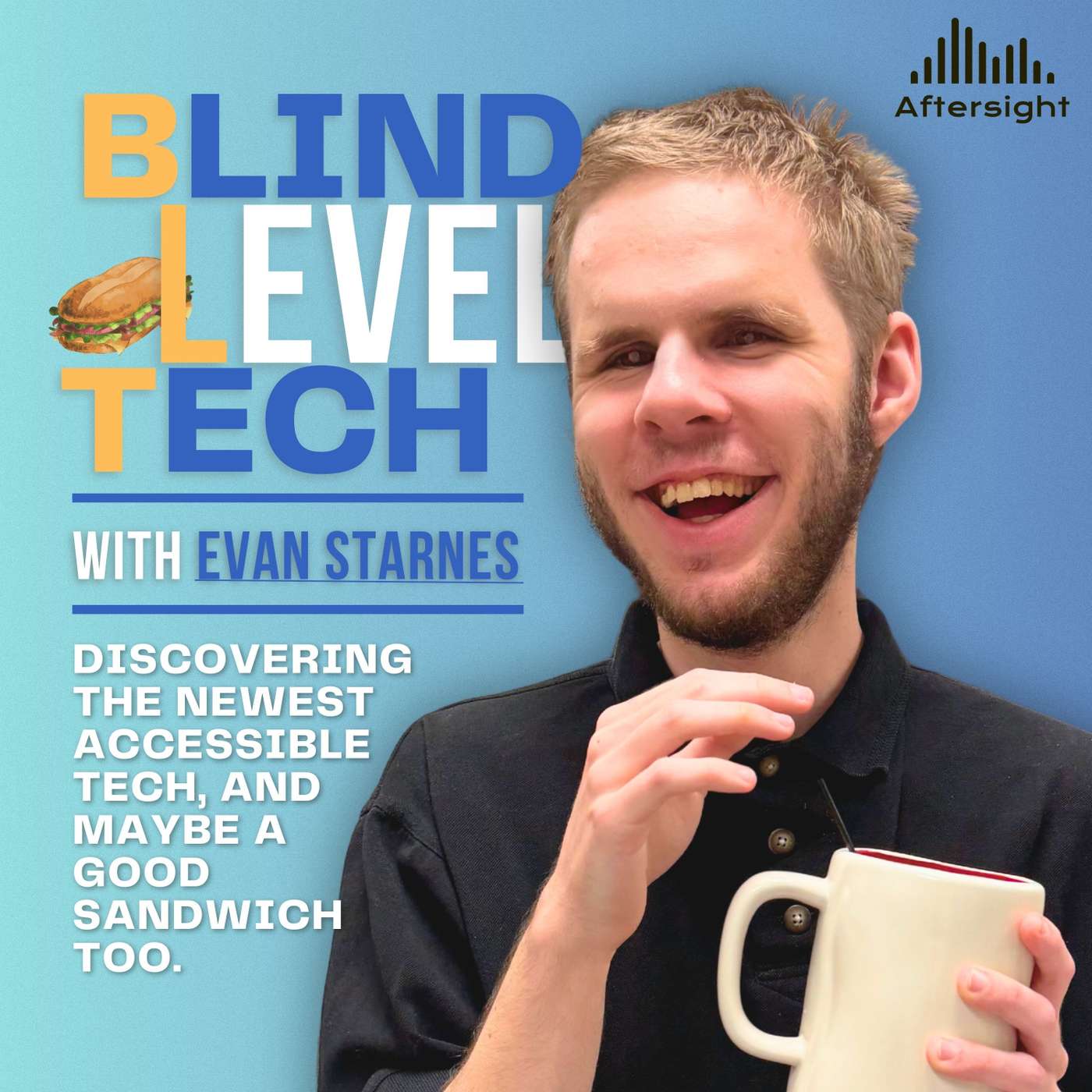
Thinking About Switching Phones? Here’s What It’s Really Like episode artwork

EPISODE · Apr 8, 2026 · 28 MIN

Thinking About Switching Phones? Here’s What It’s Really Like

from Blind Level Tech · host Aftersight

In this episode of Blind Level Tech, Evan Starnes takes on a topic that can be surprisingly personal and surprisingly complicated: switching ecosystems. Rather than arguing that iPhone or Android is universally better, Evan walks listeners through what actually changes when you move from one platform to the other, especially as a blind screen reader user.Drawing from his own recent experience of moving his eSIM from an iPhone to a new Google Pixel, Evan breaks down the practical side of switching, from initial setup and data transfer to battery life expectations and the reality of what does and does not carry over. He talks about the parts of the process that are more accessible than many people might expect, but also points out the frustrations, like message transfer issues and the extra little setup hurdles that can still make switching feel bigger than it should.A major focus of the episode is accessibility. Evan compares VoiceOver and TalkBack, highlighting how much TalkBack has matured over the years. He discusses multi-finger gestures, customizable commands, Gemini-powered image descriptions and summaries, braille support, the TalkBack menu, and the way Android navigation differs from iOS. He also points out a few things he misses from iPhone, like direct touch in certain apps, Apple’s wider voice selection, and some of the little usability touches in iOS that make scrolling and media interaction feel smoother.On the Android side, Evan talks about the strengths that still make Google’s platform appealing, especially for blind users who value flexibility. He highlights the usefulness of fingerprint unlock, the universal back button, home screen and launcher customization, app-specific notification sounds, and the broader ability to tailor the device to your own habits. On the Apple side, he acknowledges that iOS still has major advantages, especially when it comes to ecosystem integration with devices like the Apple Watch, iPad, AirPods, and Mac.Overall, this episode is a thoughtful, real-world look at what switching phone ecosystems actually feels like when accessibility is part of the equation. It is not about declaring a winner. It is about helping listeners understand the tradeoffs, the surprises, and the things worth knowing before making the jump themselves. Creators & Guests Evan Starnes - Host ★ Support this podcast ★ (00:00) - Introduction and why switching ecosystems is a loaded topic (01:57) - Why this episode matters from a blind and low vision perspective (02:25) - Best Buy temptation and upgrading from a Pixel 5 (03:05) - Why Evan chose a Pixel and thoughts on Samsung vs. Google (05:11) - Why Evan tried switching back to Android full-time (06:43) - The VoiceOver bugs that pushed the experiment further (07:20) - Accessible setup on iPhone and Android (08:25) - eSIM transfer and what moving service was like (10:03) - What transferred successfully and what did not (10:39) - Battery life after setup and why new phones settle in (11:53) - How platform exclusivity has changed over time (12:44) - Apple Music, Apple TV, and what still works on Android (13:35) - iCloud and iWork limitations when leaving Apple (14:12) - TalkBack today and how far it has come (14:33) - Multi-finger gestures and customizing TalkBack commands (15:58) - TalkBack wraparound navigation vs. VoiceOver behavior (17:10) - The TalkBack menu and quick accessibility controls (18:04) - Gemini-based text summaries and image descriptions (18:49) - Braille support, braille displays, and the TalkBack braille keyboard (20:54) - Drag and drop, moving apps, and organizing the home screen (22:24) - Seeing AI vs. Lookout on Android (23:24) - What Evan misses on Android, including direct touch (24:43) - Voices, Eloquence, and Google text-to-speech improvements (26:23) - Scrolling differences and the things iOS still does better (27:54) - Fingerprint scanners and why they matter for blind users (30:23) - Three-button navigation and the universal back button (32:23) - Android customization, launchers, and sound control (35:13) - MagSafe-style accessories and magnetic compatibility (36:32) - Switching from Android to iPhone with Move to iOS (37:15) - Apple ecosystem integration and continuity features (38:42) - iPhone customization and how iOS has borrowed from Android (40:09) - Final thoughts and invitation for listener feedback

In this episode of Blind Level Tech, Evan Starnes takes on a topic that can be surprisingly personal and surprisingly complicated: switching ecosystems. Rather than arguing that iPhone or Android is universally better, Evan walks listeners through what actually changes when you move from one platform to the other, especially as a blind screen reader user.Drawing from his own recent experience of moving his eSIM from an iPhone to a new Google Pixel, Evan breaks down the practical side of switching, from initial setup and data transfer to battery life expectations and the reality of what does and does not carry over. He talks about the parts of the process that are more accessible than many people might expect, but also points out the frustrations, like message transfer issues and the extra little setup hurdles that can still make switching feel bigger than it should.A major focus of the episode is accessibility. Evan compares VoiceOver and TalkBack, highlighting how much TalkBack has matured over the years. He discusses multi-finger gestures, customizable commands, Gemini-powered image descriptions and summaries, braille support, the TalkBack menu, and the way Android navigation differs from iOS. He also points out a few things he misses from iPhone, like direct touch in certain apps, Apple’s wider voice selection, and some of the little usability touches in iOS that make scrolling and media interaction feel smoother.On the Android side, Evan talks about the strengths that still make Google’s platform appealing, especially for blind users who value flexibility. He highlights the usefulness of fingerprint unlock, the universal back button, home screen and launcher customization, app-specific notification sounds, and the broader ability to tailor the device to your own habits. On the Apple side, he acknowledges that iOS still has major advantages, especially when it comes to ecosystem integration with devices like the Apple Watch, iPad, AirPods, and Mac.Overall, this episode is a thoughtful, real-world look at what switching phone ecosystems actually feels like when accessibility is part of the equation. It is not about declaring a winner. It is about helping listeners understand the tradeoffs, the surprises, and the things worth knowing before making the jump themselves. Creators & Guests Evan Starnes - Host ★ Support this podcast ★ (00:00) - Introduction and why switching ecosystems is a loaded topic (01:57) - Why this episode matters from a blind and low vision perspective (02:25) - Best Buy temptation and upgrading from a Pixel 5 (03:05) - Why Evan chose a Pixel and thoughts on Samsung vs. Google (05:11) - Why Evan tried switching back to Android full-time (06:43) - The VoiceOver bugs that pushed the experiment further (07:20) - Accessible setup on iPhone and Android (08:25) - eSIM transfer and what moving service was like (10:03) - What transferred successfully and what did not (10:39) - Battery life after setup and why new phones settle in (11:53) - How platform exclusivity has changed over time (12:44) - Apple Music, Apple TV, and what still works on Android (13:35) - iCloud and iWork limitations when leaving Apple (14:12) - TalkBack today and how far it has come (14:33) - Multi-finger gestures and customizing TalkBack commands (15:58) - TalkBack wraparound navigation vs. VoiceOver behavior (17:10) - The TalkBack menu and quick accessibility controls (18:04) - Gemini-based text summaries and image descriptions (18:49) - Braille support, braille displays, and the TalkBack braille keyboard (20:54) - Drag and drop, moving apps, and organizing the home screen (22:24) - Seeing AI vs. Lookout on Android (23:24) - What Evan misses on Android, including direct touch (24:43) - Voices, Eloquence, and Google text-to-speech improvements (26:23) - Scrolling differences and the things iOS still does better (27:54) - Fingerprint scanners and why they matter for blind users (30:23) - Three-button navigation and the universal back button (32:23) - Android customization, launchers, and sound control (35:13) - MagSafe-style accessories and magnetic compatibility (36:32) - Switching from Android to iPhone with Move to iOS (37:15) - Apple ecosystem integration and continuity features (38:42) - iPhone customization and how iOS has borrowed from Android (40:09) - Final thoughts and invitation for listener feedback

NOW PLAYING

Thinking About Switching Phones? Here’s What It’s Really Like

0:00 28:04

No transcript for this episode yet

We transcribe on demand. Request one and we'll notify you when it's ready — usually under 10 minutes.

Technado (Archived) ACI Learning The Technado crew covers a whirlwind of tech topics each week from interviews with industry experts and up-and-coming companies to commentary on topics like security, vendor certifications, networking, and just about anything IT related. Explicit TCAST: The Future of Data & AI TARTLE The Data Intelligence Podcast (TCAST) explores the intersection of AI, data privacy, and ethical technology. Join Alexander McCaig and Jason Rigby as they decode the future of data ownership, artificial intelligence, and digital privacy with industry leaders, researchers, and innovators.Each episode delivers actionable insights on:AI and machine learning developmentsData privacy and ownership strategiesEthical technology implementationReal-world applications of data intelligenceFuture trends in digital identity and data marketplacesPerfect for tech leaders, data scientists, privacy advocates, and forward-thinking professionals looking to understand and shape the future of data and AI.Presented by TARTLE, pioneers in ethical data exchange and AI enhancement. New episodes every week.The show is hosted by Co-Founder and Source Data Pioneer Alexander McCaig and Head of Conscious Marketing Jason Rigby.What's your data worth? Find out at (https://tartle.co/)Watch the podcast on Yo Explicit Techlore Surveillance Report Techlore Techlore Surveillance Report is your weekly deep-dive into the privacy and security news that matters for your digital freedom. Hosted by Henry Fisher, founder of Techlore and long-time digital rights educator, each episode cuts through the noise to bring you carefully selected stories with the context, analysis, and historical perspective you need to truly understand what's happening to protect yourself (and others!) in the digital space.Topics covered include:• Privacy tool updates and vulnerabilities• Data breaches and cybersecurity incidents• Surveillance technology and government overreach• Big Tech privacy policies and practices• Encryption and security standards• Digital rights legislation and court cases• Open-source software developments• Corporate data practices and accountabilityWhether you're a beginner trying to stay informed or a seasoned expert tracking the ecosystem, Surveillance Report has Explicit Remotely Serious with Curtis Duggan Curtis Duggan Dive into the remote revolution with Remotely Serious, a thought-provoking (and sometimes funny) show where host Curtis Duggan explores the future work, entrepreneurship, and tech. Explicit

Frequently Asked Questions

How long is this episode of Blind Level Tech?

This episode is 28 minutes long.

When was this Blind Level Tech episode published?

This episode was published on April 8, 2026.

What is this episode about?

In this episode of Blind Level Tech, Evan Starnes takes on a topic that can be surprisingly personal and surprisingly complicated: switching ecosystems. Rather than arguing that iPhone or Android is universally better, Evan walks listeners through...

Can I download this Blind Level Tech episode?

Yes, you can download this episode by clicking the download button on the episode player, or subscribe to the podcast in your preferred podcast app for automatic downloads.
URL copied to clipboard!