
EPISODE · Jul 9, 2026 · 13 MIN
Tracking How Long an Access Form Was Open Without Timers
from Computer Learning Zone · host Richard Rost
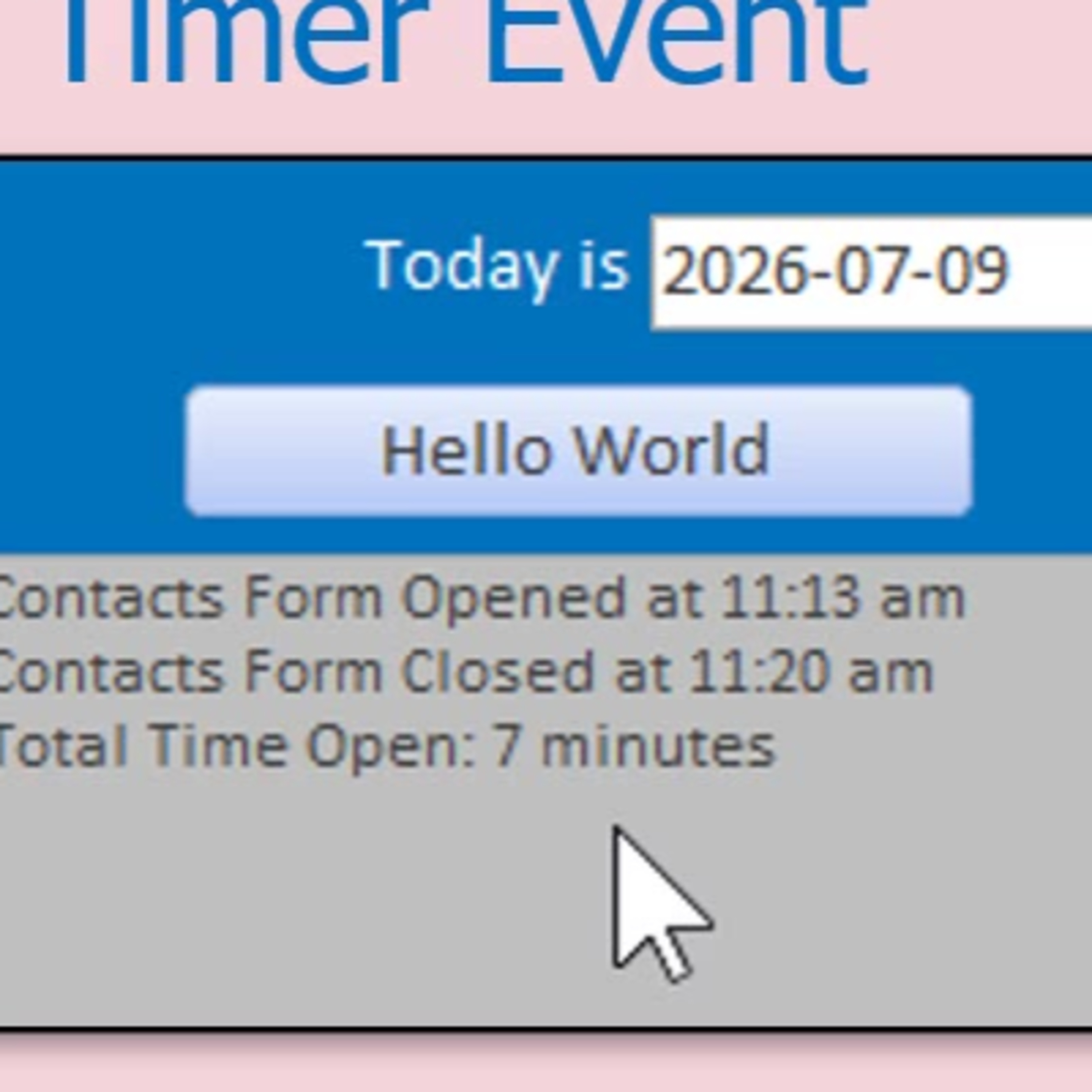
Ever wished you could see how much time you spend working in different parts of your Microsoft Access database, but hate the idea of a constant ticking timer? In this episode, host Richard Rost from Access Learning Zone tackles a practical challenge: measuring the time a form stays open in Access, all without using a distracting or potentially problematic timer event.Learn how to use simple VBA and TempVars to log when a form opens, calculate the elapsed time once it closes, and display the results in a user-friendly way. Richard also explains why TempVars are a smart, reliable choice for this job, and shares tips for making your message display more polished for your users. Whether you are curious about your own productivity or want to spot bottlenecks in your workflow, this technique can help you monitor and improve your everyday Access tasks.Along the way, enjoy practical insights, relatable examples, and some candid developer humor, as you pick up ideas that can make your Access databases more informative and user friendly - without any heavy-handed monitoring. If you want to dig deeper, hear about building a reusable framework to track multiple forms and log results for reporting.
Embed this episode
NOW PLAYING
Tracking How Long an Access Form Was Open Without Timers
No transcript for this episode yet
Similar Episodes
No similar episodes found.