
EPISODE · Jun 10, 2026 · 13 MIN
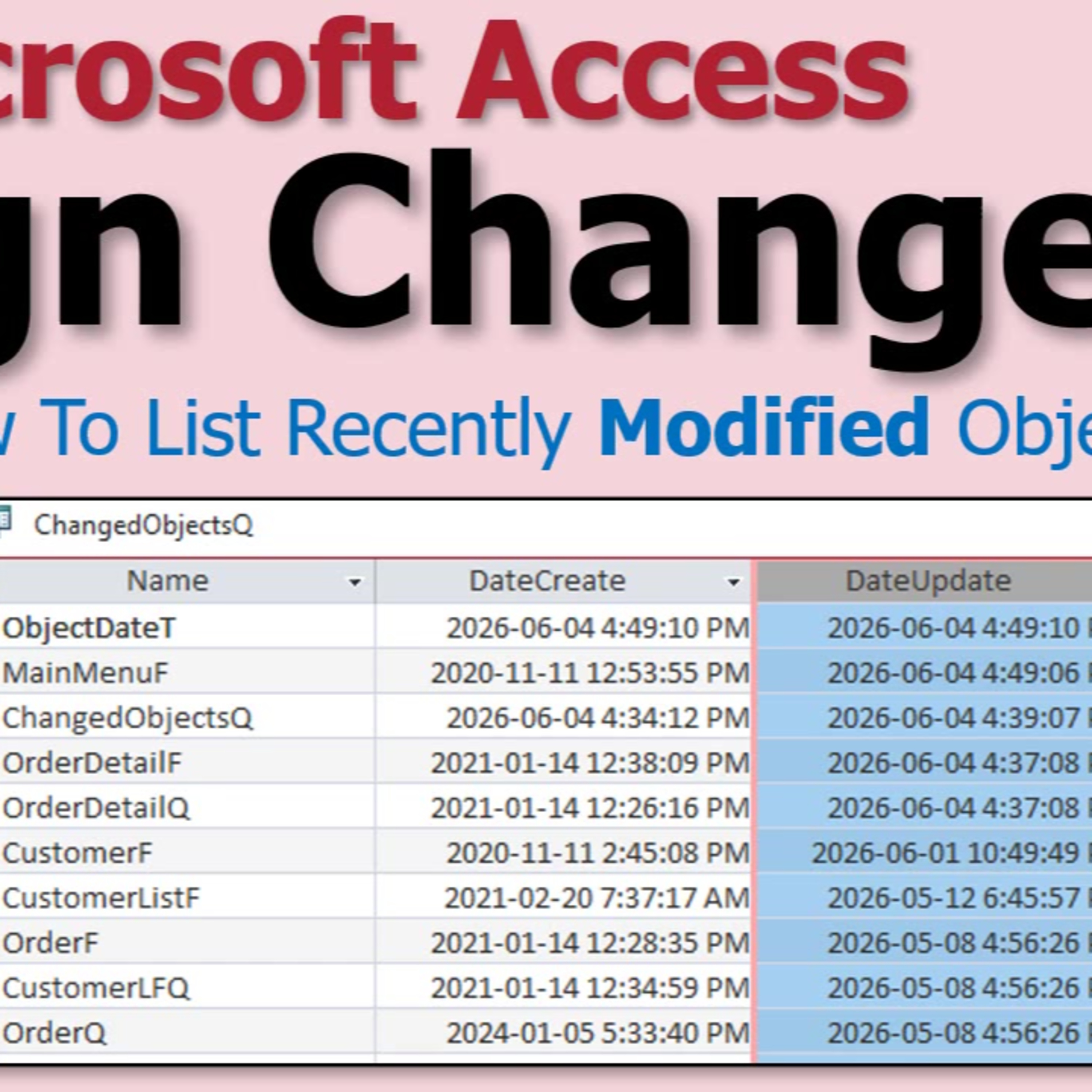
Tracking Recent Design Changes in Microsoft Access: Forms, Queries, Reports and Tables
from Computer Learning Zone · host Richard Rost
Ever find yourself unsure about what you last changed in your Microsoft Access database? This episode dives into how you can quickly identify recently modified objects - tables, forms, queries, and reports - using some hidden features inside Access. Host Richard Rost explains why this is particularly handy for troubleshooting, backup recovery, or just remembering what you worked on before the weekend or vacation.We explore the built-in system tables, especially MsysObjects, and learn how a simple query can reveal the last modified date for most of your database objects. Discover why this method works well for design changes but might fall short when it comes to tracking VBA code edits - especially in standard modules - and why that matters for power users and developers.If you have ever had to restore from a backup or justify your work to a boss, these practical tips could save you lots of time and confusion. Listen in for a conversational look at a common challenge in Access development and learn a few tricks to keep your workflow on track.
Embed this episode
NOW PLAYING
Tracking Recent Design Changes in Microsoft Access: Forms, Queries, Reports and Tables
No transcript for this episode yet
Similar Episodes
No similar episodes found.