
EPISODE · Dec 18, 2012 · 5 MIN
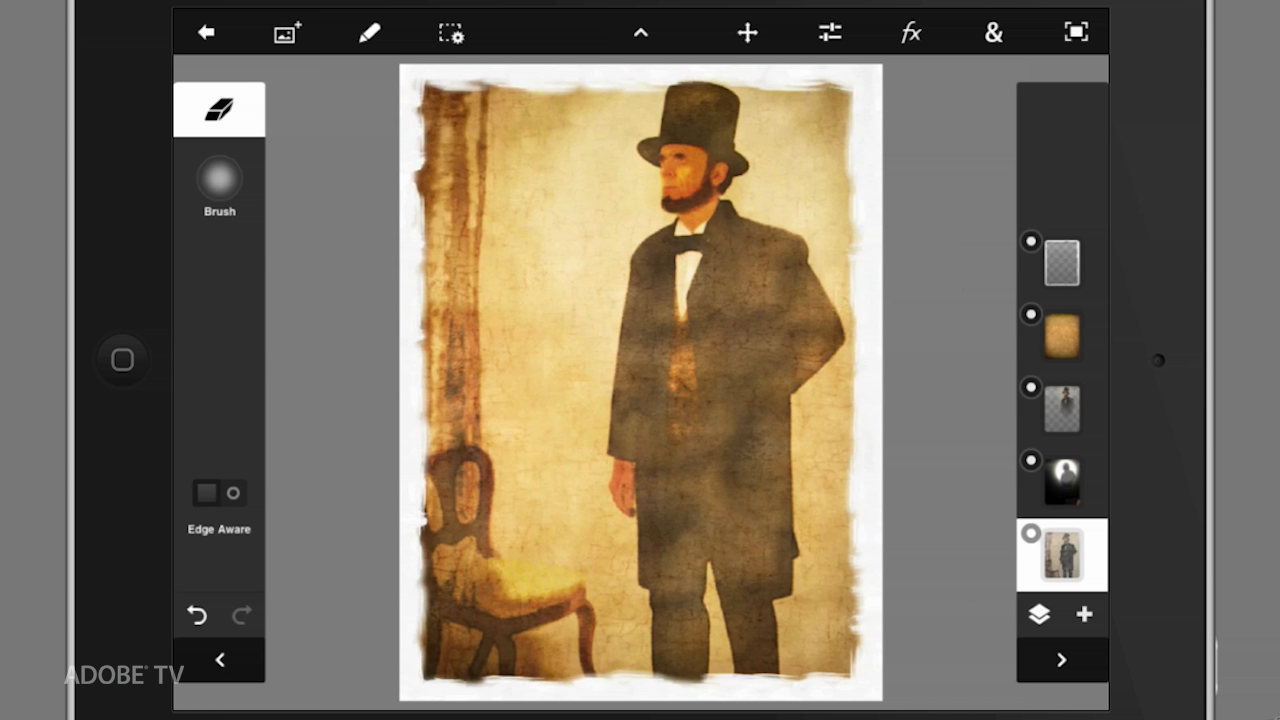
Transferring Images from Adobe Photoshop Touch into Adobe Photoshop on your Desktop Computer
Getting images from Adobe Photoshop Touch just got much easier. You can now transfer images from Adobe Photoshop Touch into Adobe Photoshop on your desktop with help from the new Adobe Cloud storage servers. You can also automatically sycronize into the Adobe Cloud as well. Normal 0 false false false EN-US X-NONE X-NONE /* Style Definitions */ table.MsoNormalTable {mso-style-name:"Table Normal"; mso-tstyle-rowband-size:0; mso-tstyle-colband-size:0; mso-style-noshow:yes; mso-style-priority:99; mso-style-parent:""; mso-padding-alt:0in 5.4pt 0in 5.4pt; mso-para-margin-top:0in; mso-para-margin-right:0in; mso-para-margin-bottom:10.0pt; mso-para-margin-left:0in; line-height:115%; mso-pagination:widow-orphan; font-size:11.0pt; font-family:"Calibri","sans-serif"; mso-ascii-font-family:Calibri; mso-ascii-theme-font:minor-latin; mso-hansi-font-family:Calibri; mso-hansi-theme-font:minor-latin; mso-bidi-font-family:"Times New Roman"; mso-bidi-theme-font:minor-bidi;} For more helpful Adobe tutorials, visit Adobe TV, http://tv.adobe.com
Embed this episode
NOW PLAYING
Transferring Images from Adobe Photoshop Touch into Adobe Photoshop on your Desktop Computer
No transcript for this episode yet
Similar Episodes
No similar episodes found.
Similar Podcasts
No similar podcasts found.