
EPISODE · Aug 7, 2025 · 20 MIN
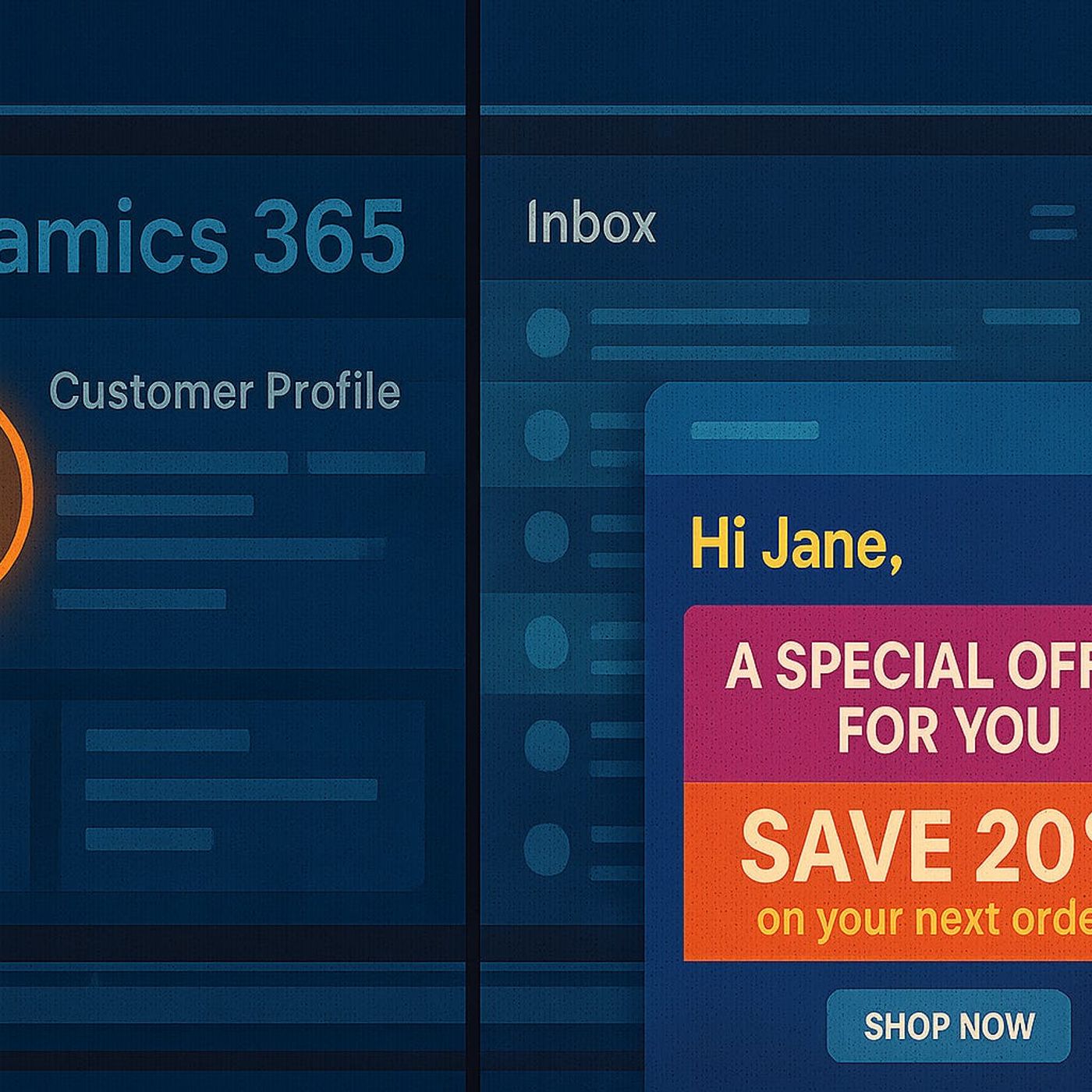
Triggering Personalized Emails with Power Automate + D365
from M365.FM - Modern work, security, and productivity with Microsoft 365 · host Mirko Peters - Founder of m365.fm, m365.show and m365con.net
Most “thank you” automations in Dynamics 365 are set up once and then forgotten, which is exactly why customers forget you right back. In this episode, we start from that flat, one‑off confirmation email in your current setup and turn it into a living sequence of follow‑ups, tips, and check‑ins that react to what customers actually do next—not just the first time they click “submit.” Instead of treating Power Automate as a glorified auto‑responder, we use it to design conversations that keep moving after the first form, purchase, or ticket.We unpack why basic D365 triggers (“case created,” “form submitted,” “order placed”) are only the starting point. You’ll hear how the real lift comes from richer events—status changes, repeated issues, second purchases, low satisfaction scores—and how your flows can branch based on those signals instead of spamming the same “Thanks, we got it” template. Using the long form story in your description, we walk through what happens when you shift from single messages to small, context‑aware journeys that check in, offer help, and ask for feedback at the right time.From there, we get practical with Power Automate patterns. We talk about how to connect D365 triggers to multi‑step flows that schedule follow‑ups, pull in product‑specific content, and escalate when something looks off (like multiple tickets in a short period or a low rating on the third interaction). You’ll see how to keep emails from feeling robotic—using dynamic content, conditional logic, and timing so customers feel seen rather than processed. We also cover the guardrails: how often to reach out, when to stop, and how to keep the experience helpful instead of creepy or noisy.By the end, “triggering personalized emails” won’t mean more notifications—it will mean fewer, better ones. You’ll walk away with a mental model where D365 captures the right events, Power Automate orchestrates the next best step, and your inbox metrics finally match what you see in the field: more replies, more ongoing conversations, and customers who feel like your automation kept the door open instead of closing it.WHAT YOU LEARNWhy one‑off, generic D365 emails rarely get replies—and how they quietly end the conversation.Which D365 events (status changes, repeat cases, second purchases, low satisfaction) are worth using as triggers for real journeys.How to design Power Automate flows that send context‑aware follow‑ups, not just instant confirmations.How timing, segmentation, and dynamic content make emails feel like check‑ins instead of system messages.How to measure whether your new flows are actually increasing replies, engagement, and retention instead of noise.CORE INSIGHTThe core insight of this episode is that the problem isn’t automation—it’s treating automated emails as chores to tick off instead of conversations to continue. When you combine richer D365 triggers with Power Automate flows that listen, adapt, and follow up over time, your “thank you” messages stop being dead ends and start becoming the first step in a relationship that customers actually bother to answer.WHO THIS IS FORCRM and marketing teams stuck with flat, low‑response D365 email automations.Power Automate makers who want to design sequences and journeys, not just single confirmation flows.Customer service and success teams looking for better ways to follow up after cases, feedback, or repeat issues.Leaders who want retention and engagement gains from smarter, behavior‑driven communication—not just more email volume.ABOUT THE HOSTMirko Peters is a Microsoft 365 and Power Platform consultant and the host of M365.FM, focused on modern work, security, and data‑driven architectures in the Microsoft cloud. He helps organizations connect Dynamics 365, Power Automate, and customer communication so automation drives real conversations instead of generic notifications. In M365.FM, Mirko turns longform stories—like the journey from basic D365 emails to adaptive, Power Automate‑driven journeys—into practical patterns listeners can apply in their own environments.Become a supporter of this podcast: https://www.spreaker.com/podcast/m365-fm-modern-work-security-and-productivity-with-microsoft-365--6704921/support.
Embed this episode
NOW PLAYING
Triggering Personalized Emails with Power Automate + D365
No transcript for this episode yet
Similar Episodes
No similar episodes found.
Similar Podcasts
No similar podcasts found.