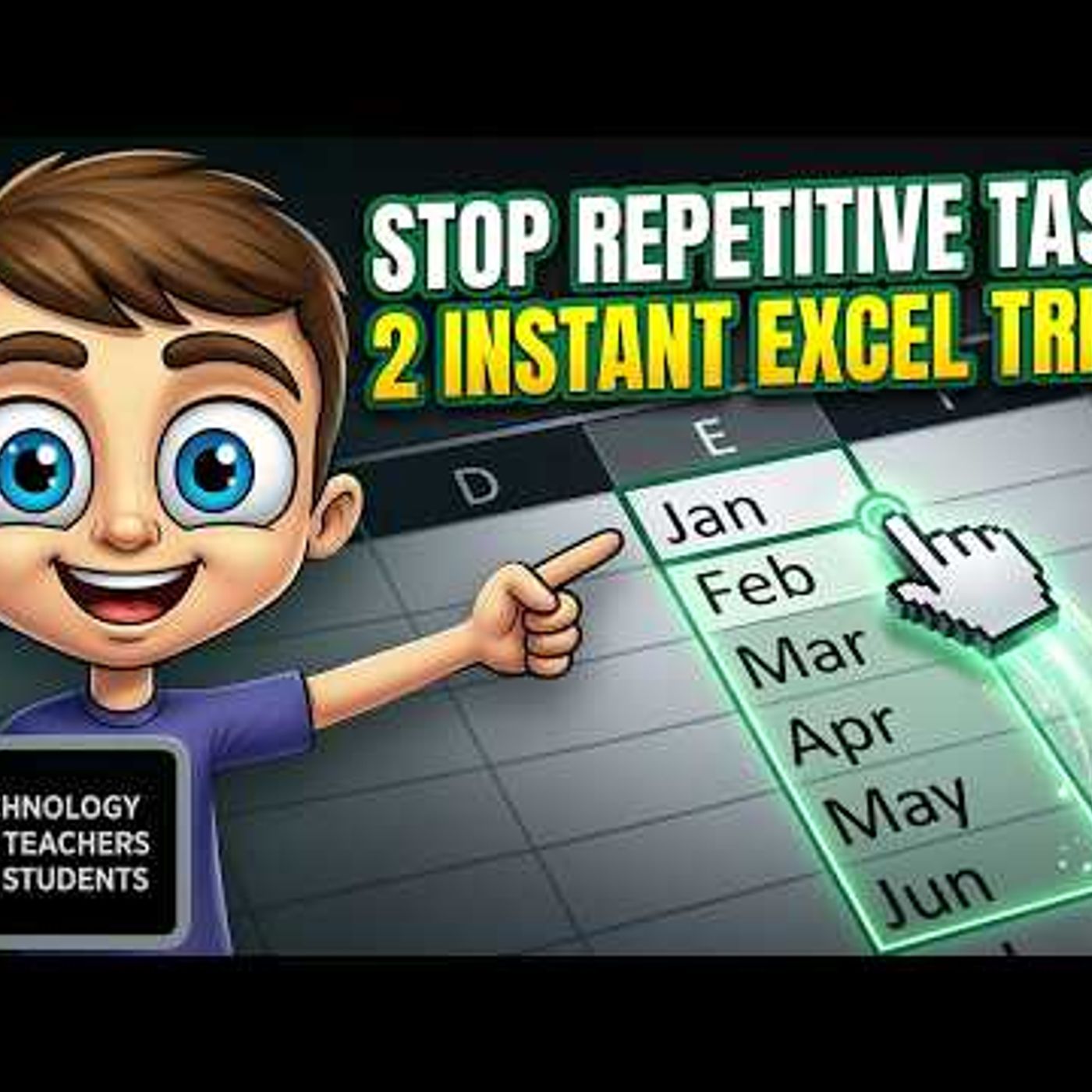
Two Little Excel Tips to Simplify Repetitive Tasks
from Technology for Teachers and Students Hosted by ytr
Are you tired of wasting time on repetitive tasks in Excel? In this video, we\'ll share two Excel tips to simplify your workflow and boost your productivity. Learn how to use the fill handle to quickly enter data and create custom lists that will save you time and effort. With these simple yet powerful techniques, you\'ll be able to focus on higher-value tasks and take your data entry skills to the next level. Whether you\'re a beginner or an advanced Excel user, these tips will help you work smarter, not harder. Join this channel to get access to perks: https://www.youtube.com/channel/UCYUPLUCkMiUgiyVuluCc7tQ/join ***Consider supporting Technology for Teachers and Students on Patreon***: https://www.patreon.com/technologyforteachersandstudents Here\'s my entire playlist of Excel tutorials: HTTP://bit.ly/tech4excel Please say \"Thanks\" by clicking the Thanks button below the video. Here is the practice file for this video: https://bit.ly/simplifyreptasks #excel #exceltutorials #microsoft365 #microsoftexcel
Embed this episode
No transcript yet.