
EPISODE · Jul 14, 2026 · 5 MIN
Navigate Digital Privacy: Home Router Security
from Digital Privacy : Let's Make Sense Of This Sh*t · host Sam
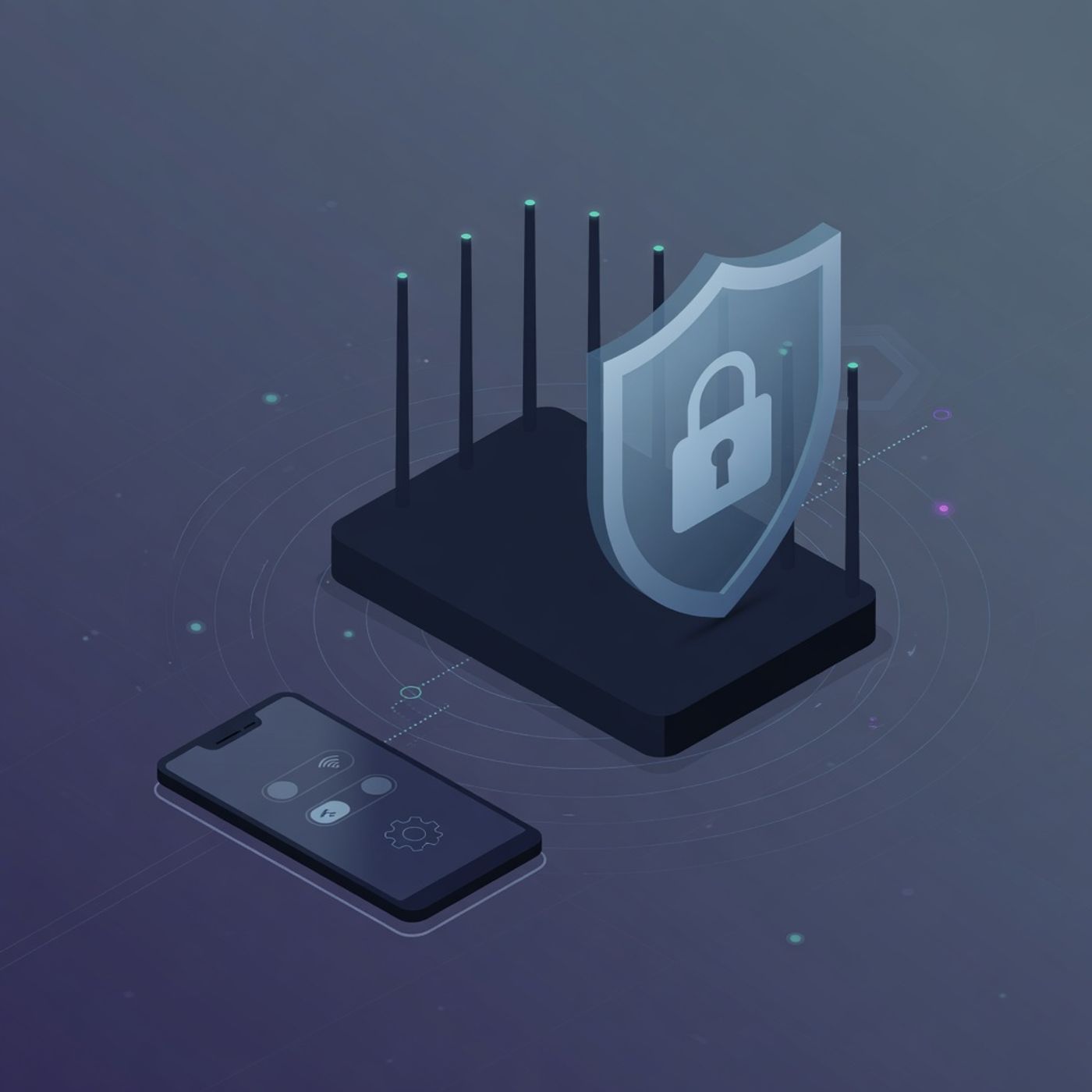
In this episode, welcome to Digital Privacy : Let's Make Sense Of This Sht. I'm Sam. Home router security sits at the center of your daily connections yet most people never touch the settings after the first setup. A guest network keeps visitors off your main devices while firmware updates close known gaps that appear over time. These two changes alone cut the chance of someone on your WiFi reaching files or accounts you keep private. Welcome to Digital Privacy : Let's Make Sense of This Sh*t. I'm Sam. Home router security sits at the center of your daily connections yet most people never touch the settings after the first setup. A guest network keeps visitors off your main devices while firmware updates close known gaps that appear over time. These two changes alone cut the chance of someone on your WiFi reaching files or accounts you keep private. The process takes fifteen minutes on a typical device and works on both iOS and Android phones because the steps live inside the router app or web page rather than the phone itself. First locate the admin address printed on the router label then log in with the default credentials if you have not changed them. From there create a separate guest network and turn off access to the main network for that segment. Next check the firmware section for an available update and inst Subscribe for weekly explainers — no guru fluff, just tactics you can apply this week. 📩 Have questions or want to share your experience? Reach out at [email protected]. 💛 Join Our Supporters Club ($3 a month) 💛 Ad-free listening + early episodes — help keep independent media alive. Click Here: https://www.spreaker.com/podca...
Embed this episode
Ready to play
Navigate Digital Privacy: Home Router Security
No transcript for this episode yet
Similar Episodes
No similar episodes found.
Similar Podcasts
No similar podcasts found.