
EPISODE · Apr 19, 2020 · 11 MIN
Using a Raspberry Pi as a Webcam - Episode 224
from Piltch Point (Video) · host PLUGHITZ Live
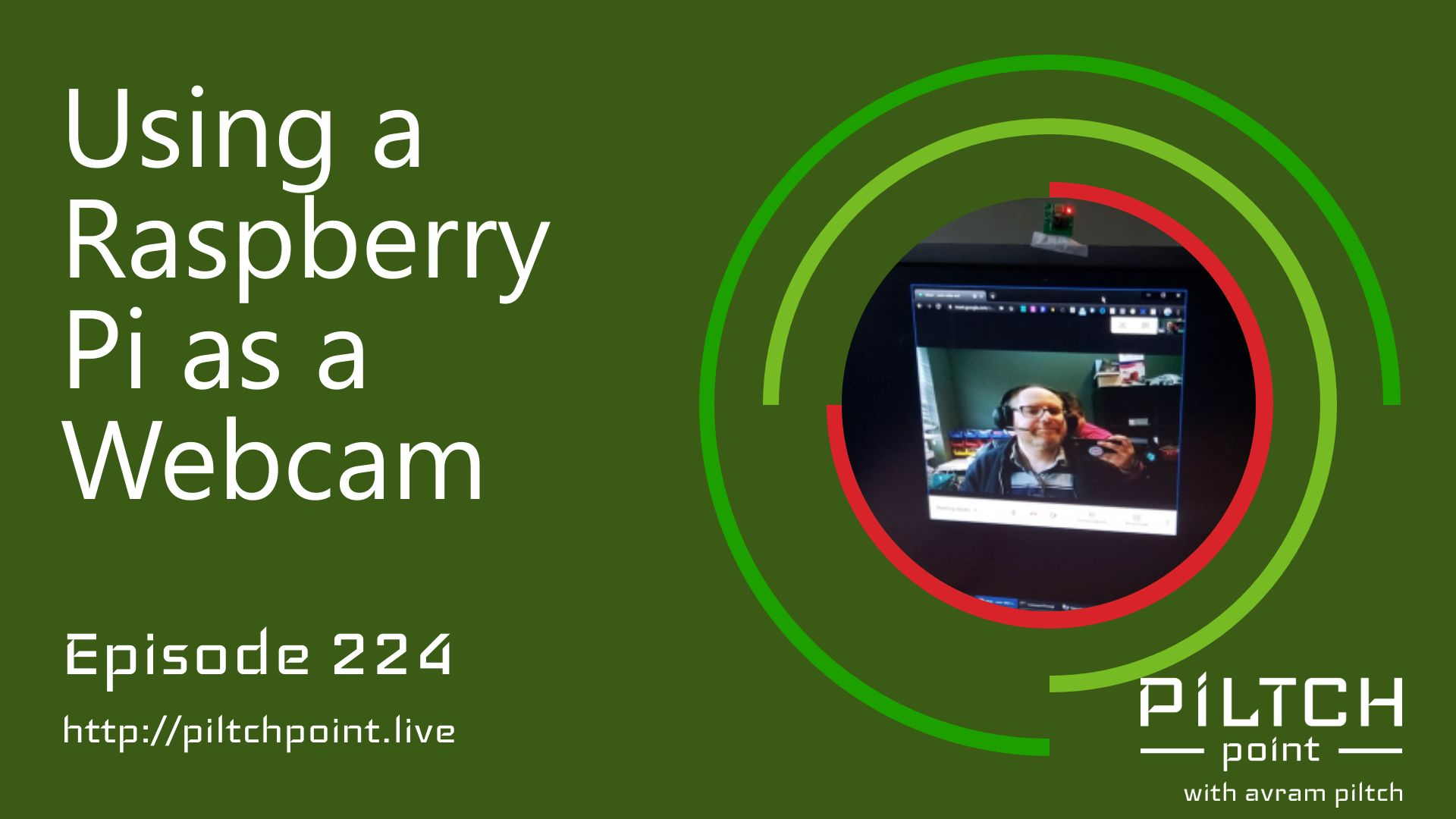
Since the beginning of the lockdowns, certain products have been in short supply. The most publicized have been toilet paper and hand sanitizer. However, there have been tech products that have been depleted as well - particularly webcams. But, since webcams themselves are difficult to acquire, people have looked for alternatives that can get you up and running for your next conference call.During the last episode, Avram asked for input into using the Raspberry Pi as a webcam. This is because the parts to do so are relatively inexpensive and also easily acquired. A Raspberry Pi Zero can be purchased for under $30 and a camera module starts at $10. Pairing these two components together, you can create a type of IP camera, which can be imported onto your computer as a webcam using open-source software.Avram went through the process of building one of these We-Fi enabled webcams and wrote about the process. While the process isn't especially difficult, it does produce variable results. As an IP camera, there are going to be latency issues generated by the connection between the board and the computer. Running over Wi-Fi is going to slow the feed, possibly creating lag.There will also be performance variations based on the camera module that you purchase. The $10 module that Avram ran his initial tests with produced a decent result - 720p with a fairly stable connection. But, there are also camera modules that support upwards of 4k video. Clearly, a feed that detailed could overrun the connection between the devices, but is a good starting point for a better HD signal. Turning down the resolution from 4k could lead to better video quality in 1080p or 720p.If you're not in the mood for a project of this scale, you can also use a phone or DSLR as a webcam.
Embed this episode
What this episode covers
Description Since the beginning of the lockdowns, certain products have been in short supply. The most publicized have been toilet paper and hand sanitizer. However, there have been tech products that have been depleted as well - particularly webcams. But, since webcams themselves are difficult to acquire, people have looked for alternatives that can get you up and running for your next conference call. During the last episode, Avram asked for input into using the Raspberry Pi as a webcam. This is because the parts to do so are relatively inexpensive and also easily acquired. A Raspberry Pi Zero can be purchased for under $30 and a camera module starts at $10. Pairing these two components together, you can create a type of IP camera, which can be imported onto your computer as a webcam using open-source software. Avram went through the process of building one of these We-Fi enabled webcams and wrote about the process . While the process isn't especially difficult, it does produce variable results. As an IP camera, there are going to be latency issues generated by the connection between the board and the computer. Running over Wi-Fi is going to slow the feed, possibly creating lag. There will also be performance variations based on the camera module that you purchase. The $10 module that Avram ran his initial tests with produced a decent result - 720p with a fairly stable connection. But, there are also camera modules that support upwards of 4k video. Clearly, a feed that detailed could overrun the connection between the devices, but is a good starting point for a better HD signal. Turning down the resolution from 4k could lead to better video quality in 1080p or 720p. If you're not in the mood for a project of this scale, you can also use a phone or DSLR as a webcam . Participants Scott Ertz Host Scott is a developer who has worked on projects of varying sizes, including all of the PLUGHITZ Corporation properties. He is also known in the gaming world for his time supporting the rhythm game community, through DDRLover and hosting tournaments throughout the Tampa Bay Area. Currently, when he is not working on software projects or hosting F5 Live: Refreshing Technology, Scott can often be found returning to his high school days working with the Foundation for Inspiration and Recognition of Science and Technology (FIRST), mentoring teams and helping with ROBOTICON Tampa Bay. He has also helped found a student software learning group, the ASCII Warriors, currently housed at AMRoC Fab Lab. Avram Piltch Host Avram's been in love with PCs since he played original Castle Wolfenstein on an Apple II+. Before joining Tom's Hardware, for 10 years, he served as Online Editorial Director for sister sites Tom's Guide and Laptop Mag, where he programmed the CMS and many of the benchmarks. When he's not editing, writing or stumbling around trade show halls, you'll find him building Arduino robots with his son and watching every single superhero show on the CW. Live Discussion Powered by PureVPN
Ready to play
Using a Raspberry Pi as a Webcam - Episode 224
No transcript for this episode yet
Similar Episodes
Mar 16, 2026 ·11m