
EPISODE · Aug 5, 2025 · 23 MIN
Using Dynamics 365 Finance Data in Fabric for Financial Forecasting
from M365.FM - Modern work, security, and productivity with Microsoft 365 · host Mirko Peters - Founder of m365.fm, m365.show and m365con.net
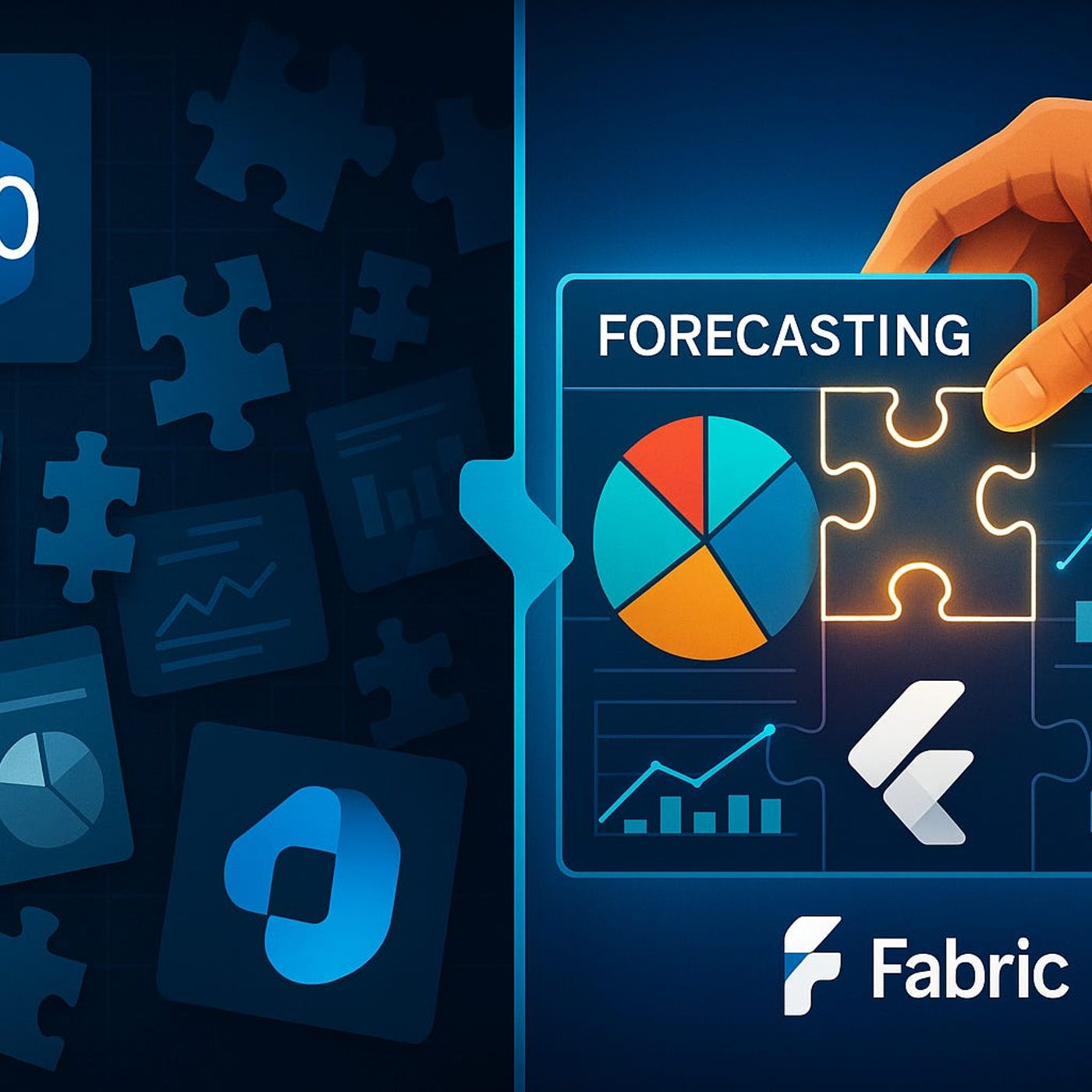
Rolling forecasts in Dynamics 365 Finance rarely match reality when your data is fragmented across GL, sub-ledgers, budgets, and endless Excel exports. In this episode, you learn how to use Microsoft Fabric with D365 Finance to unify financial data into one analytics-ready model so your forecasts, variance analyses, and Power BI reports finally align with what actually happens in the business. We walk through how to turn messy ERP modules into a single financial data estate that feeds reliable forecasting instead of late-night spreadsheet reconciliations.If your current forecasting cycle depends on manual GL downloads, one-off AP and AR extracts, and budget files that have lived in inboxes for weeks, this conversation shows a different way. We break down why D365 Finance data often feels disjointed—separate modules, changing dimensions, timing differences—and how Fabric helps you connect these pieces through governed pipelines, a shared semantic model, and repeatable transformations. The result: variance reports and rolling forecasts you can refresh on demand, not rebuild from scratch.You will discover which D365 Finance tables matter most for forecasting scenarios (GL journals, sub-ledger transactions, budget registers) and how to land them correctly into Fabric using Dataflows, Synapse-style pipelines, and a robust dimensional model. We cover practical design decisions such as handling chart of accounts changes, mapping cost centers and projects, and keeping security and least-privilege access intact while still giving finance teams the self-service reporting they need.By the end of this episode, you will have a clear blueprint for turning D365 Finance into a trustworthy forecasting engine powered by Fabric: unified data, consistent dimensions, and analytics that explain variances instead of introducing new questions. Whether you own FP&A, finance operations, or the data platform behind D365, you will see how to move from ad-hoc exports to a sustainable forecasting stack built on Microsoft Fabric.WHAT YOU LEARNWhy D365 Finance data often lives in silos across GL, sub-ledgers, and budget files.How Microsoft Fabric unifies Dynamics 365 Finance data into a single, governed financial model.Which core D365 Finance tables to bring into Fabric for forecasting and variance analysis.How to design data pipelines, dimensions, and security so finance can trust and reuse the model.How unified D365 Finance data in Fabric improves rolling forecasts, variance reports, and Power BI dashboards.CORE INSIGHTThe core insight of this episode is that accurate financial forecasting with D365 Finance is less about another Excel template and more about consolidating your ERP data into a single, trusted model in Microsoft Fabric. When GL, sub-ledgers, and budgets flow into one governed financial dataset, forecasting, variance analysis, and reporting stop being manual reconciliation exercises and become repeatable, data-driven processes the whole finance team can rely on.WHO THIS IS FORFP&A leaders and controllers responsible for forecasts, budgets, and variance analysis.Finance operations and D365 Finance owners who struggle with fragmented reporting.Data platform and BI teams building Fabric-based analytics on ERP data.CFOs and finance transformation leaders looking to modernize forecasting with Microsoft Fabric.ABOUT THE HOSTThis episode is hosted by Mirko Peters, a Microsoft 365 and data-driven modern work consultant who helps organizations connect Dynamics 365, Microsoft Fabric, and Power BI into finance-ready analytics platforms. With hands-on experience in D365 Finance projects and financial reporting scenarios, he focuses on practical patterns that reduce spreadsheet chaos, improve data quality, and give finance leaders faster, more reliable insight into performance and forecasts.Become a supporter of this podcast: https://www.spreaker.com/podcast/m365-fm-modern-work-security-and-productivity-with-microsoft-365--6704921/support.
Embed this episode
NOW PLAYING
Using Dynamics 365 Finance Data in Fabric for Financial Forecasting
No transcript for this episode yet
Similar Episodes
No similar episodes found.
Similar Podcasts
No similar podcasts found.